PoE switches
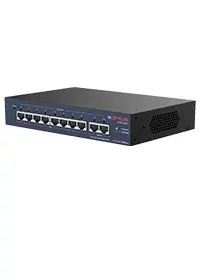
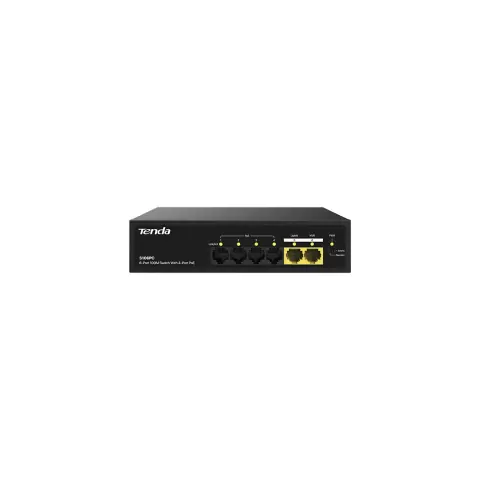
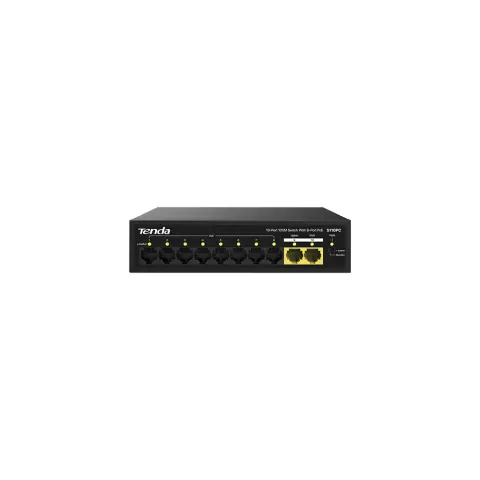
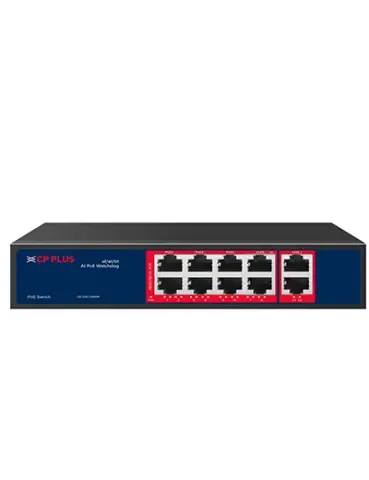
PoE switches from 4 to 24 ports with uplink and SFP options, including managed models, sized for IP camera networks.

PoE switches models
20 models
-
View details -
View details -
View details -
View details -
View details -
View details -
View details -
View details -
View details -
View details -
View details -
View details -
View details -
View details -
View details -
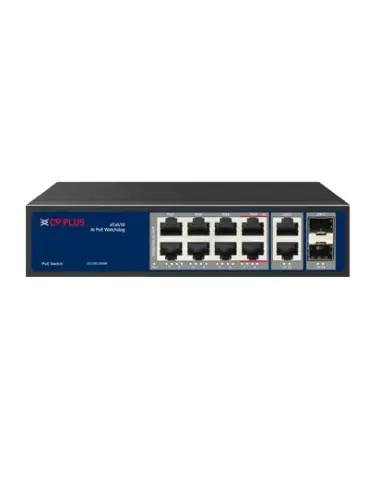
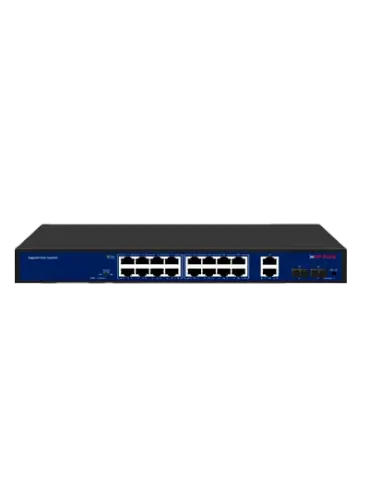
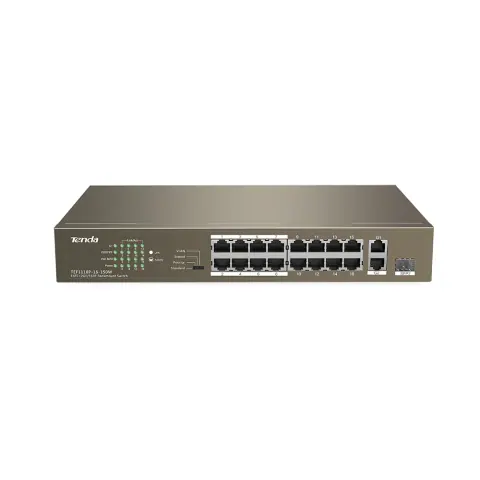
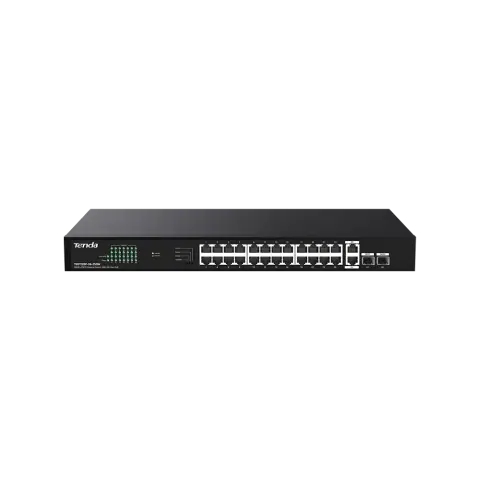
16-port PoE switch with 2 gigabit uplinks and 1 SFP
TEF1118P-16
- 16 poe ports
- 2 uplink ports
- 130 W (150 W whole device)
View details -
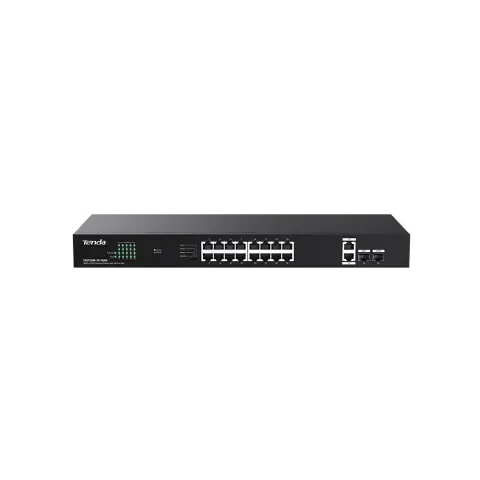
16-port gigabit PoE switch with 2 uplinks and 2 SFP
TEG1120P-16-150W
- 16 poe ports
- 2 uplink ports
- 135 W
View details -
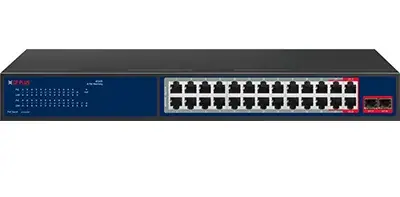
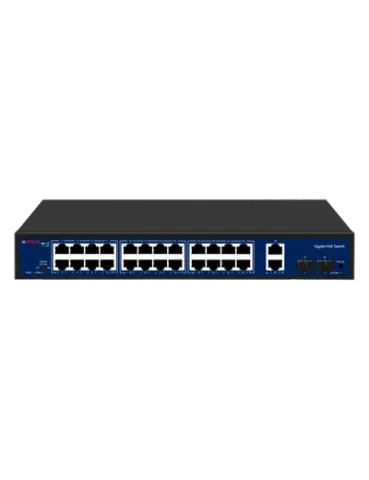
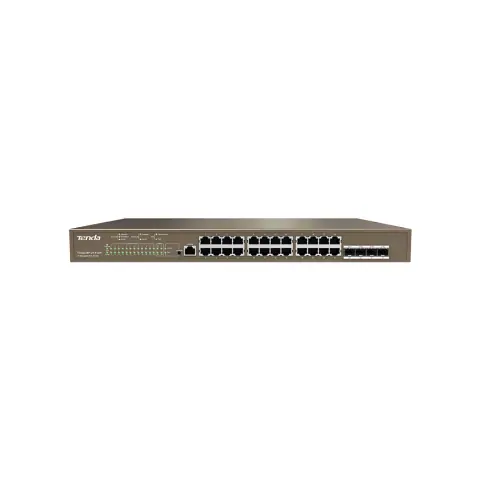
24-port gigabit PoE switch with 2 uplinks and 2 SFP
TEG1128P-24-250W
- 24 poe ports
- 2 uplink ports
- 230 W
View details -
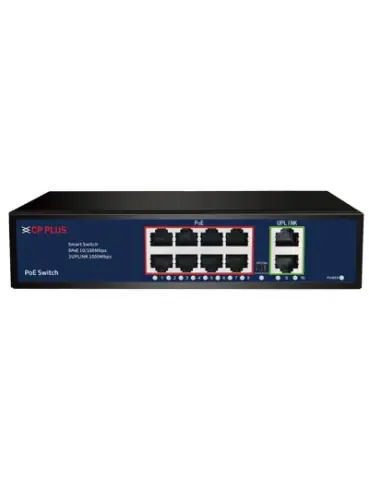
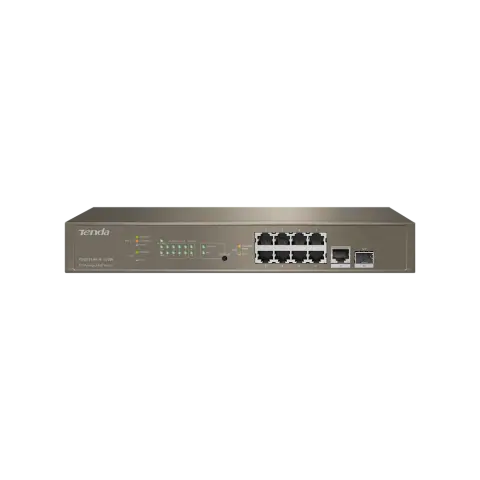
8-port gigabit L3 managed PoE switch with 1 uplink and 1 SFP
TEG5310P
- 8 poe ports
- 1 uplink ports
- 130 W
View details -
View details
No models match these filters
Remove a filter or change the text. For models that are not listed, the sales desk can check availability.
Choosing PoE switches
Choose a PoE switch by the number of cameras, the total power they draw and the uplink speed to the recorder. Per-port power rarely limits a camera network, while the total budget and the uplink usually do.

- Port count
- Models have 4, 8, 16 or 24 PoE ports. Count the cameras and any other PoE devices, such as access points, and add spare ports for growth.
- PoE budget
- The budget is the total power the switch can supply across all ports, for example 96 W on an 8 port model and 300 W on a 24 port model. Add up each camera's maximum draw and keep 20 to 25% headroom.
- PoE standard and per-port power
- IEEE 802.3af supplies up to 15.4 W per port and 802.3at (PoE+) up to 30 W. Most fixed IP cameras fit within 802.3af, while PTZ cameras and some project cameras need 802.3at, and a few ports on selected models go up to 60 W.
- Port speed and uplink
- Fast Ethernet (100 Mbps) ports are enough for one camera, but the uplink to the recorder carries every camera's traffic. If the uplink is 100 Mbps, keep the combined bitrate of all cameras under about 70 Mbps, or choose a model with Gigabit uplinks.
- SFP and uplink options
- Uplink ports can be RJ45 or SFP. SFP ports take fibre modules for runs beyond 100 m, such as links between buildings. Fibre modules are separate, and both ends must use the same type and speed.
- Extend mode
- Extend mode on selected ports reaches up to 250 m but drops the link to 10 Mbps. Use it for a single camera at a modest bitrate, not for high-resolution streams.
Installation and compatibility
- Keep each Cat5e or Cat6 run to 100 m and use pure copper cable. Copper-clad aluminium loses voltage and can overheat under PoE.
- Allow 20 to 25% headroom on PoE budgets. The PoE budget calculator in Tools helps you add up the load.
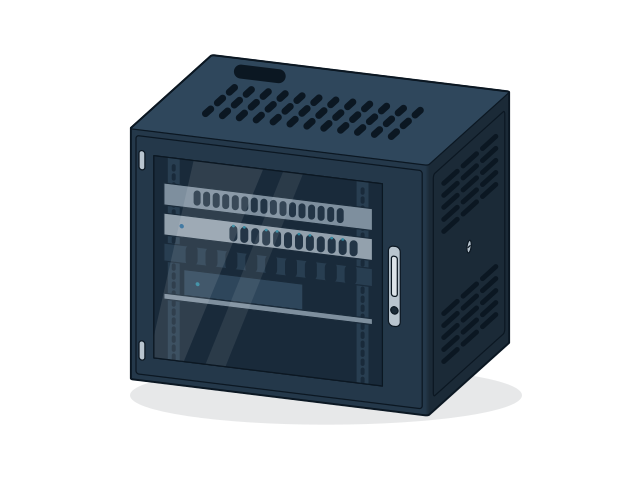
- Mount the switch in a ventilated rack with space above and below, because PoE output heats the unit at full load.
- Put the switch on a UPS so that the cameras keep recording through power cuts, and size the UPS for the switch's full PoE budget plus its own consumption.
Enquire about PoE switches
Send the models and quantities you need, or describe the requirement if the model is not listed. The sales desk will confirm price and availability.