View details
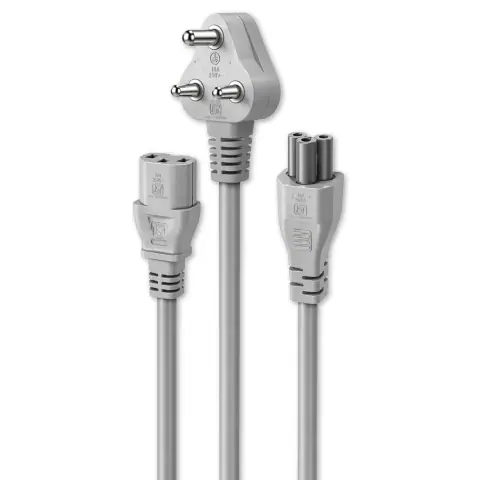
Laptop adapters and batteries, USB hubs, HDMI extenders and splitters, presenters, power cables and other accessories for desktops and laptops.






 Ant Value
144 models
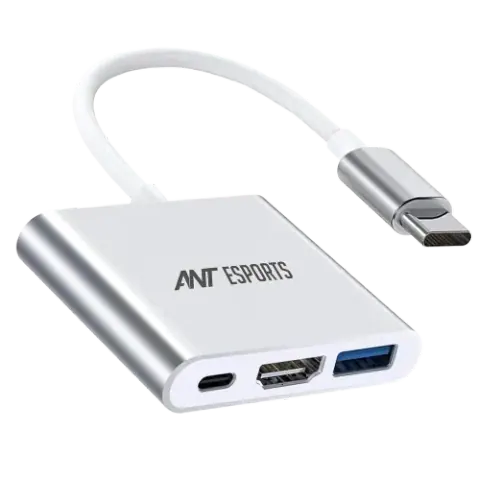
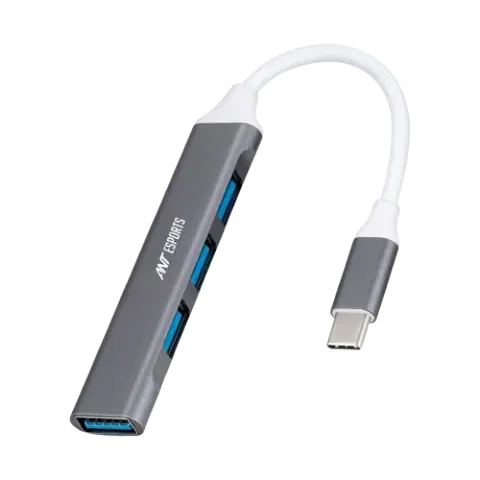
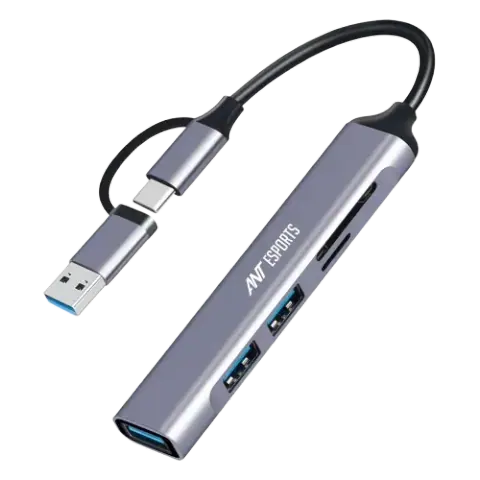
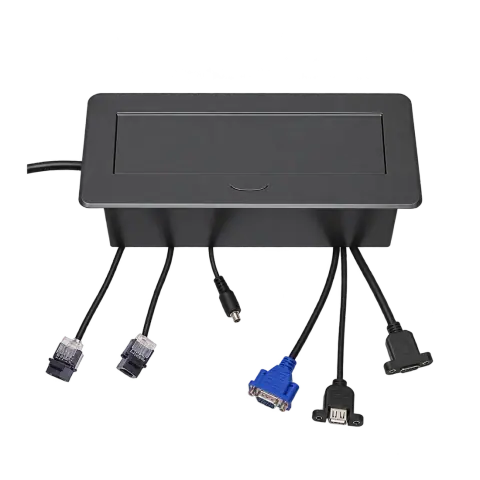
AEMDS412 Black
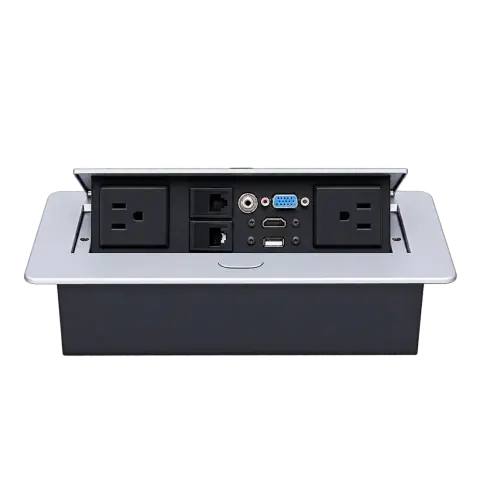
AEMDS412 Silver
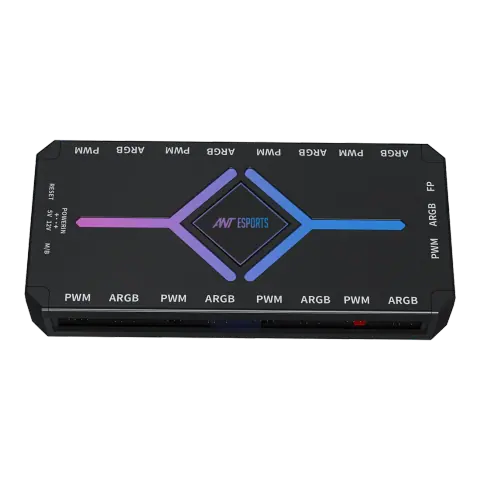
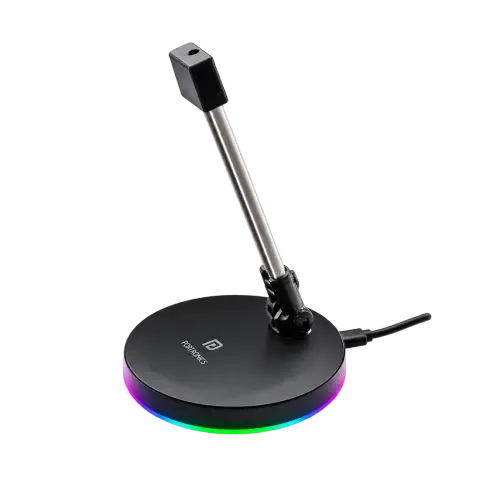
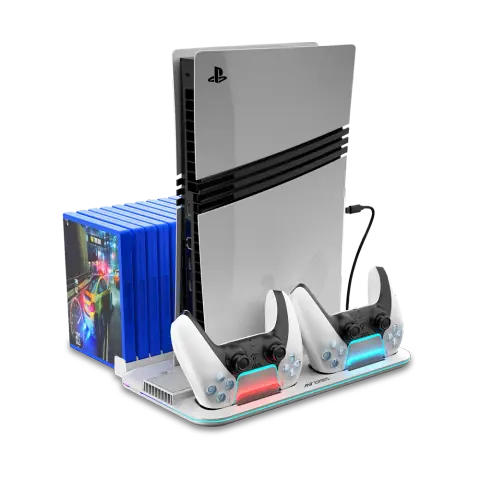
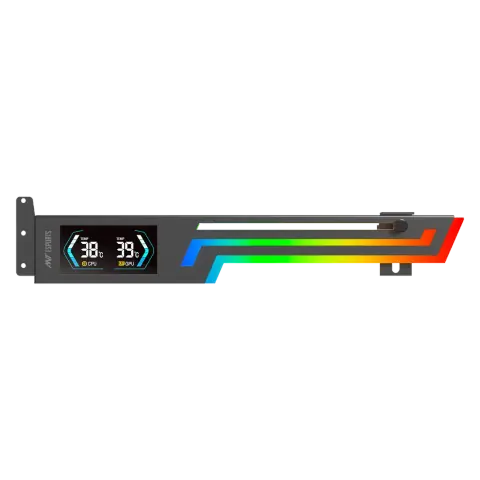
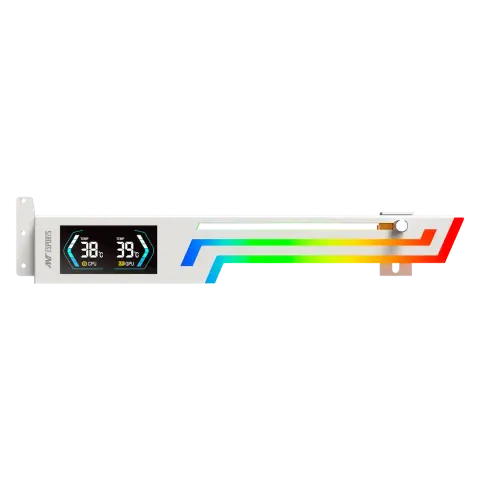
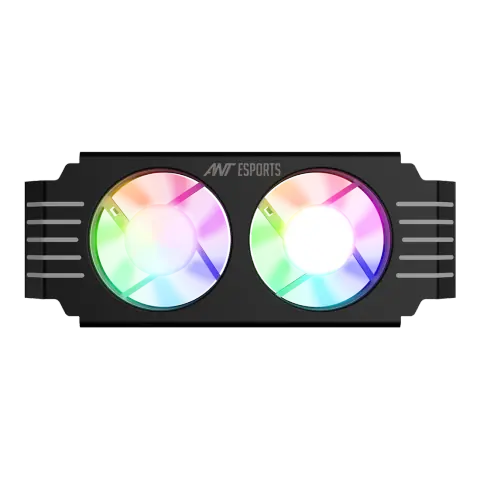
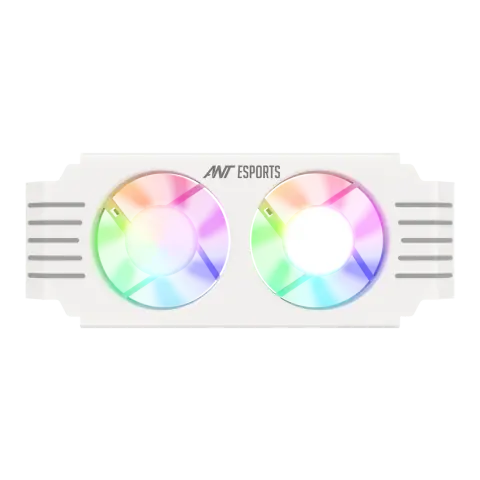
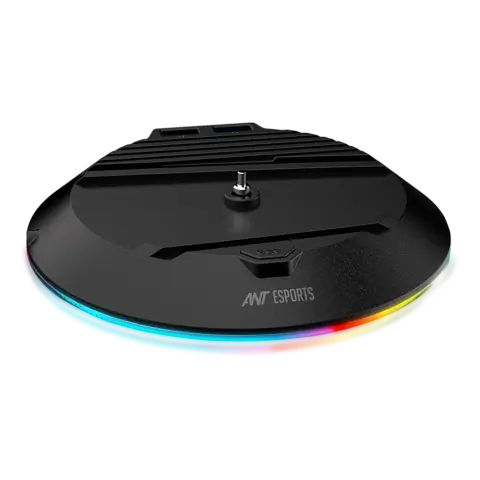
DOCK5 RGB
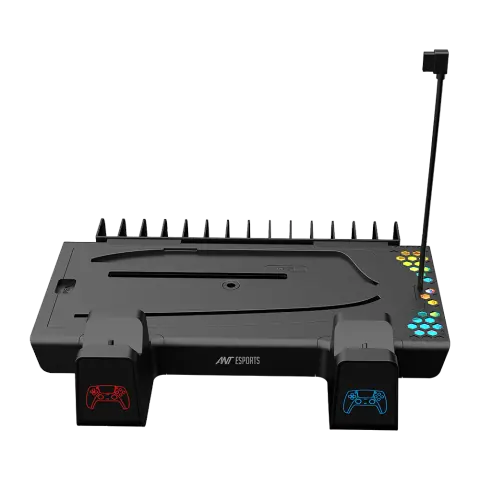
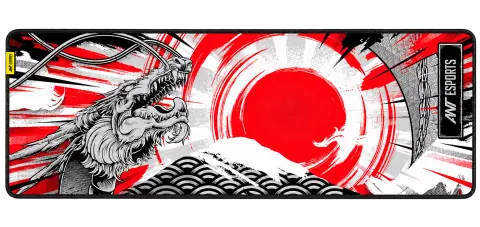
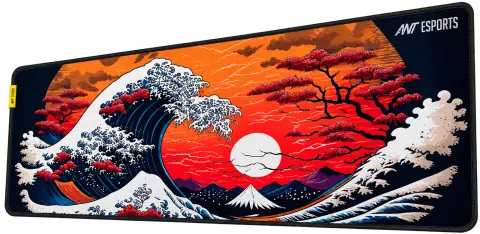
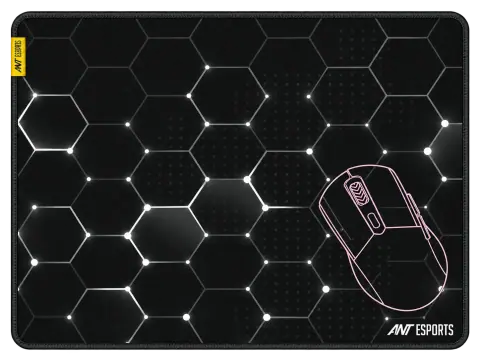
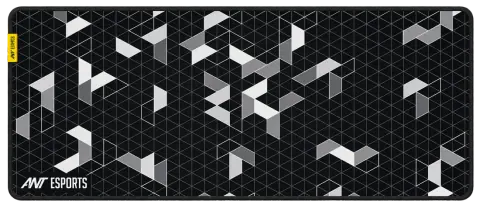
Dragon Hill mouse pad
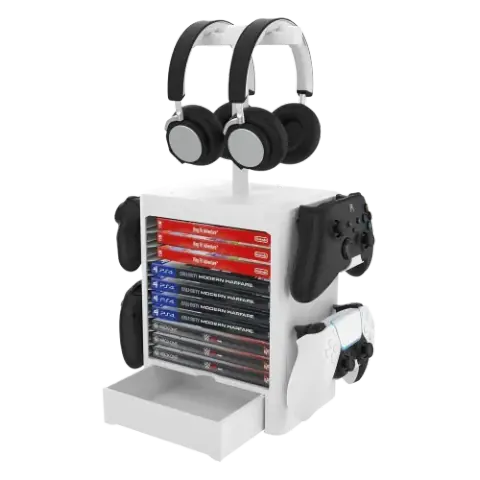
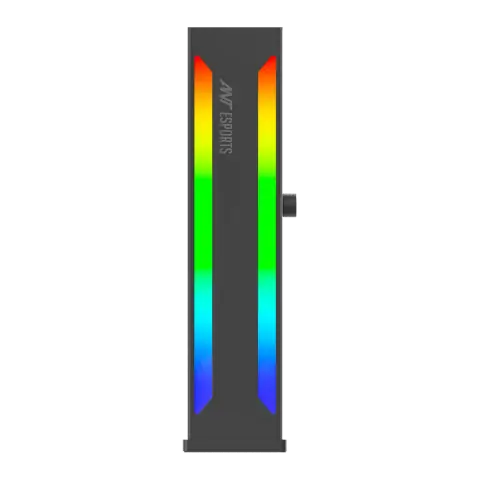
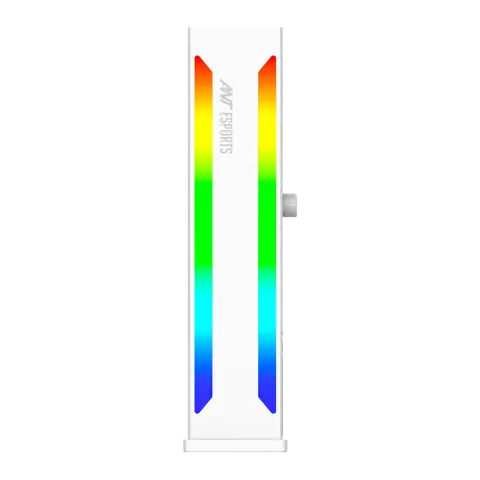
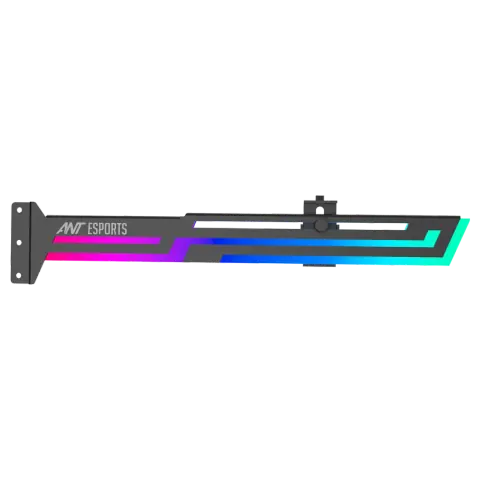
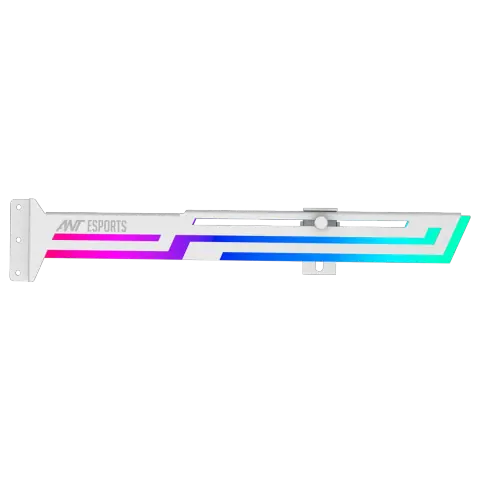

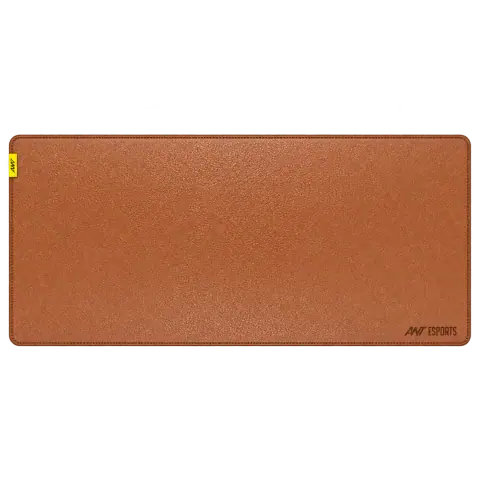
Glorious leather desk mat
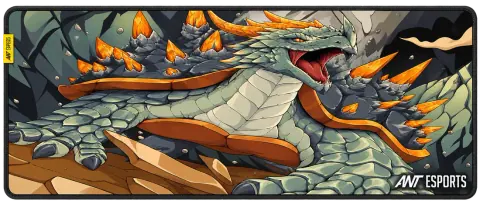
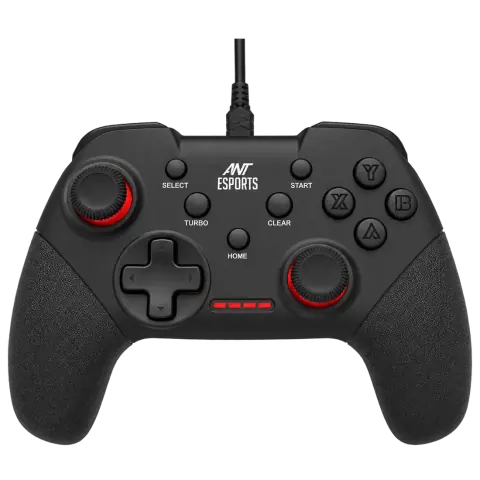
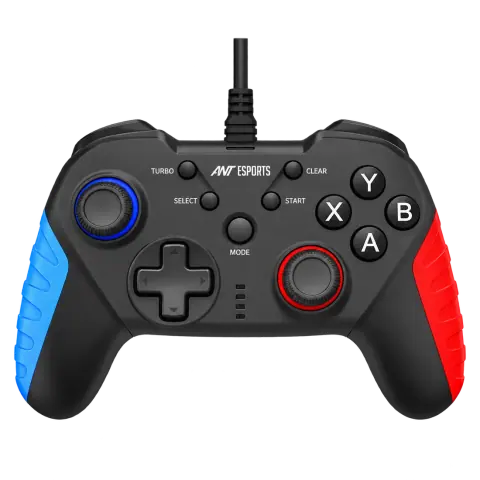
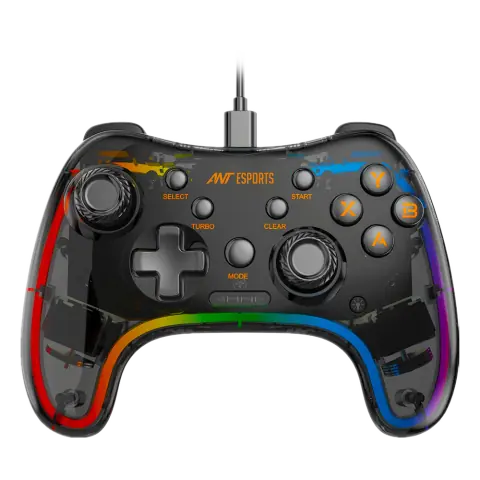
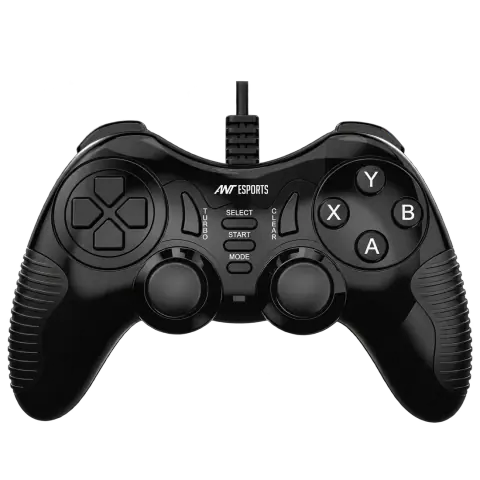
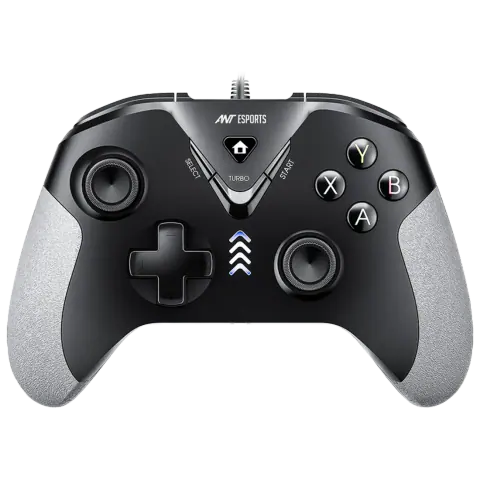
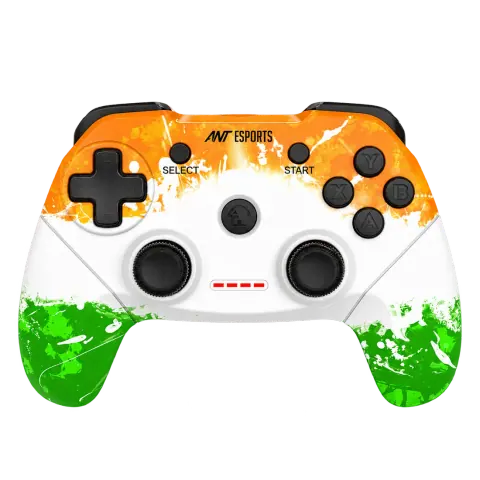
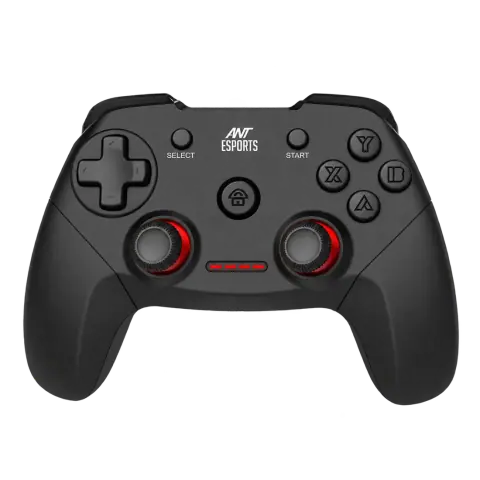
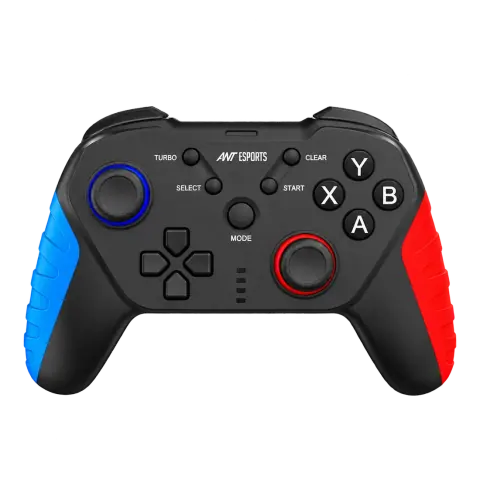
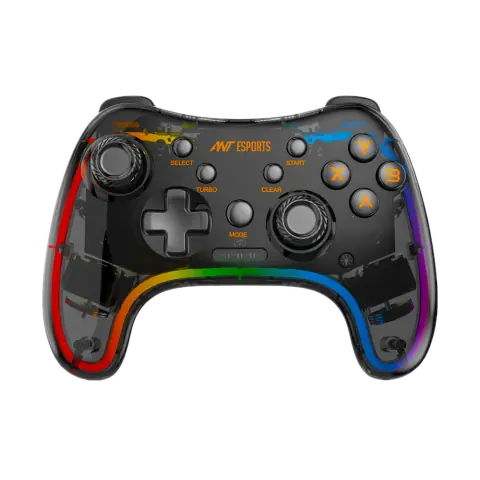
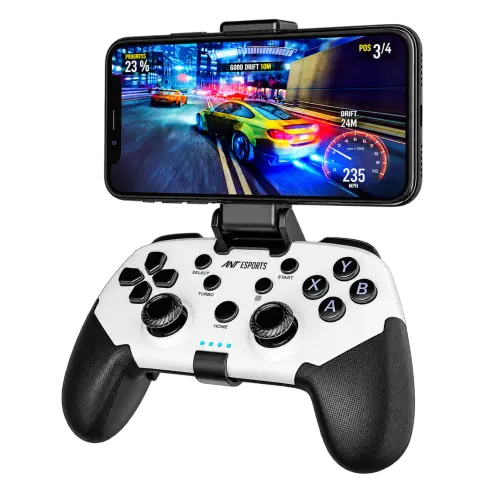
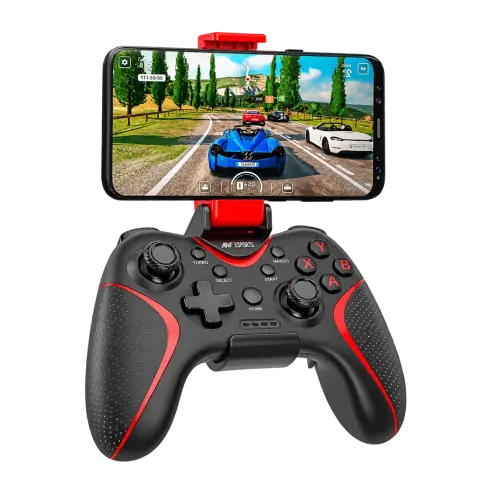
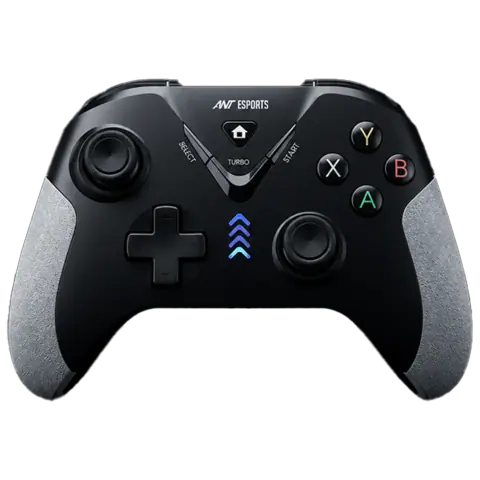
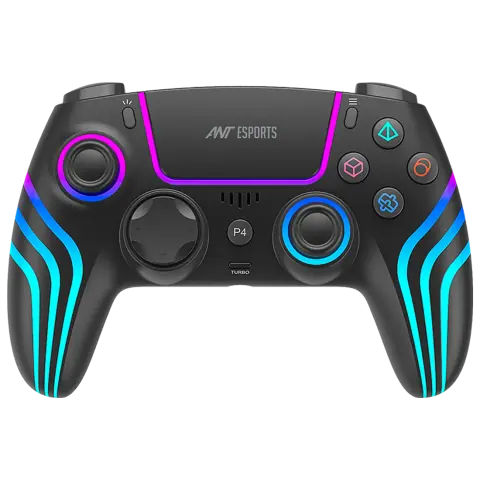
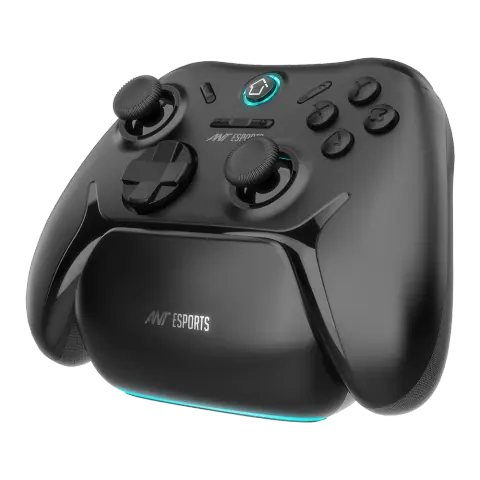
GP400 Black
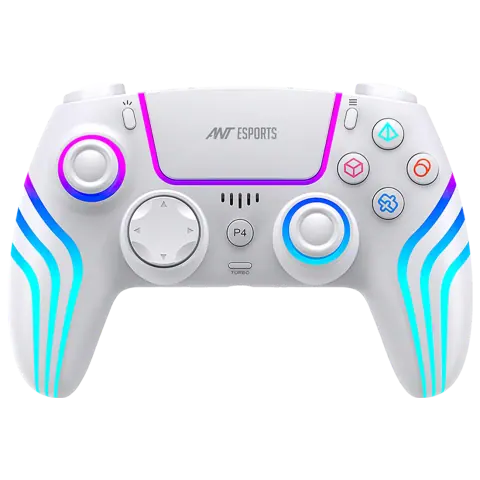
GP400 White
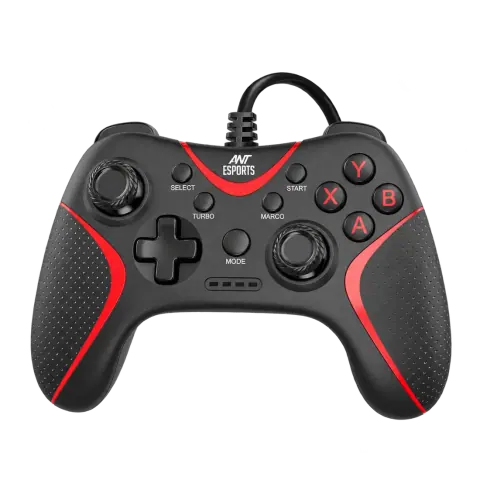
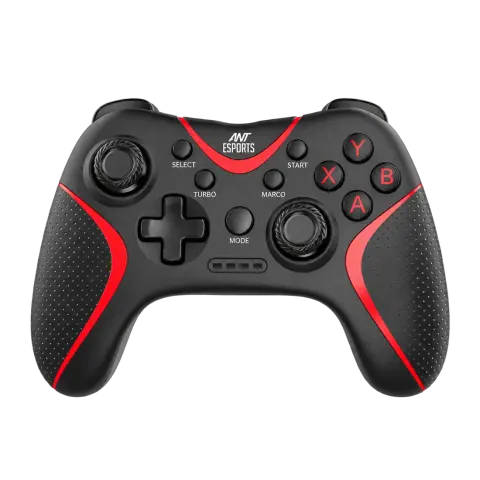

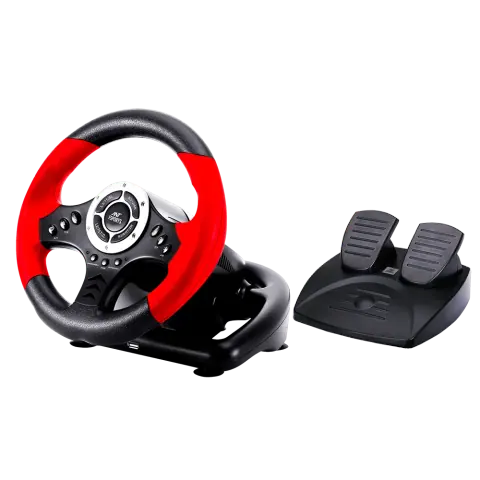
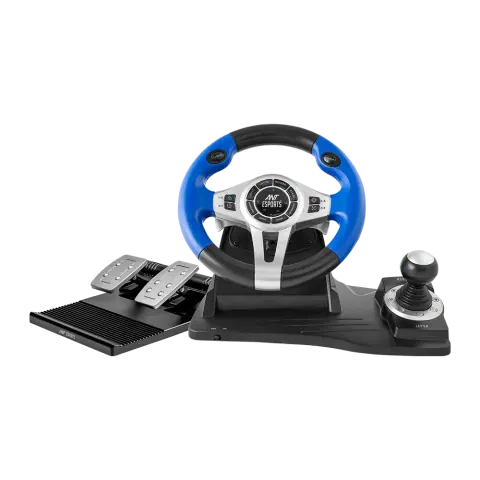
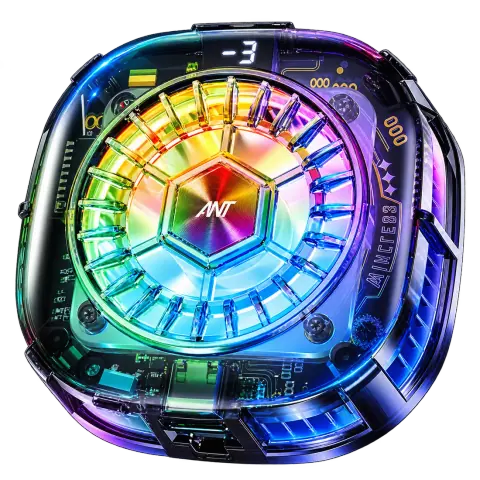
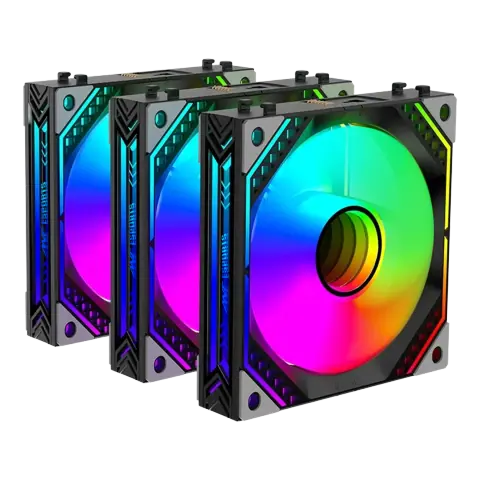
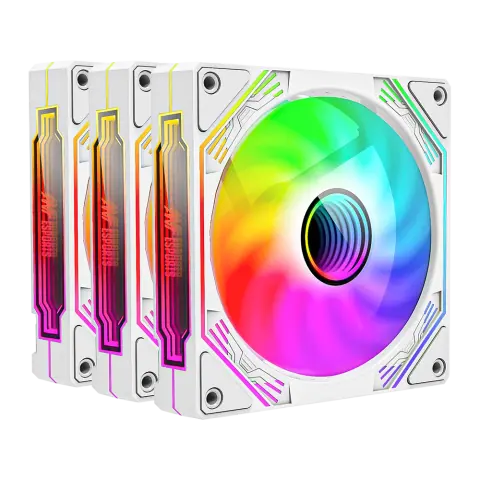
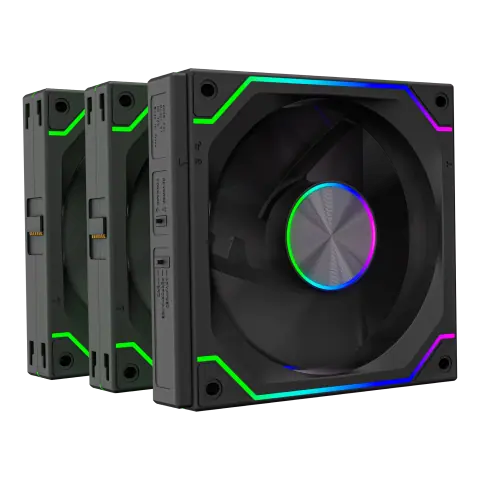
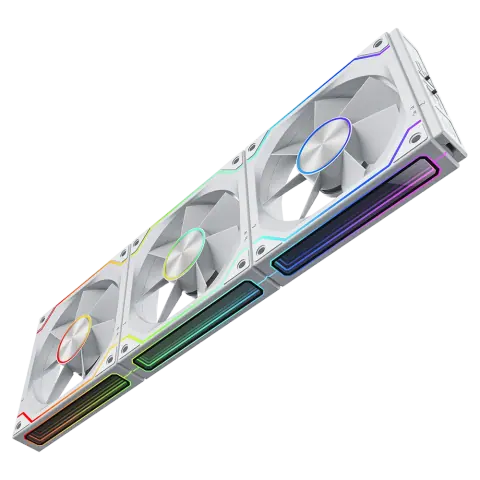
InfinityFlow Kit
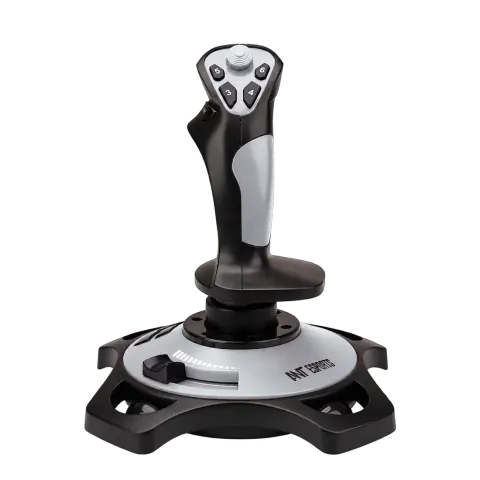
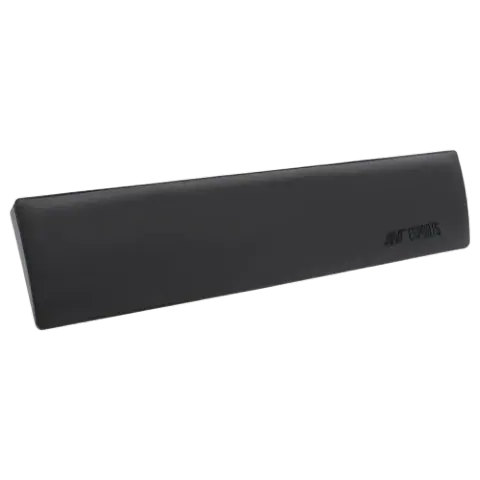
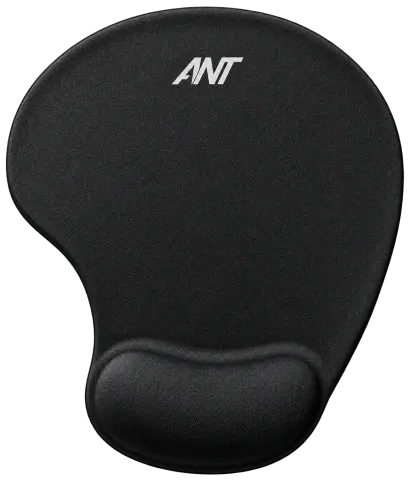
Micky mouse pad with wrist rest

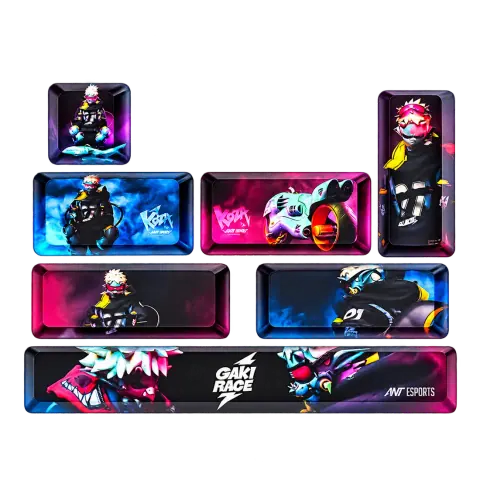
PBT Keycaps Multicolor
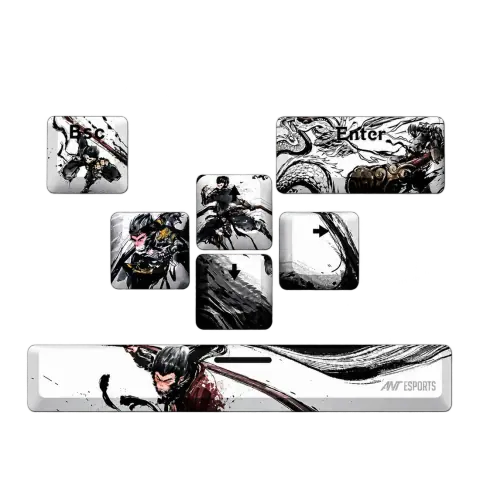
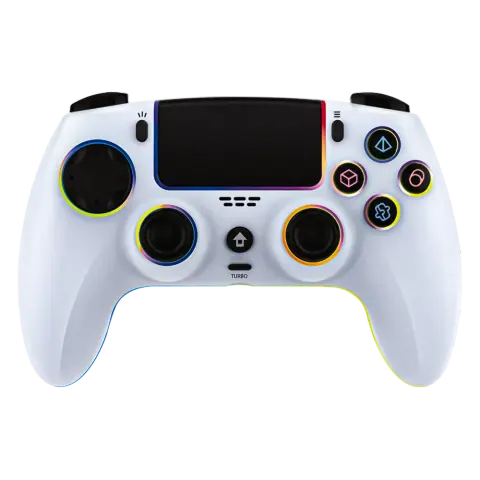

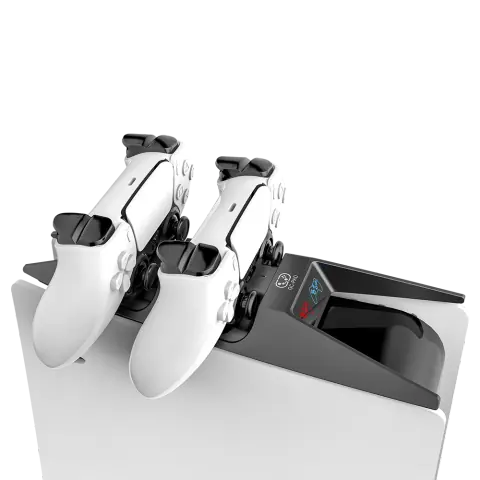
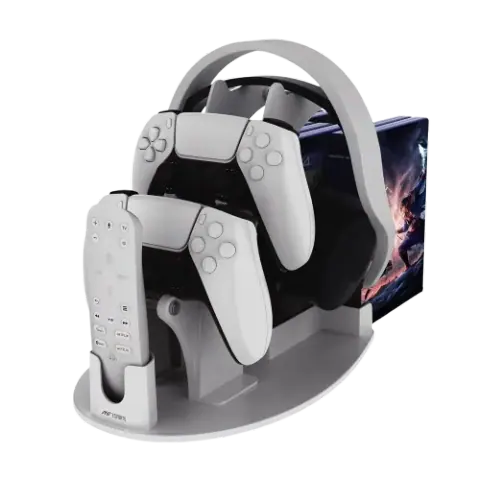
PS5 Desk Organizer Stand
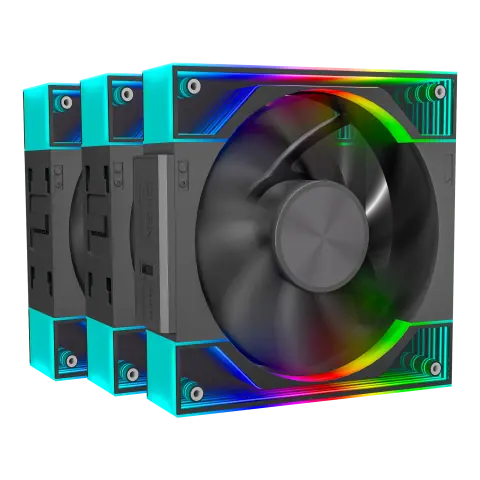
Quartzflow Kit Black
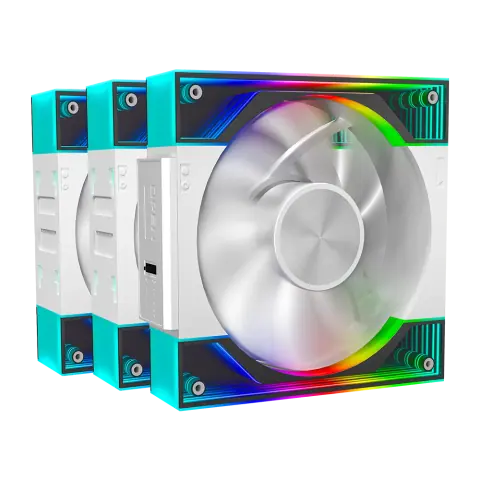
Quartzflow Kit White
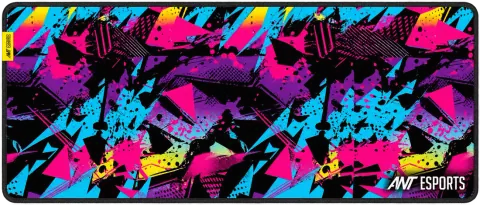
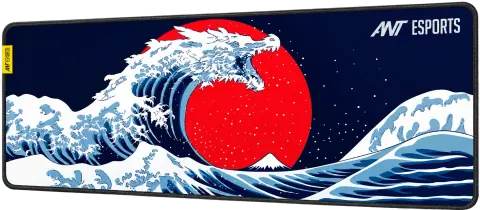
Snow Dragon mouse pad
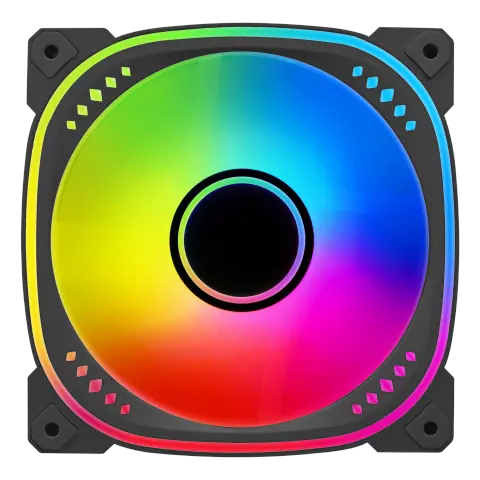
Spectraflow Kit Black
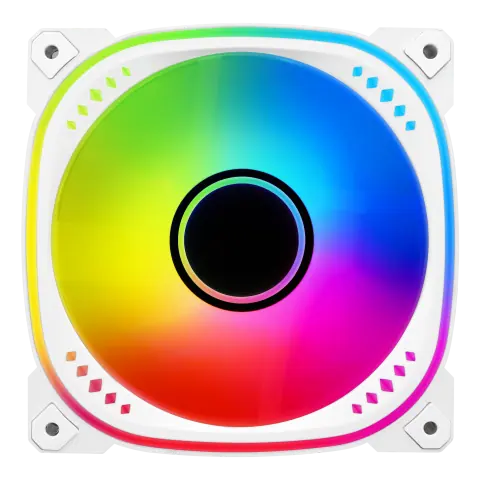
Spectraflow Kit White
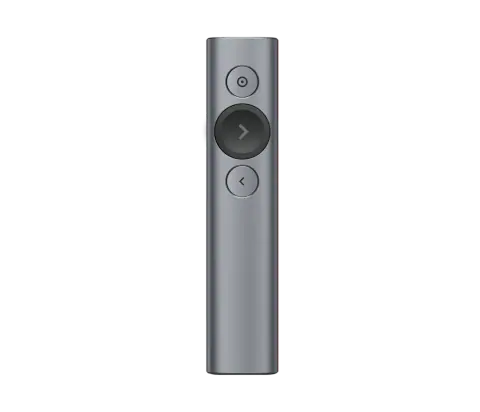
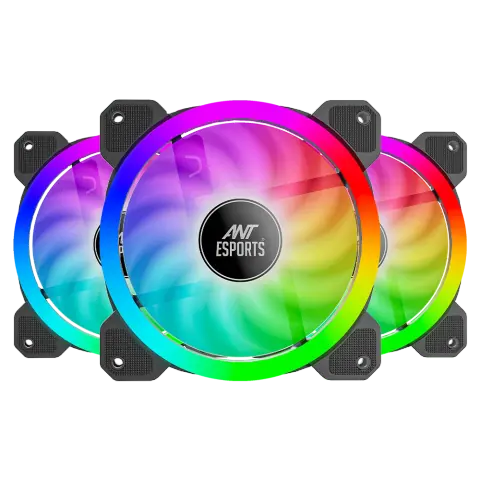
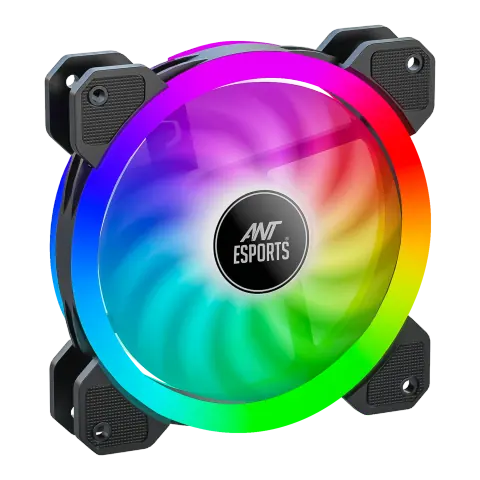
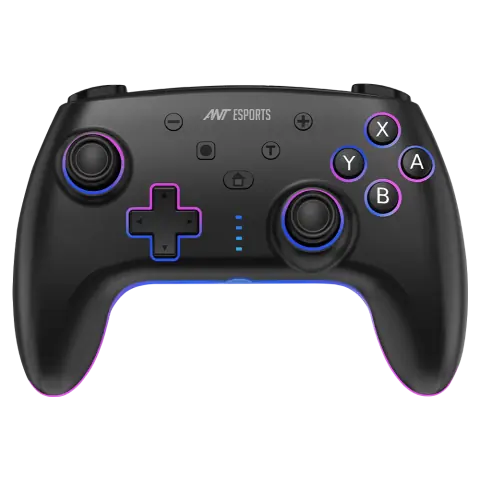
SUPERNOVA LITE Black
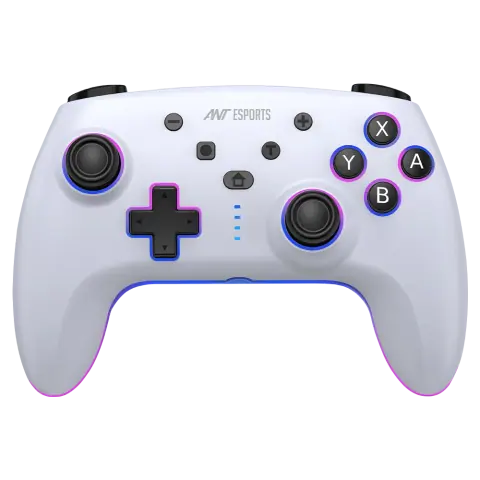
SUPERNOVA LITE White
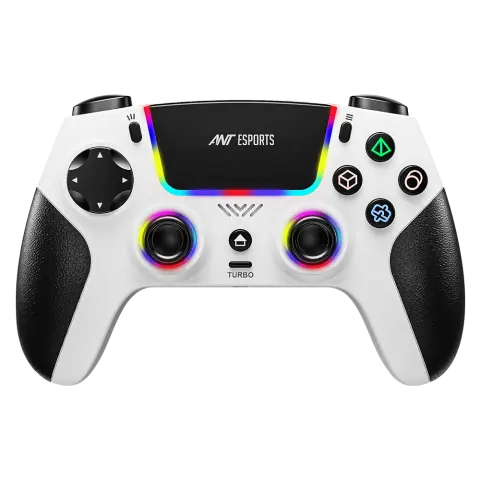
SUPERNOVA White
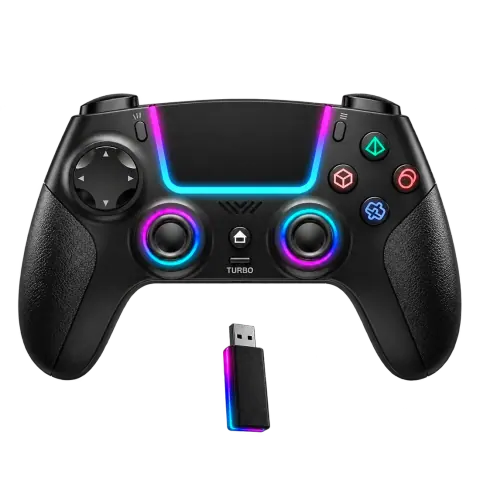
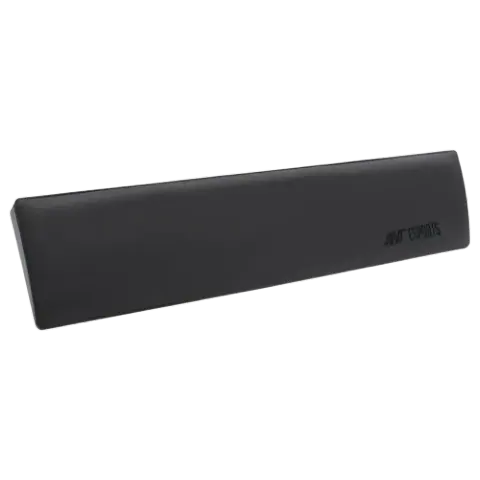
TKL Keyboard Wrist Rest Pad 14.3 inch
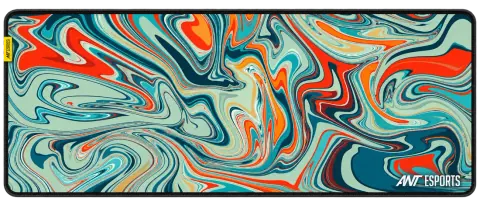

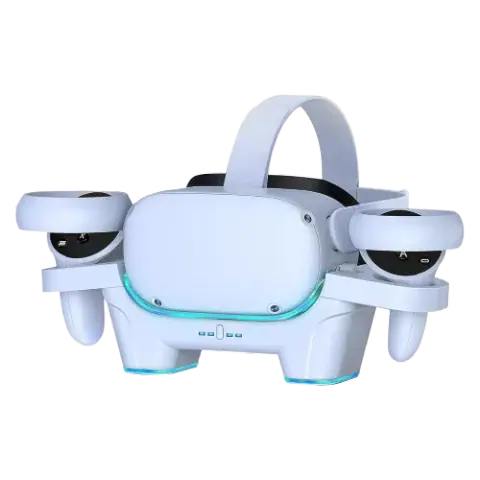
VR Charger Station Quest 3
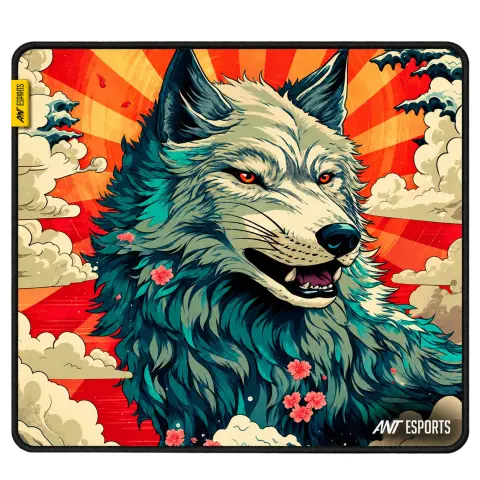
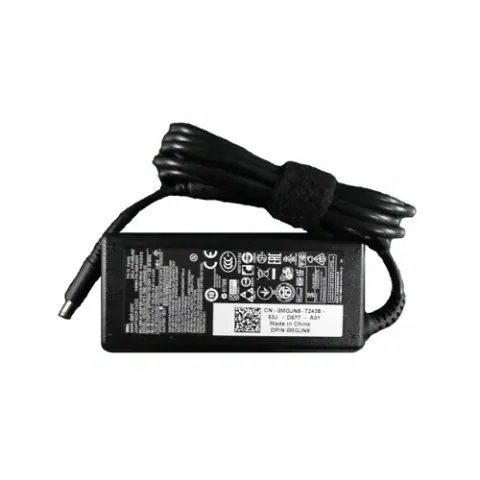
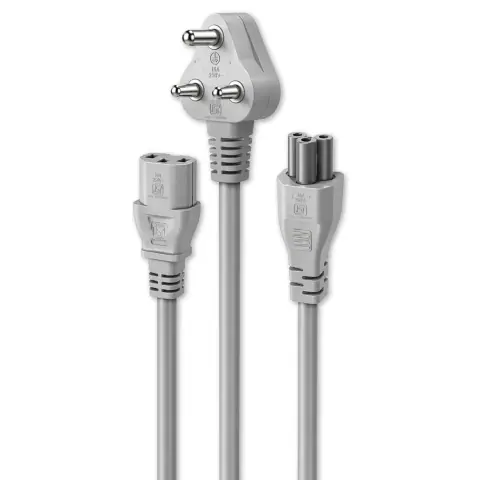
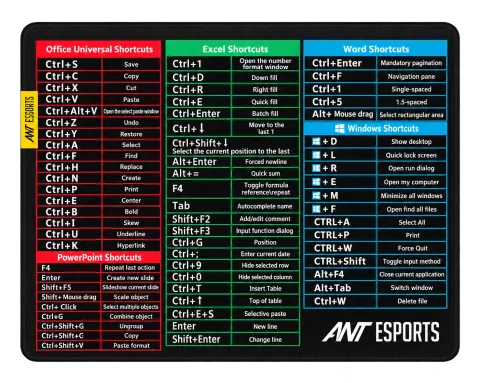
MS Office Shortcuts desk pad
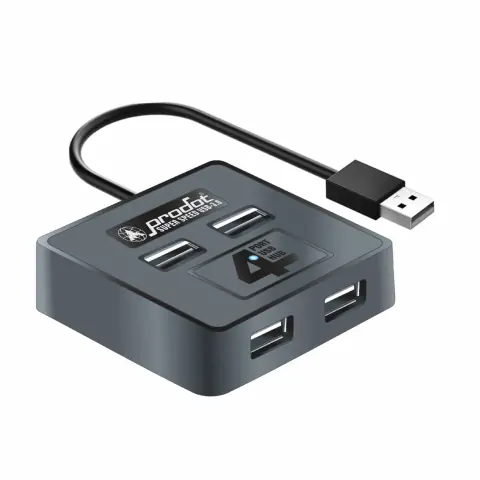
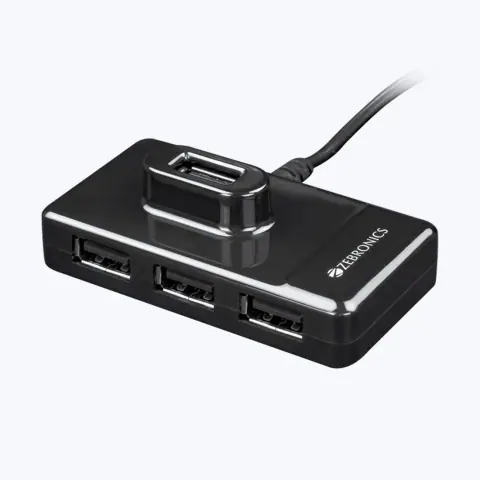
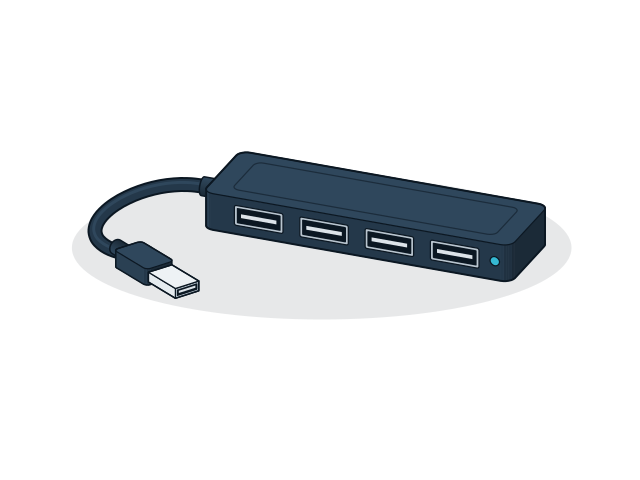
4 Port USB hub Cube Type-C
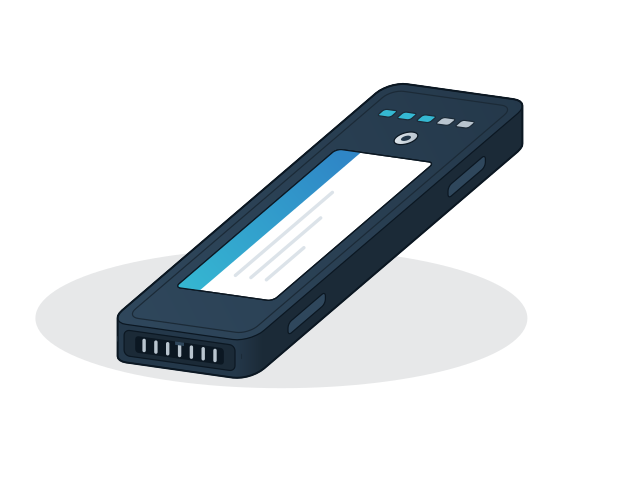
Battery Inspiron 3451/3458

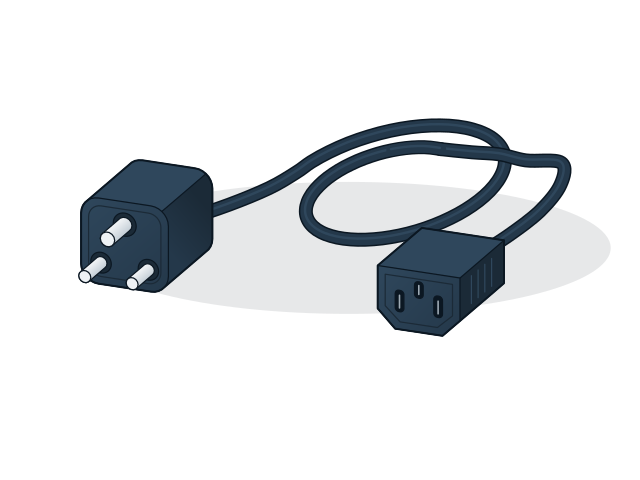
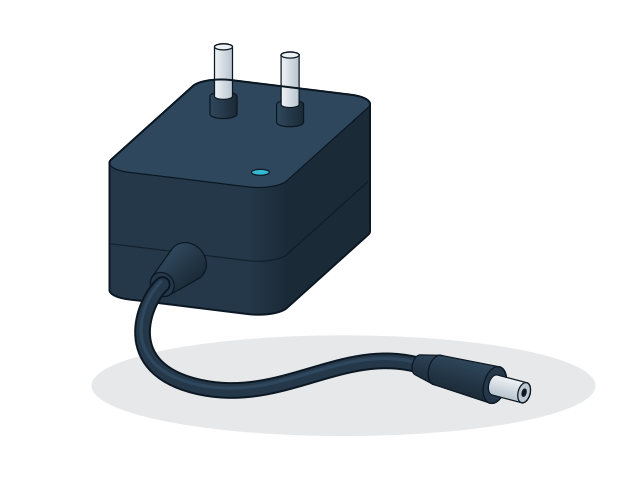
XPS 19.5V 2.31A 45W adapter
No models match these filters
Remove a filter or change the text. For models that are not listed, the sales desk can check availability.
PC accessories cover adapters, hubs, cables, chargers and desk items. The most common problem is a mismatch of connector or standard, so check the port types at both ends before you choose.
Models from these brands are not listed on the site. Ask for a price list or send the model numbers you need.



195 models
21 models
60 models
Send the models and quantities you need, or describe the requirement if the model is not listed. The sales desk will confirm price and availability.