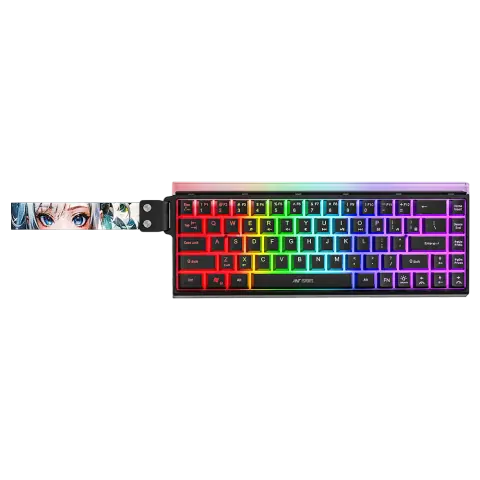
Apex 50 68-key wireless gaming keyboard
- 68 keys, compact
- Bluetooth 5.0, 2.4 GHz, USB Type-C
- 4000 mAh
View details
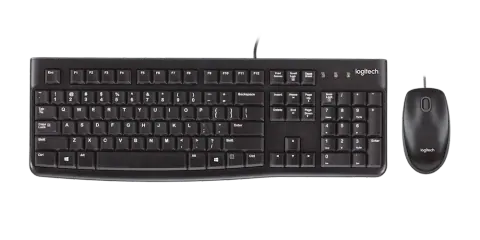
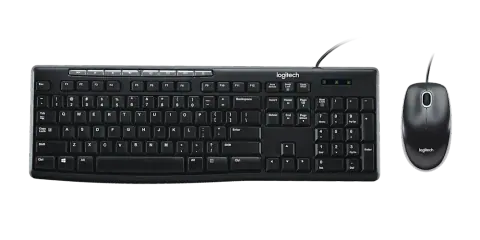
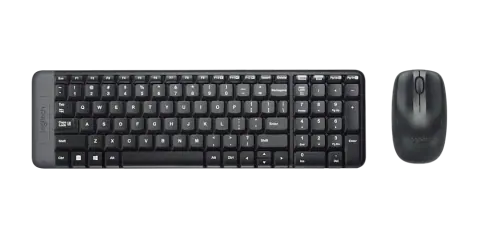
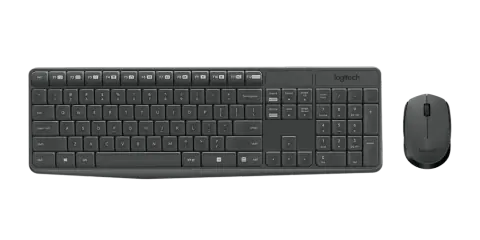
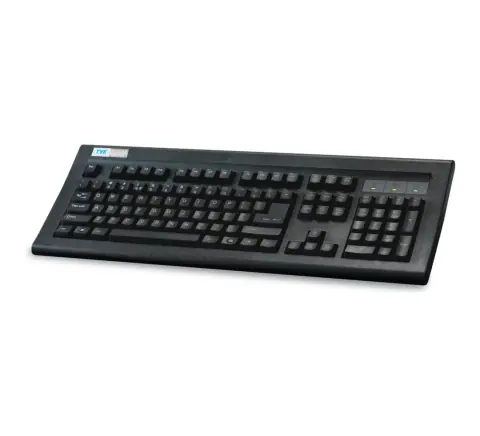
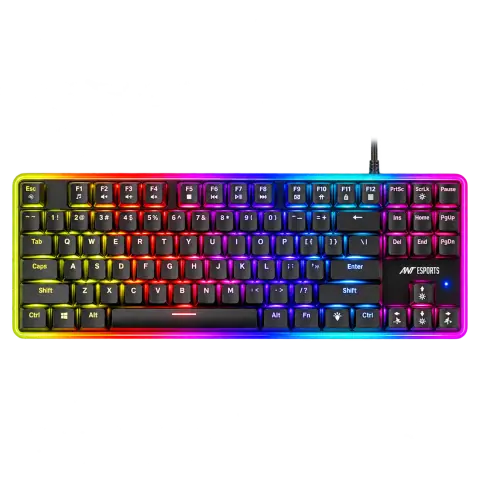
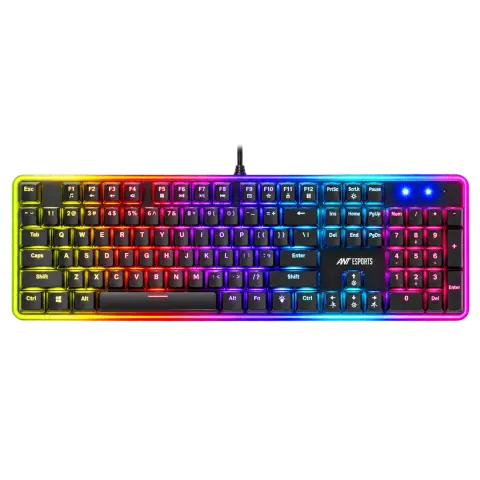
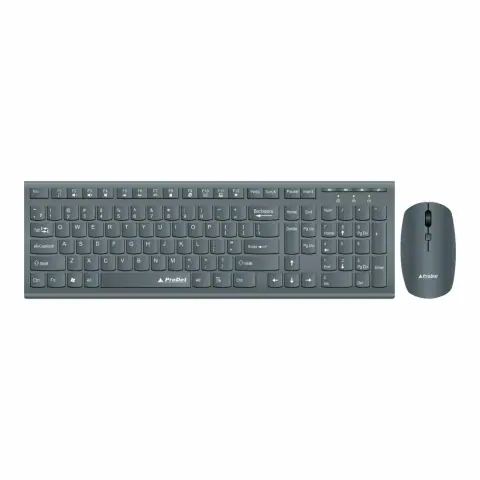
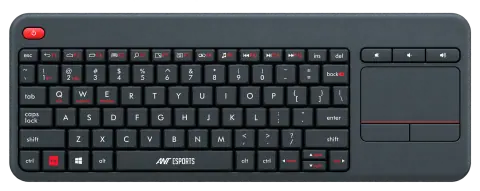
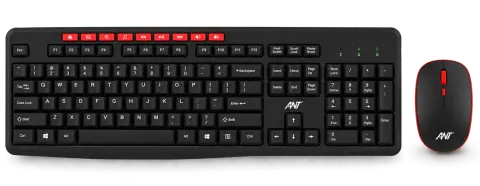
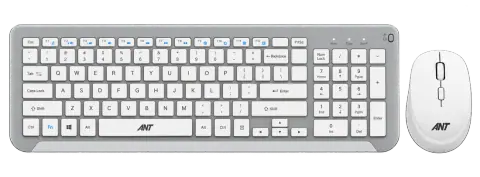
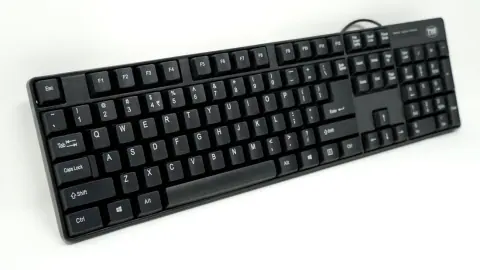
Wired and wireless keyboards, mice and keyboard and mouse combos, including mechanical keyboards.





 Ant Value
195 models
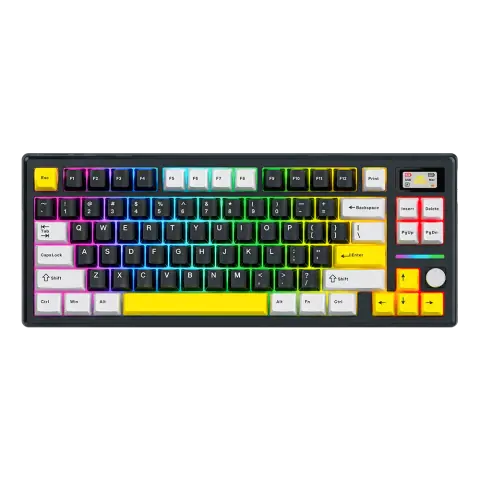
Apex 200 Black
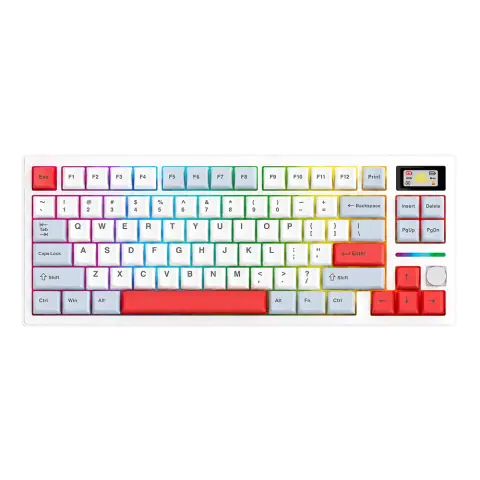
Apex 200 White
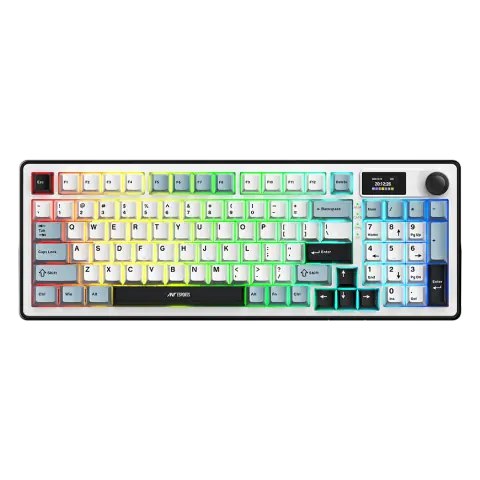
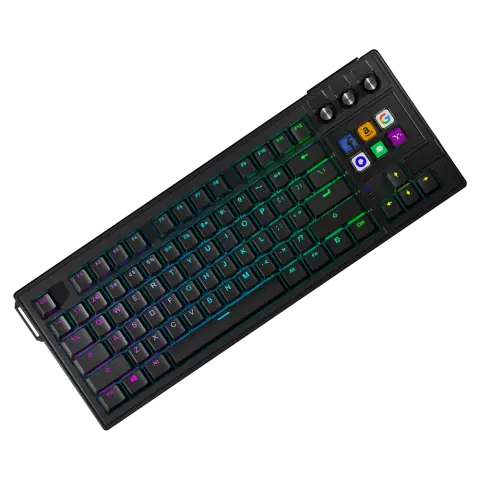
Apex 400 Black
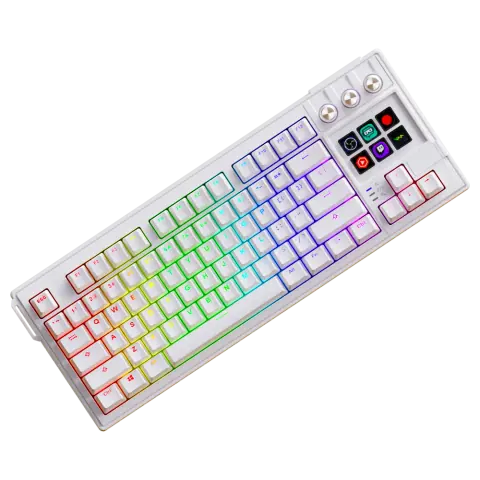
Apex 400 White
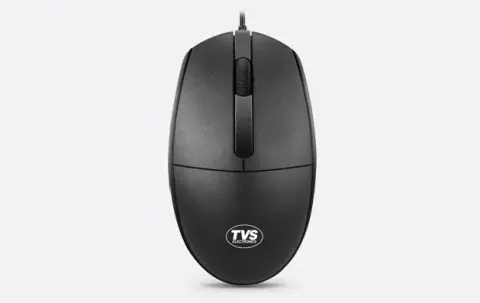
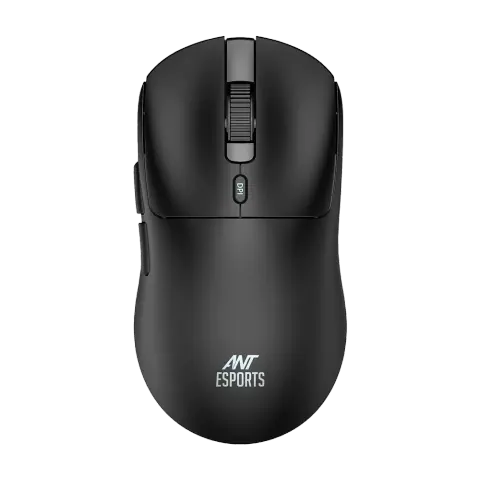
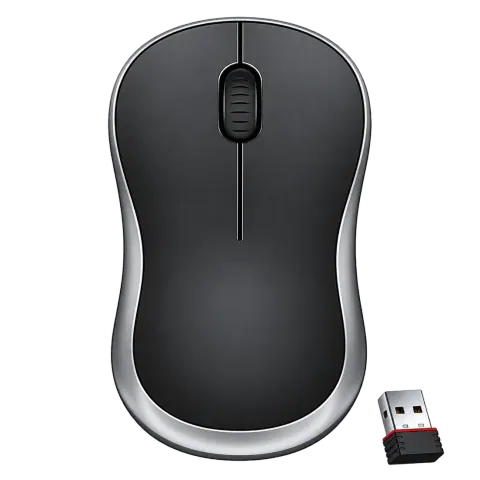
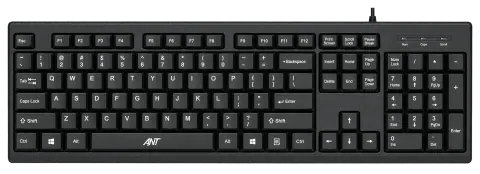
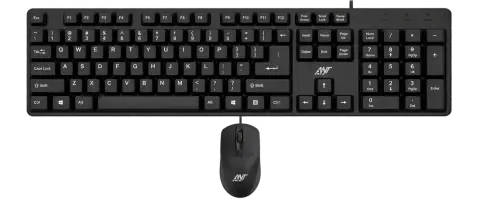
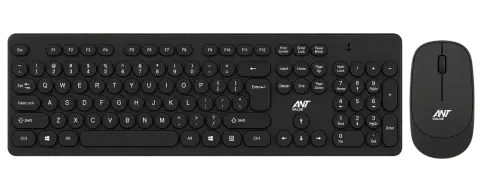
FKBRI05 Black
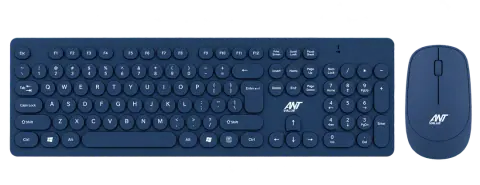
FKBRI05 Blue
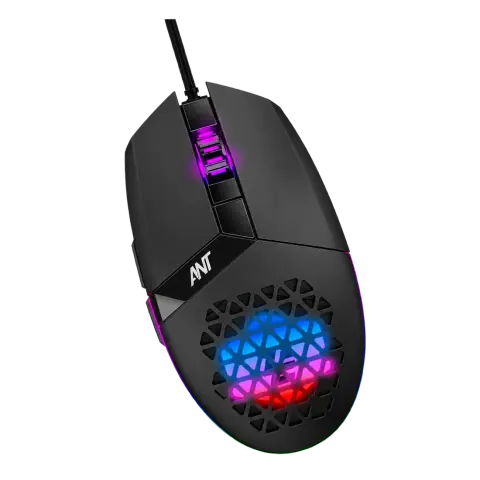
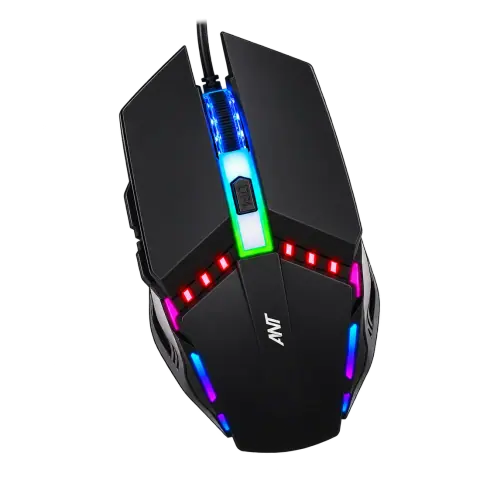
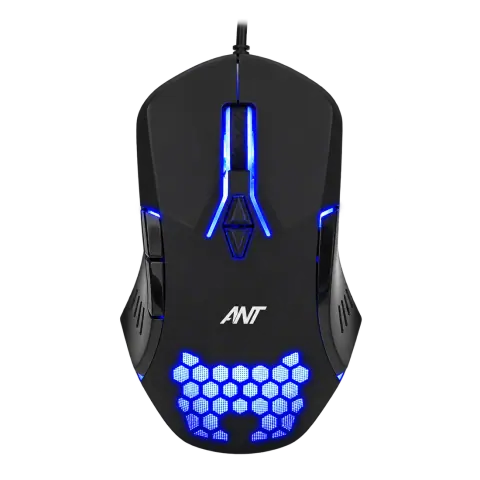
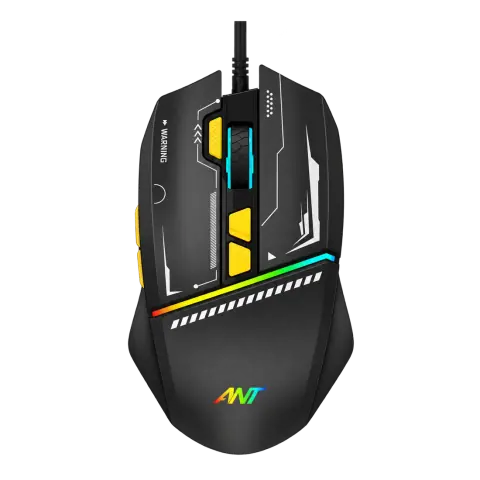
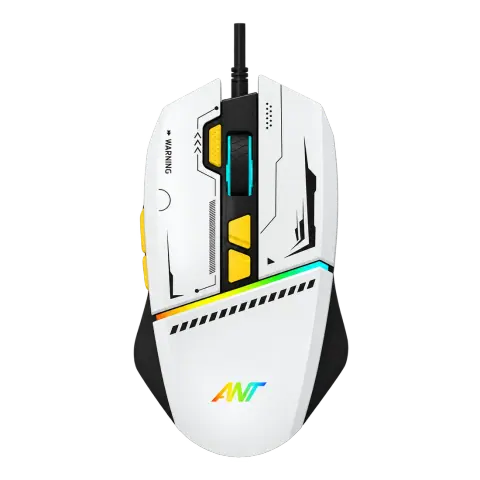
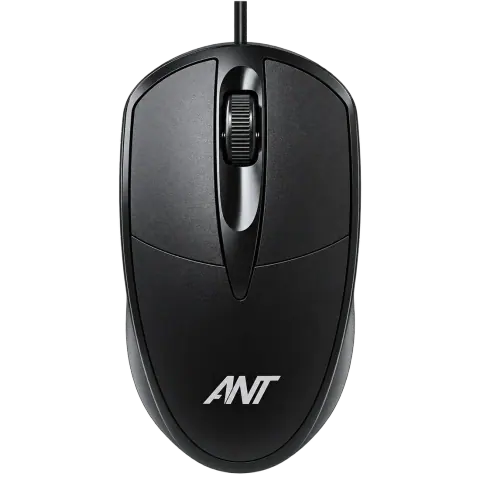
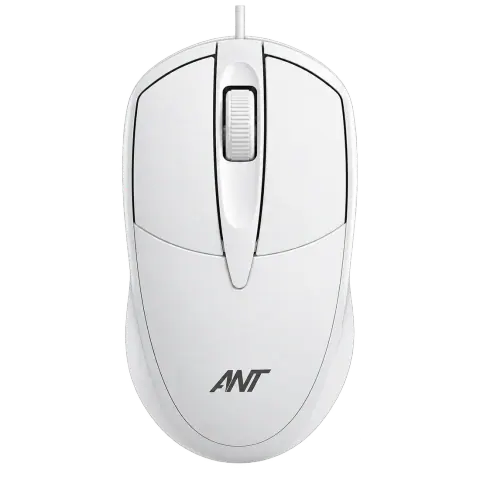
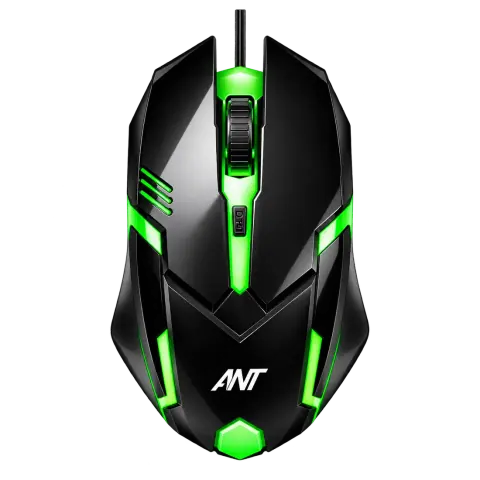
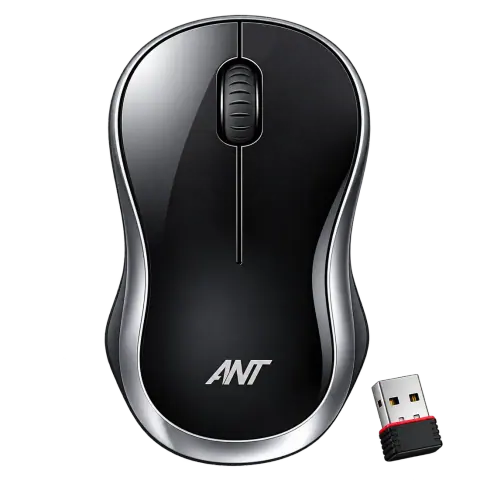
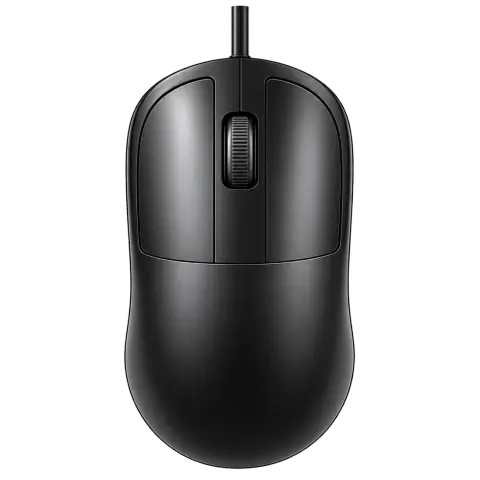
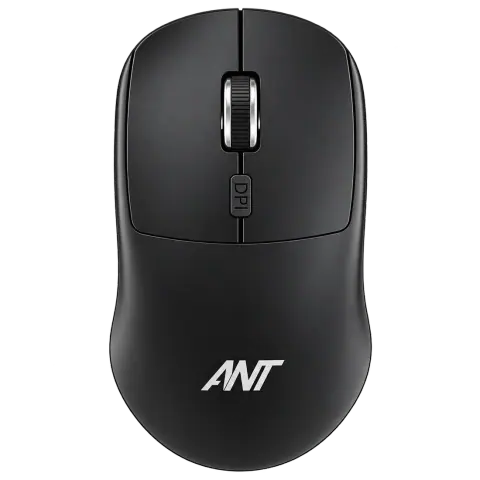
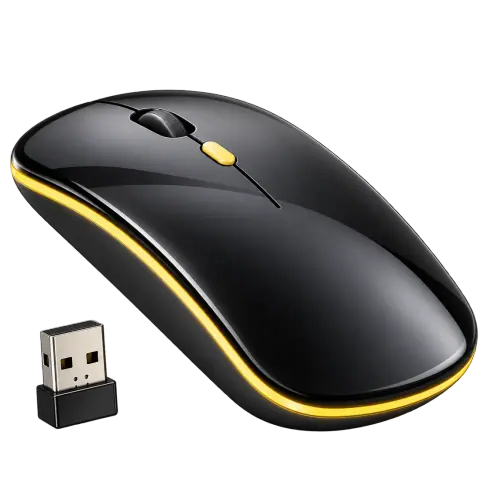
Globe 25 Black
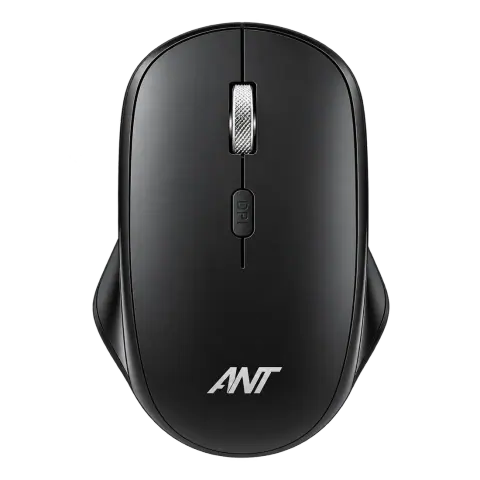
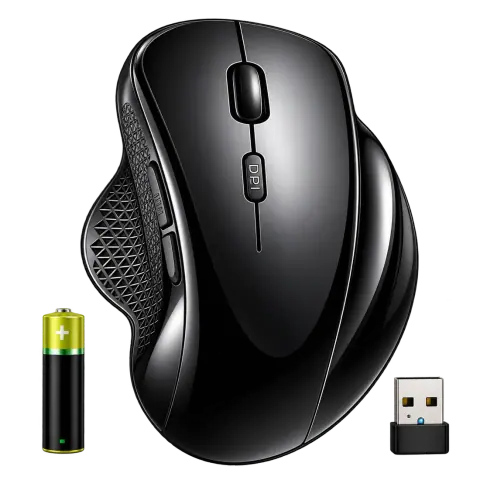
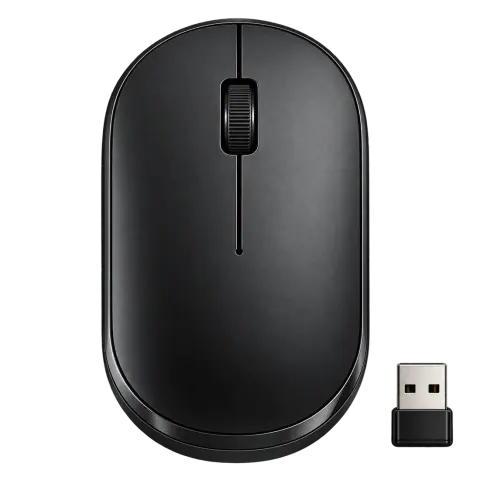
Globe 40 Black
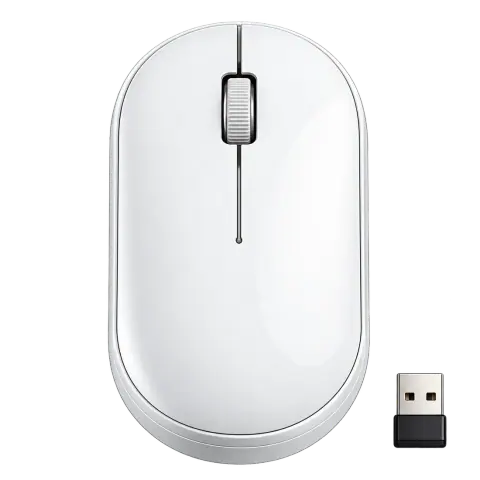
Globe 40 White
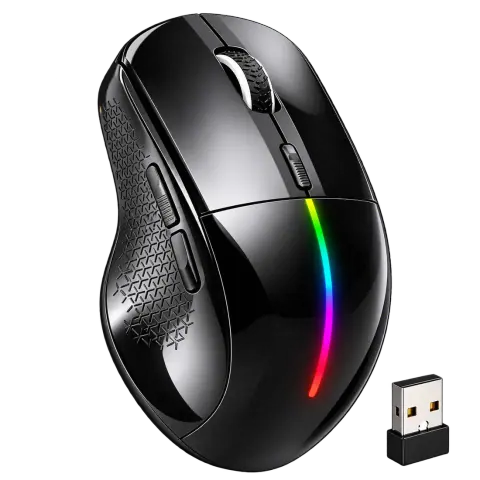
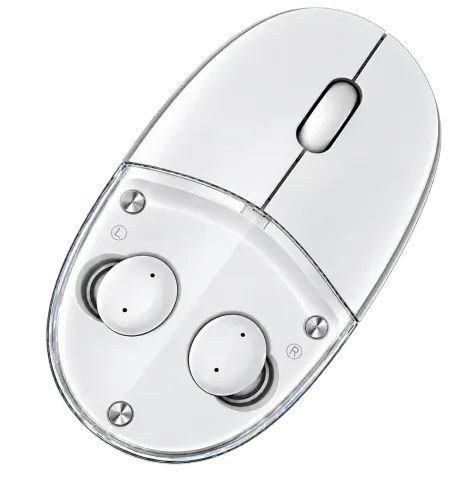
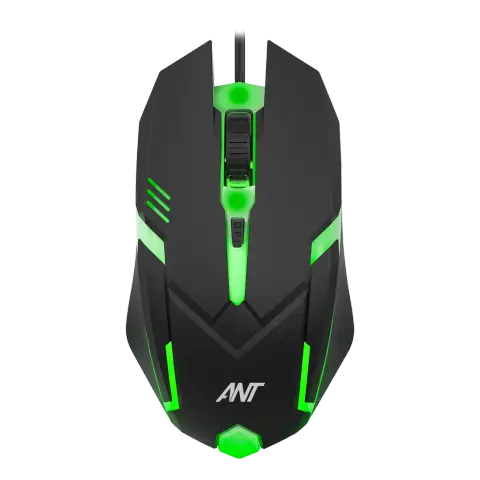
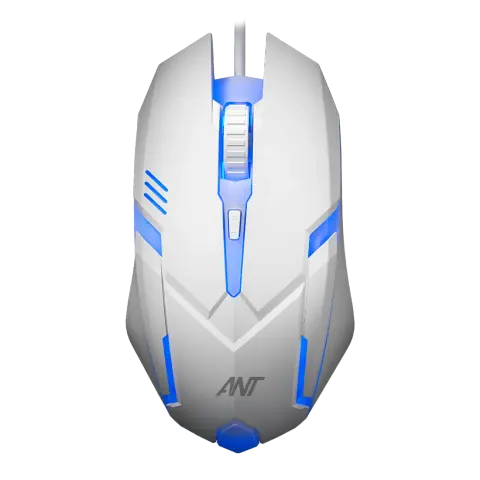
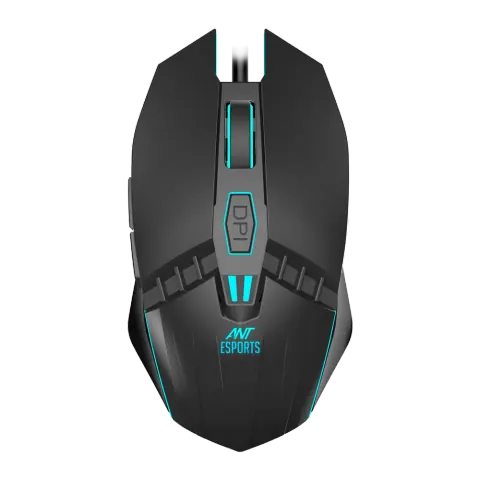
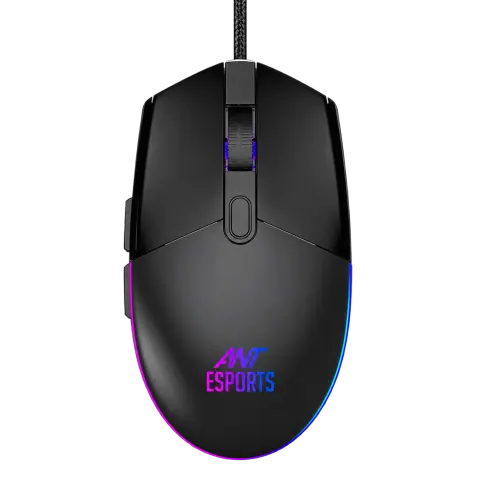
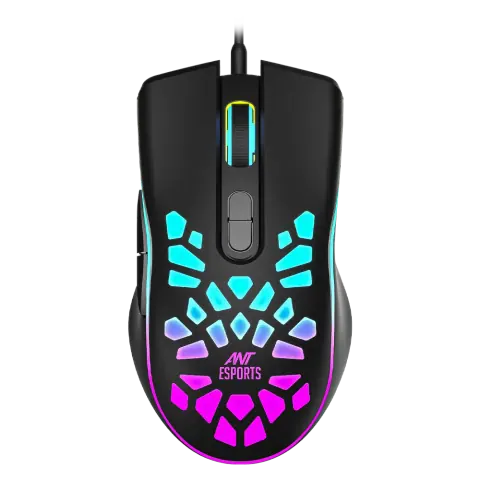
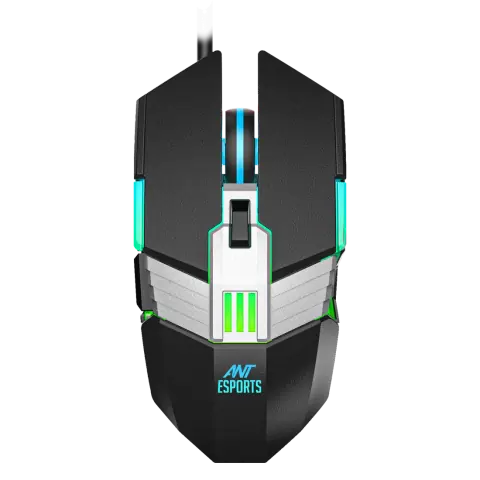
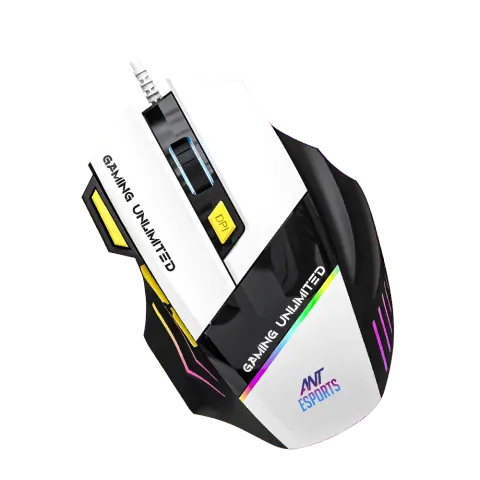
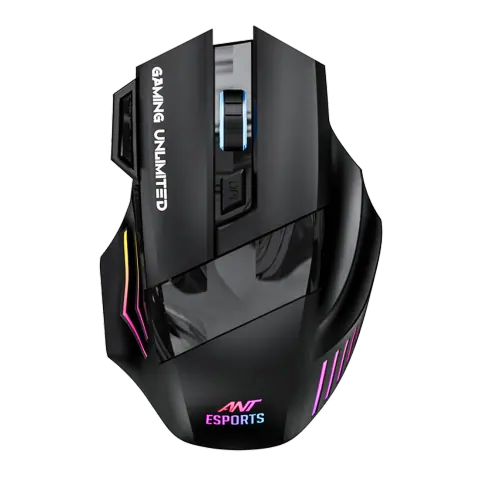
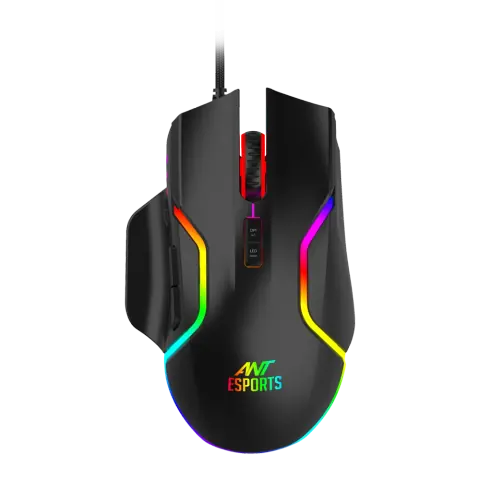
GM320 Black
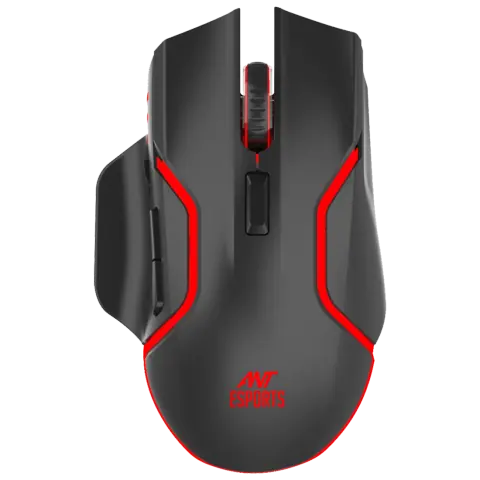
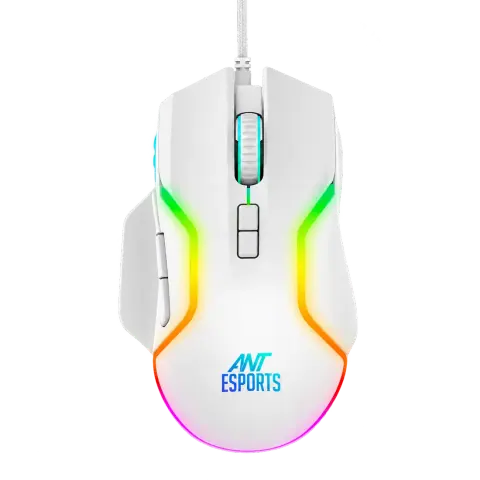
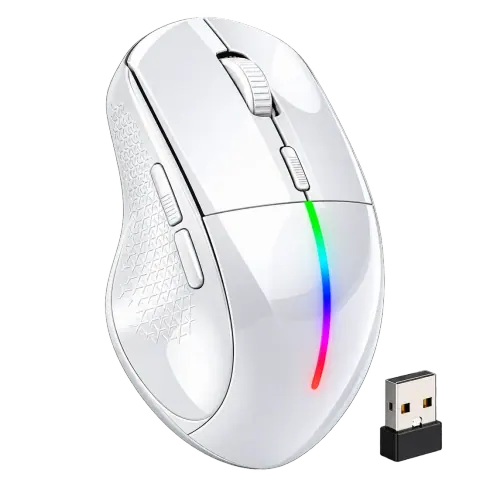
GM320 White
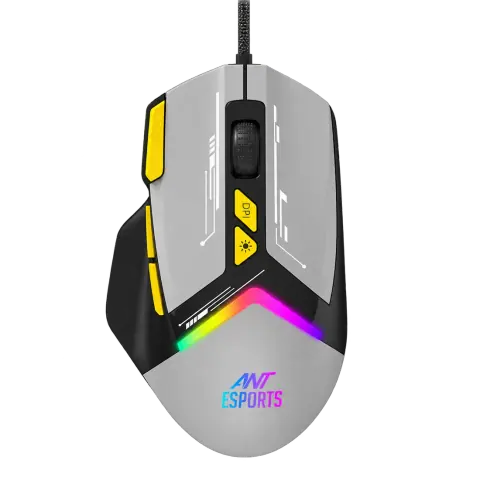
GM333 Black Grey Yellow
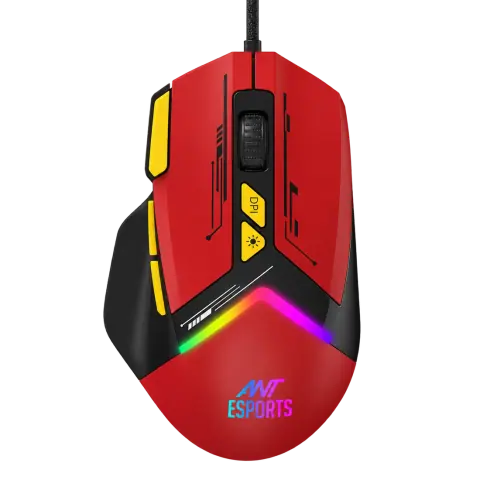
GM333 Black Red Yellow
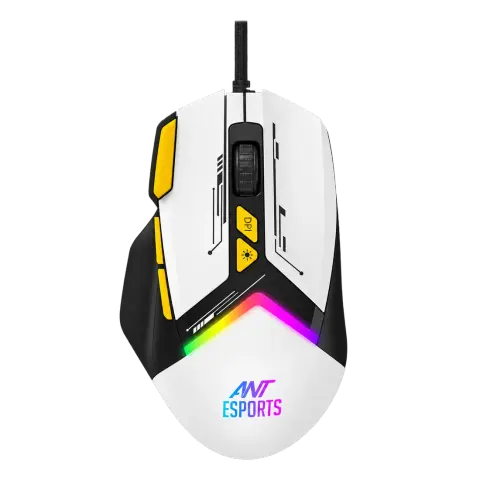
GM333 Black White Yellow
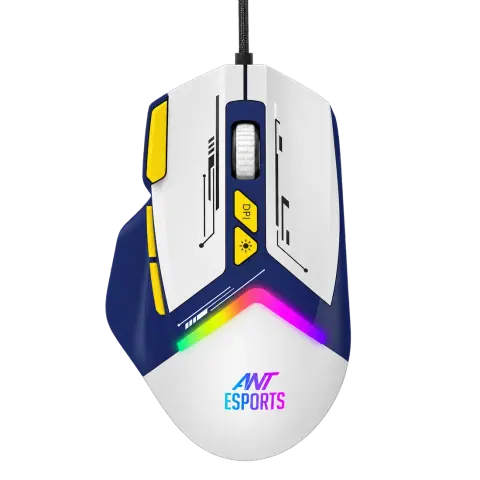
GM333 Blue White Yellow
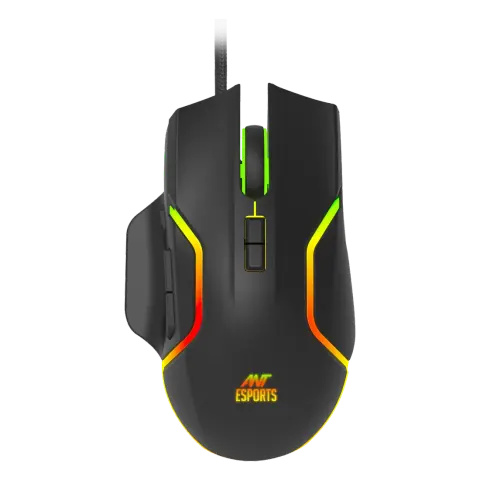
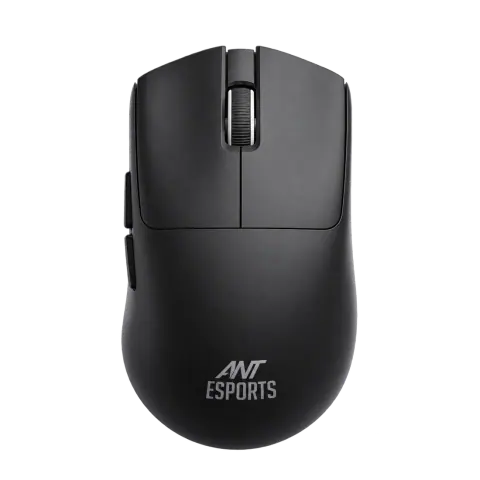
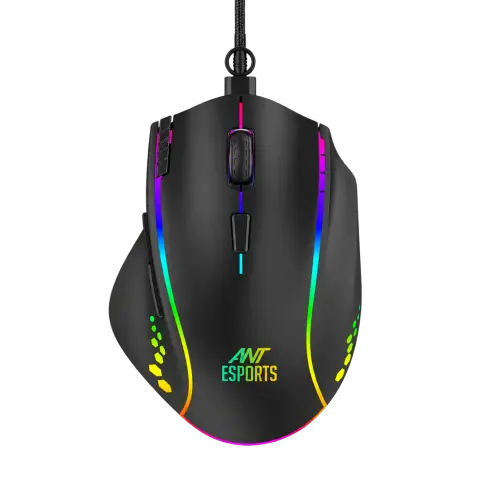
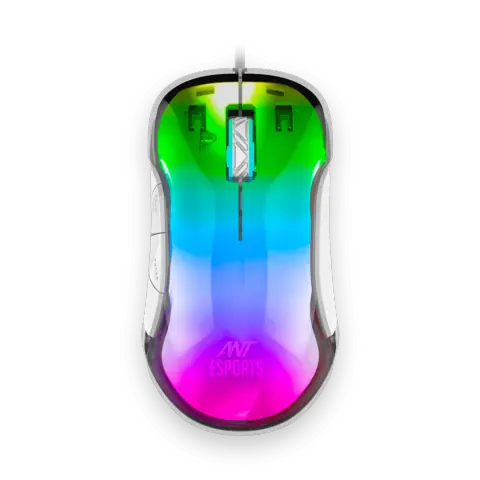
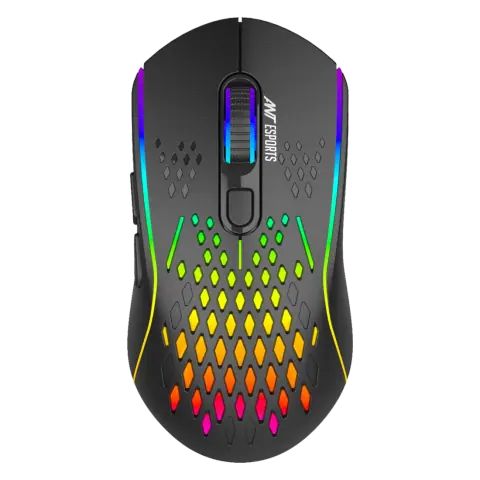
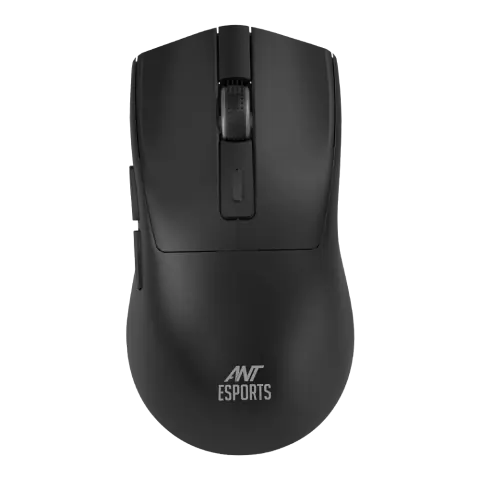
GM810 Pro Black
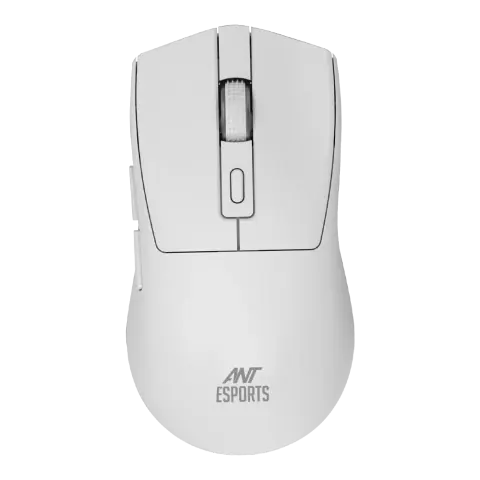
GM810 Pro White
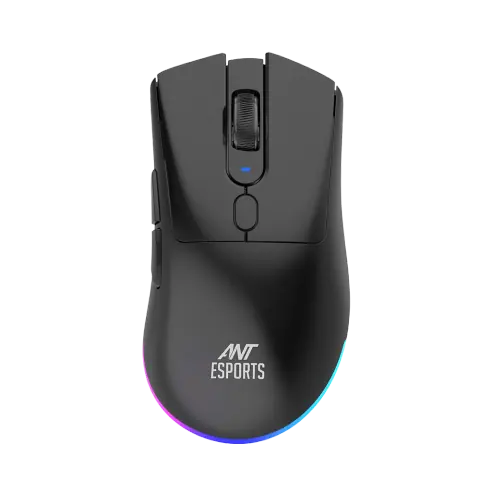
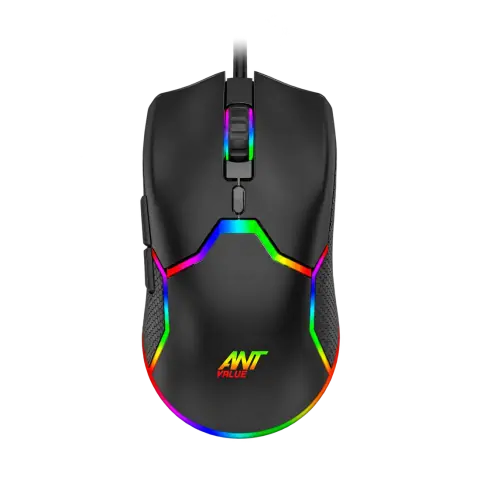
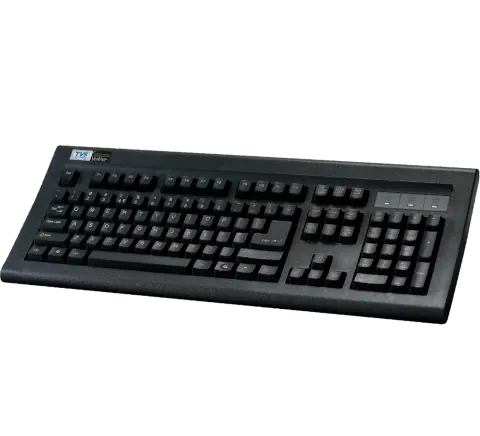
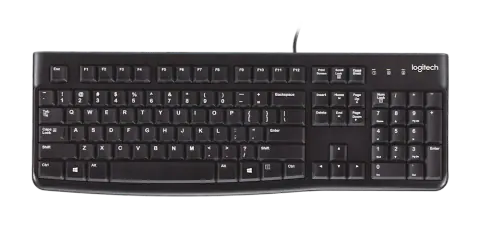
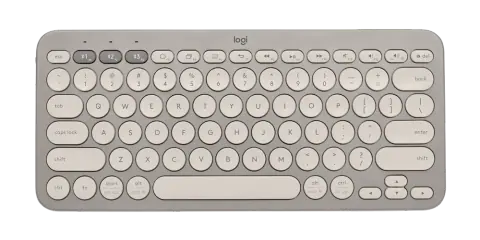
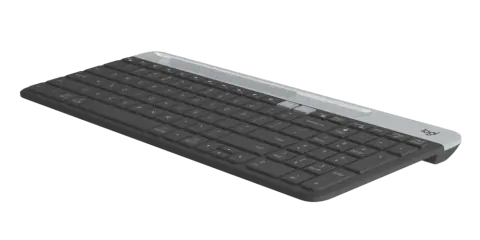
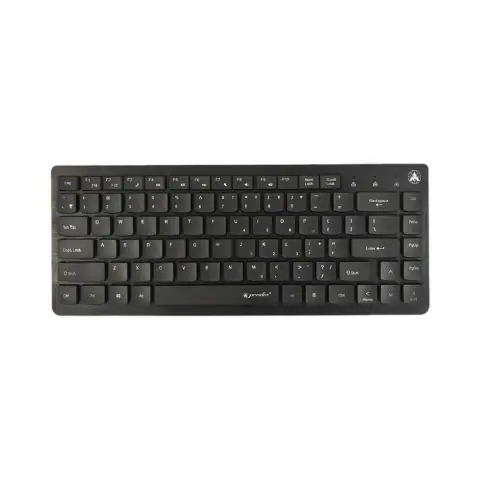
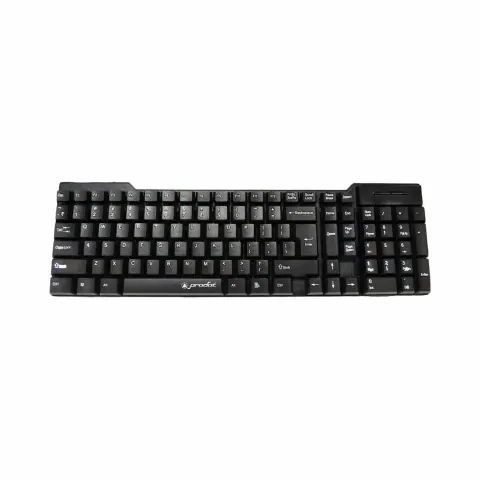
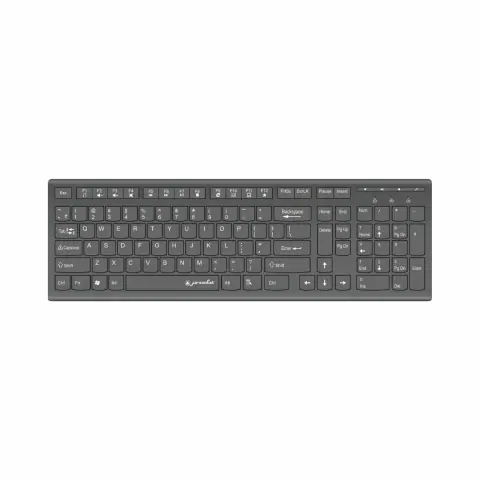
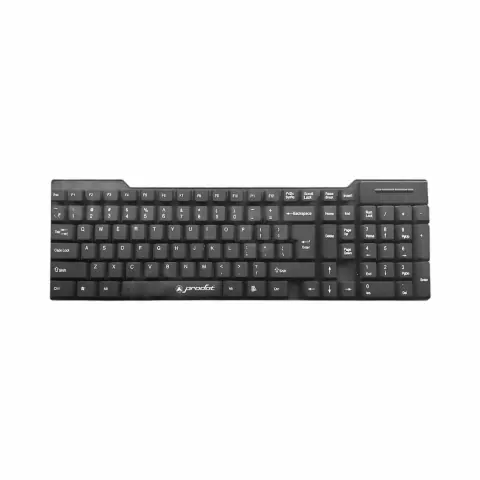
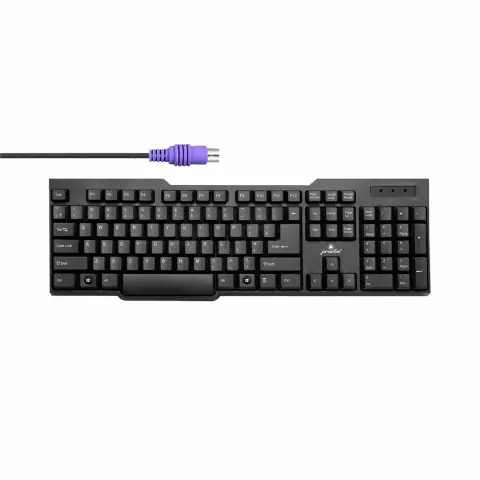
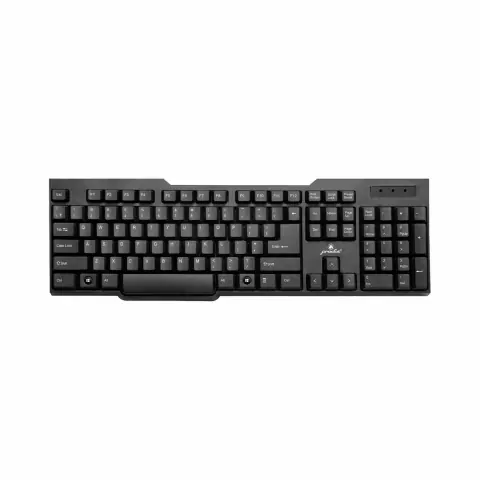
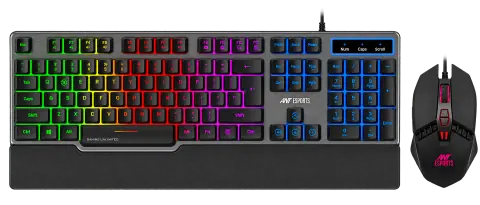
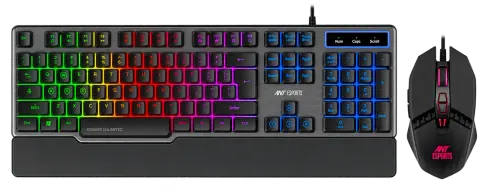
KM500 Anti-Ghosting
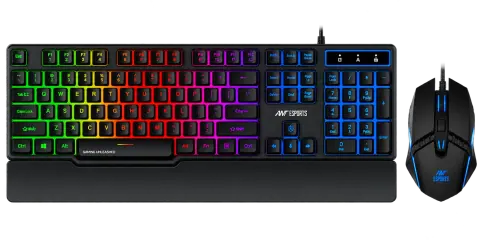
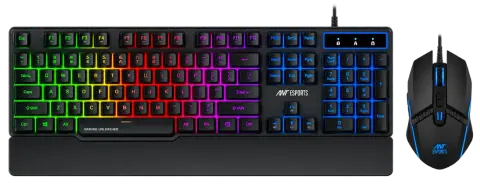
KM500W Mouse Pad Combo
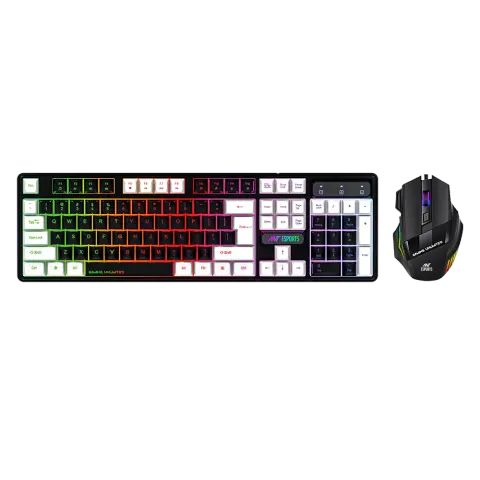
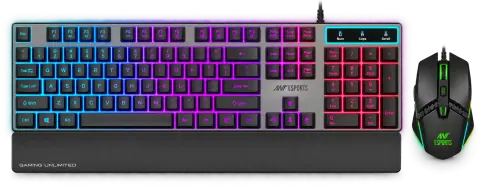
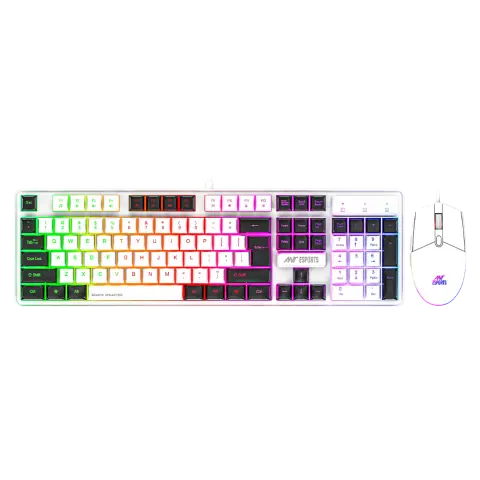
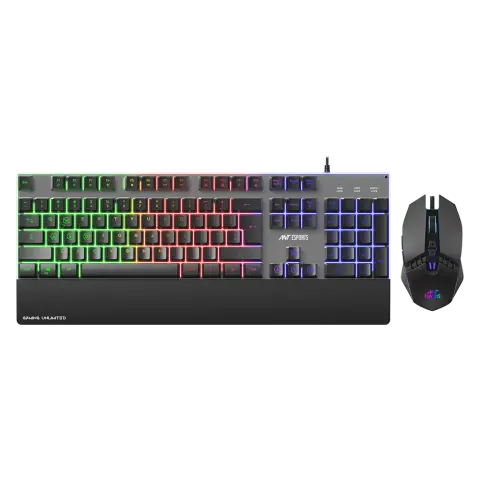
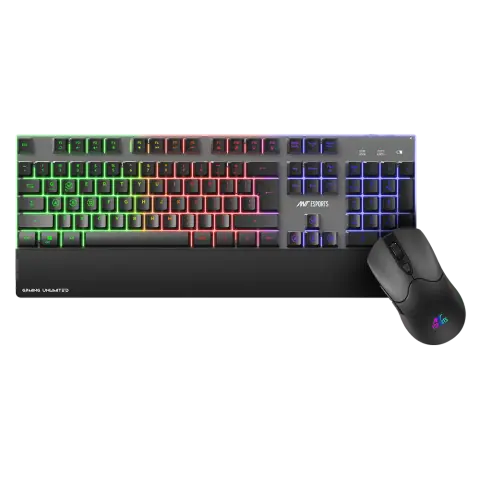
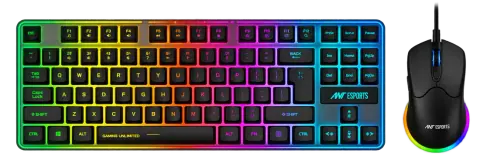
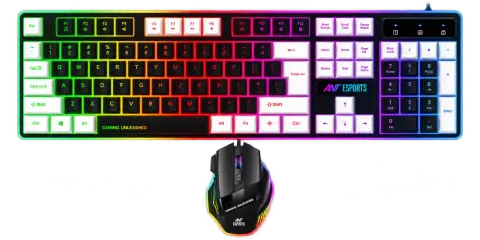
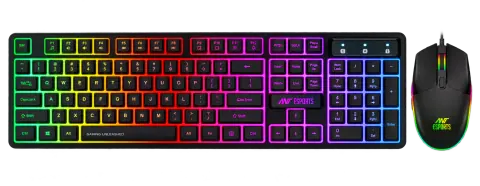
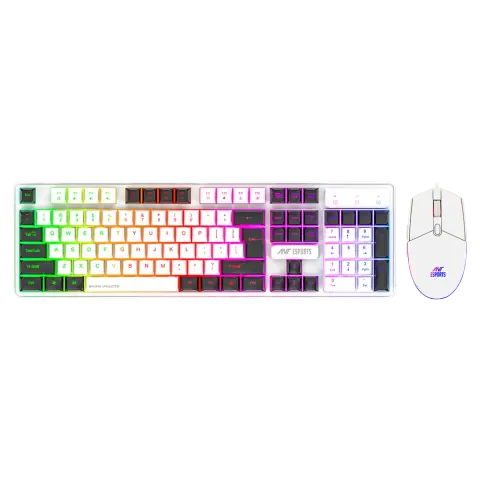
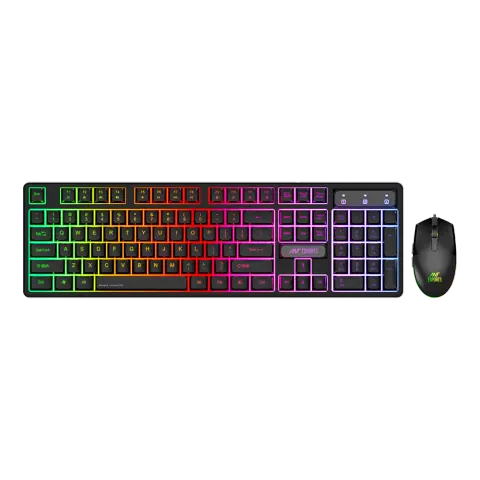
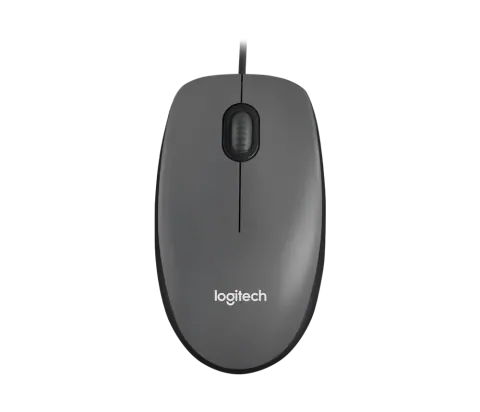
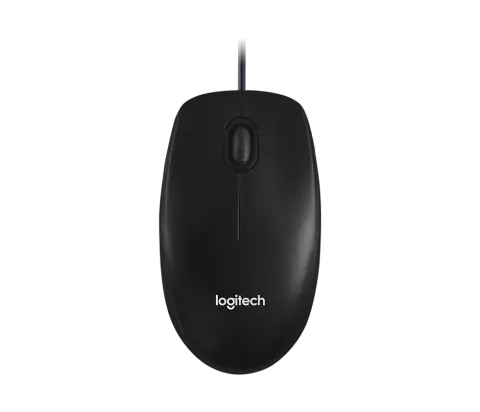
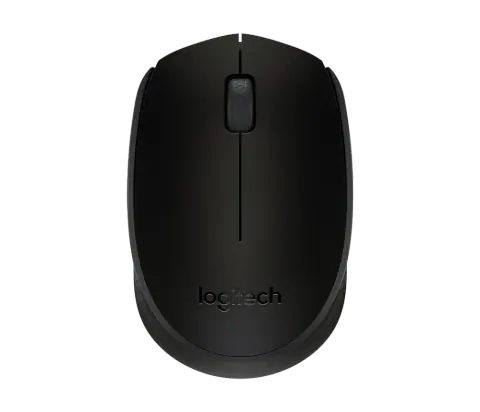
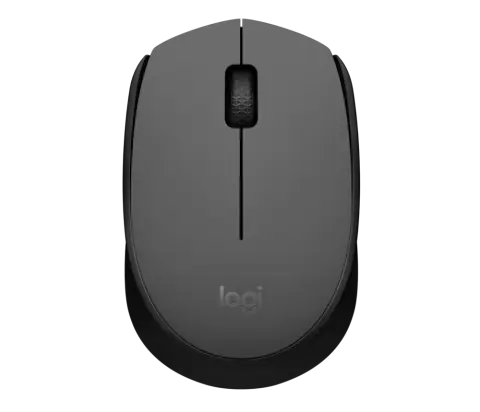
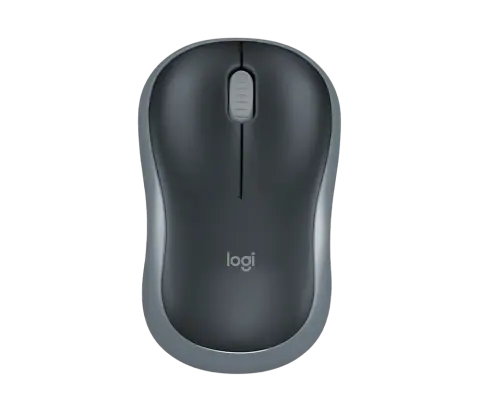
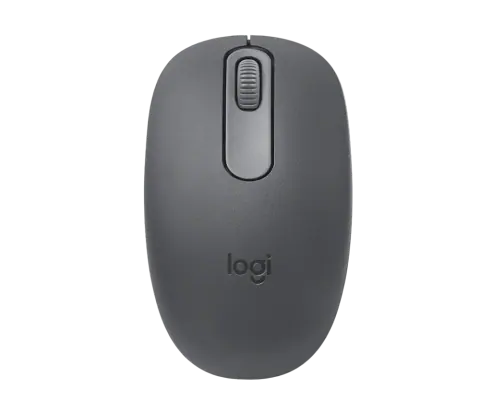
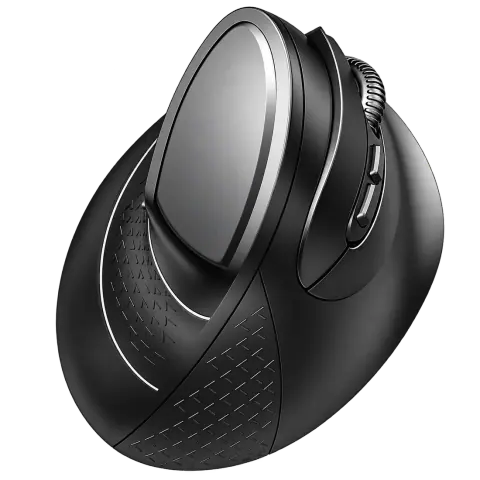
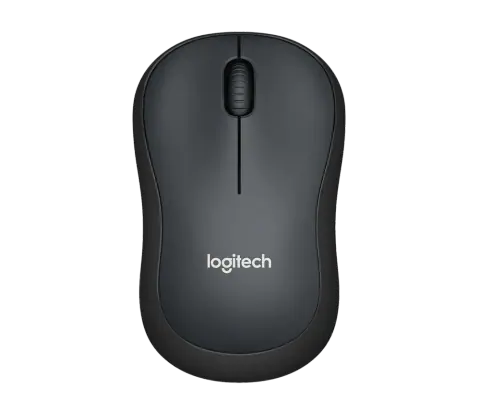
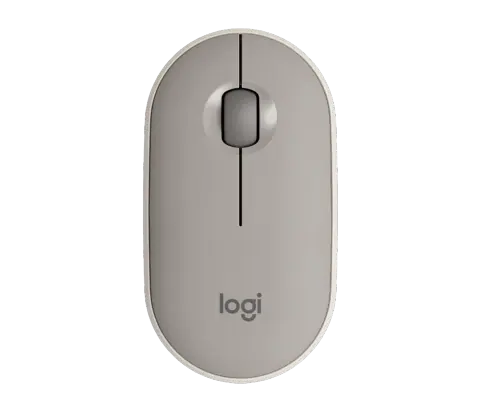
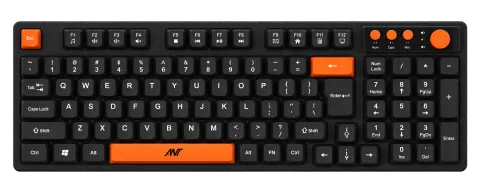
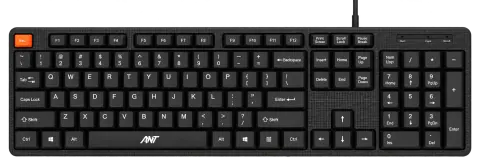
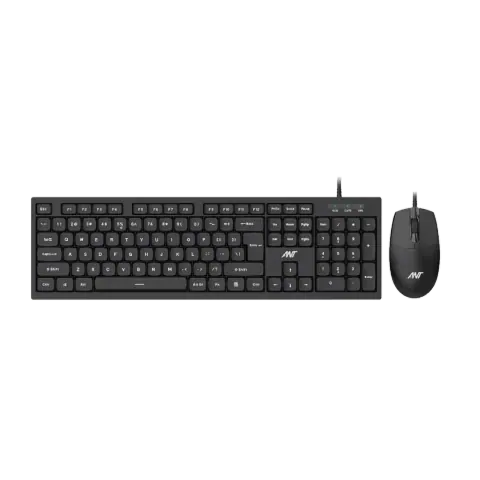
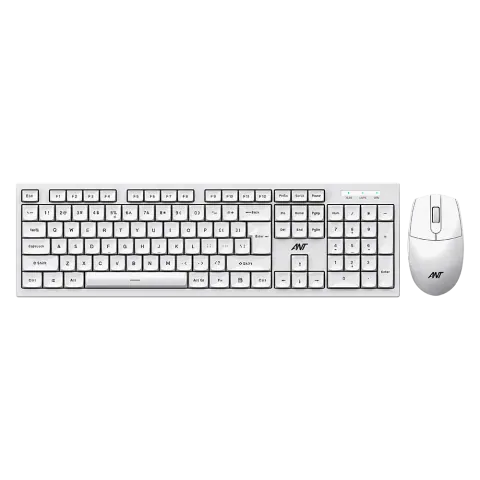
Master 10 White
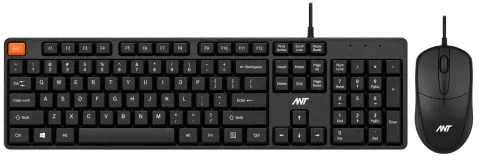
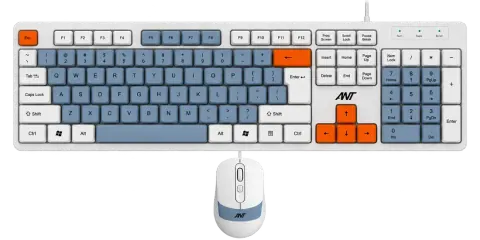
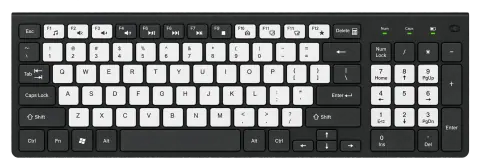
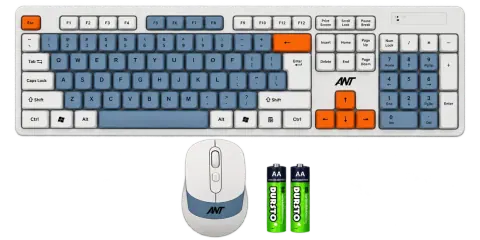
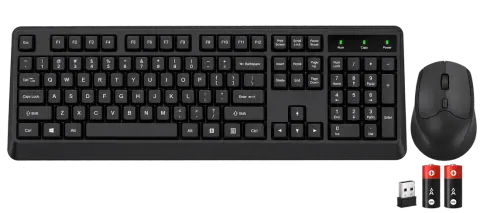
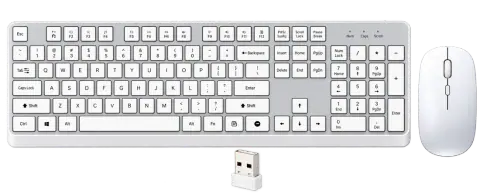
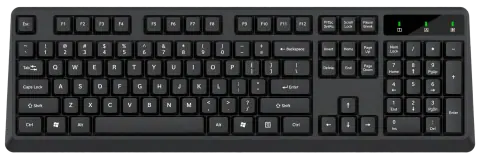
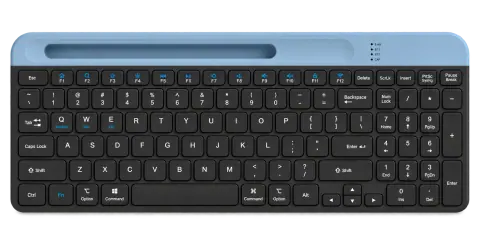
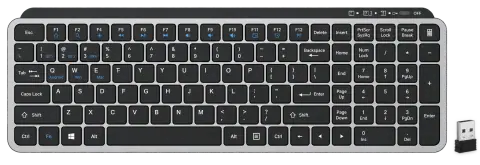
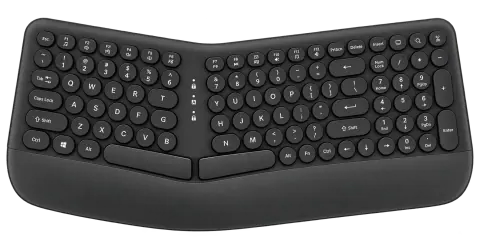
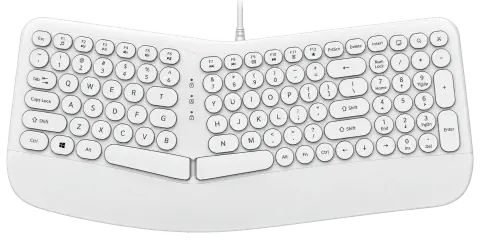
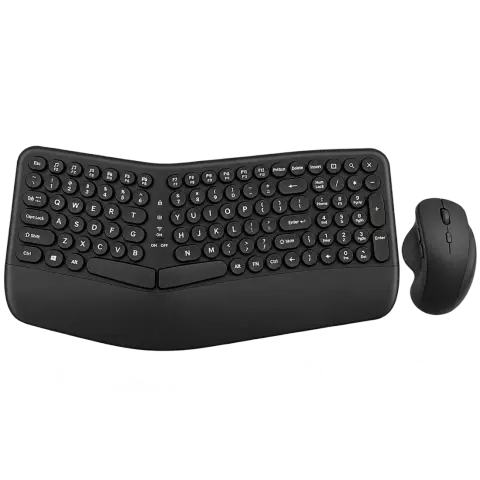
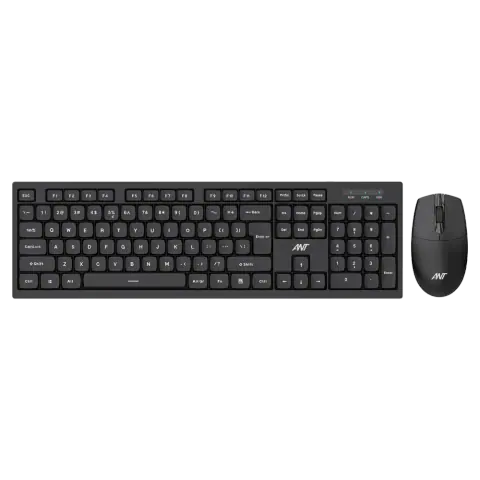
Matrix 15 Black
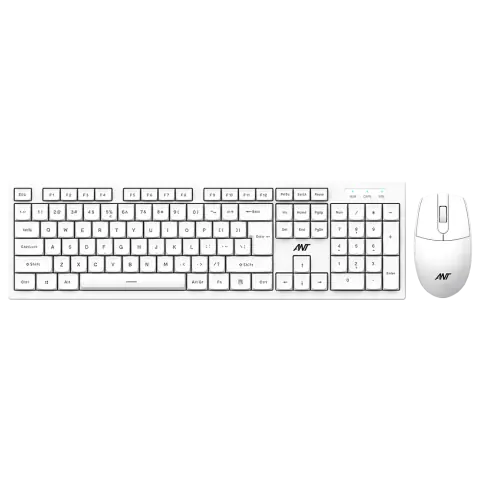
Matrix 15 White
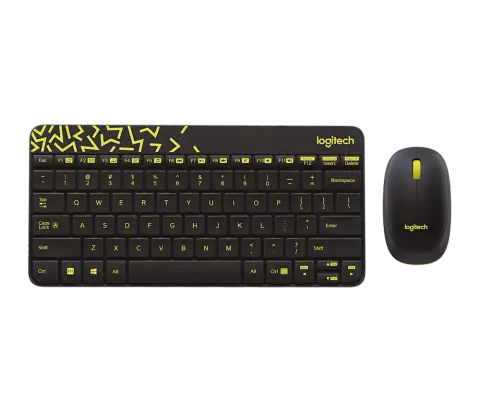
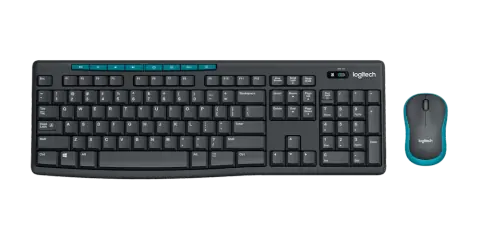
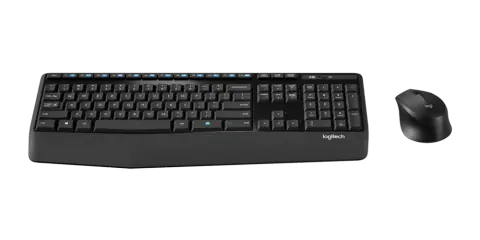
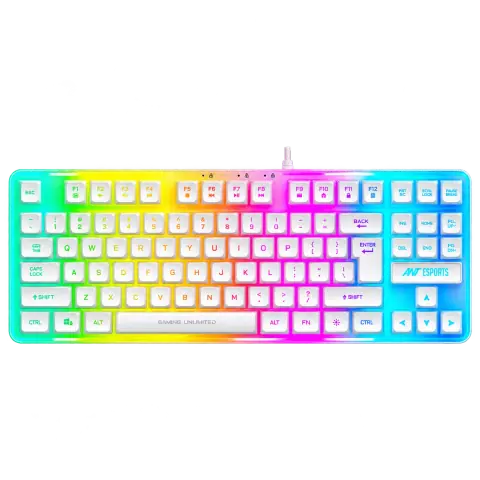
MK700 V2 Mercury White
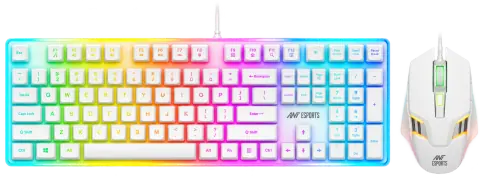
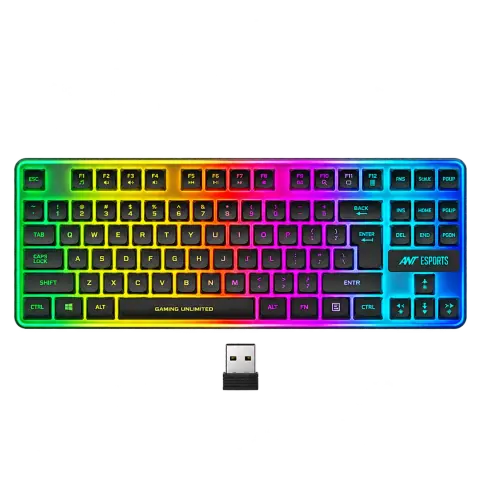
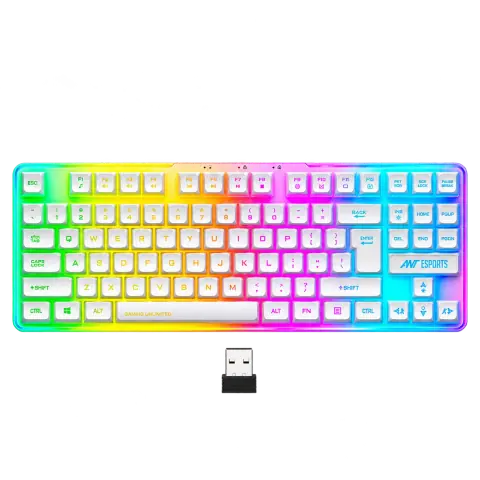
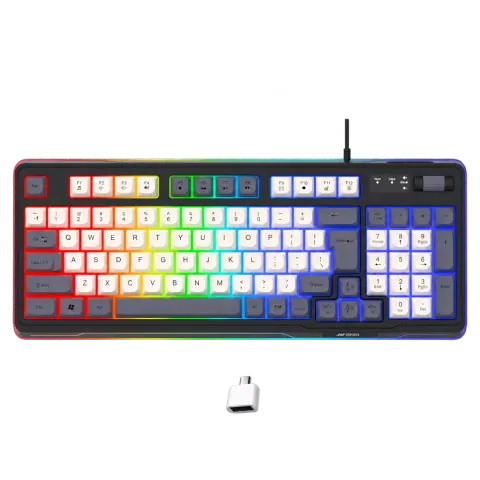
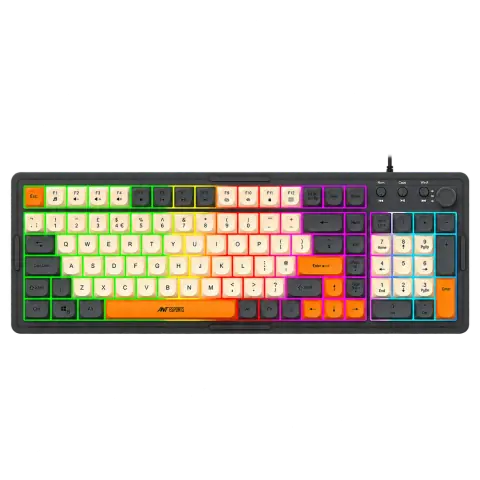
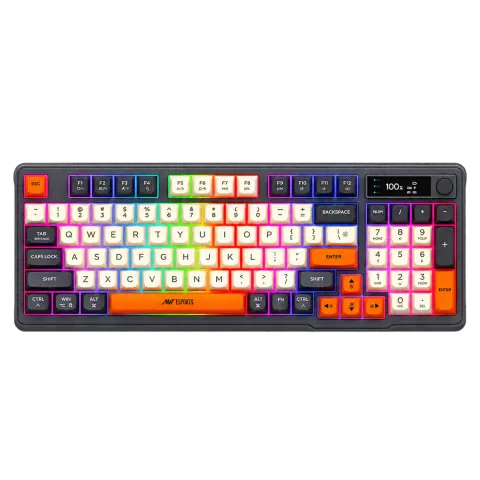
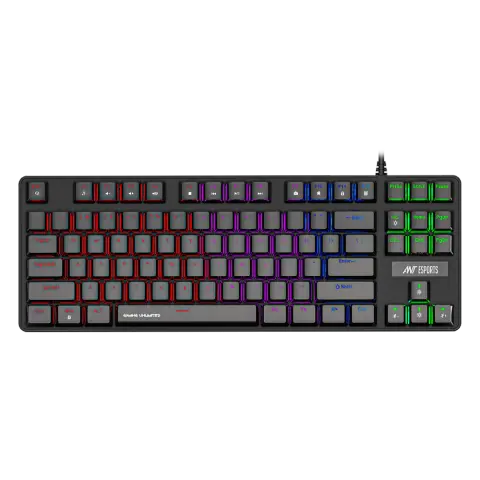
MK1000 TKL Blue Switch
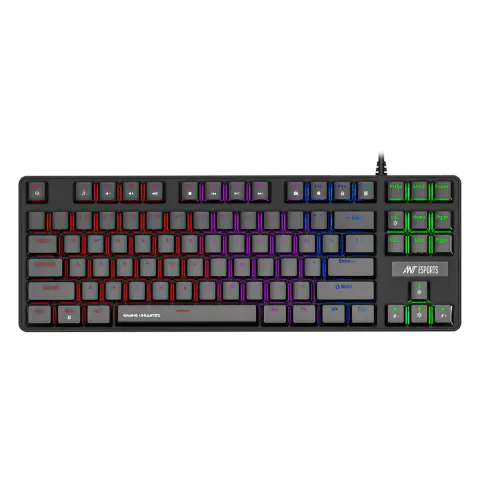
MK1000 TKL Red Switch
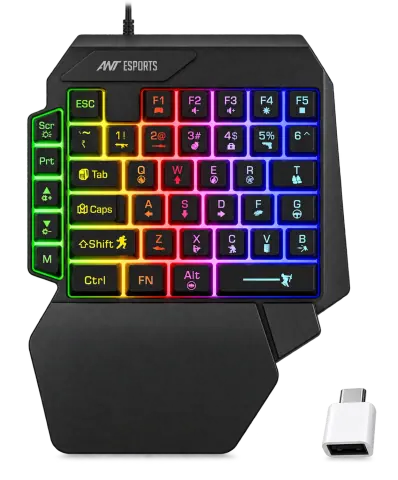
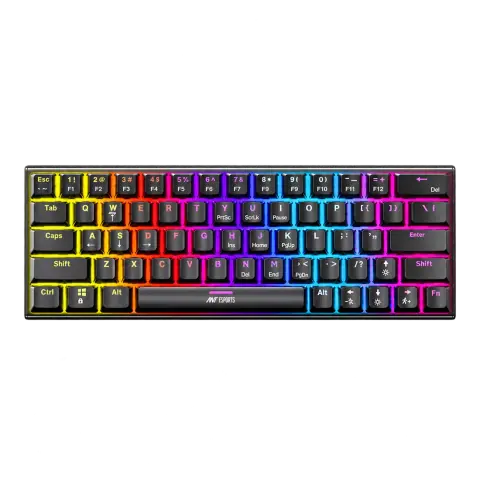
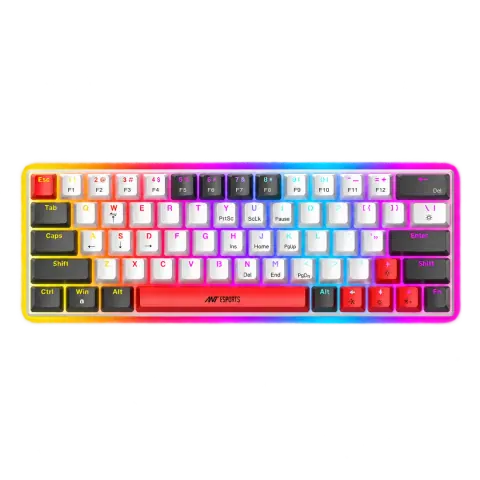
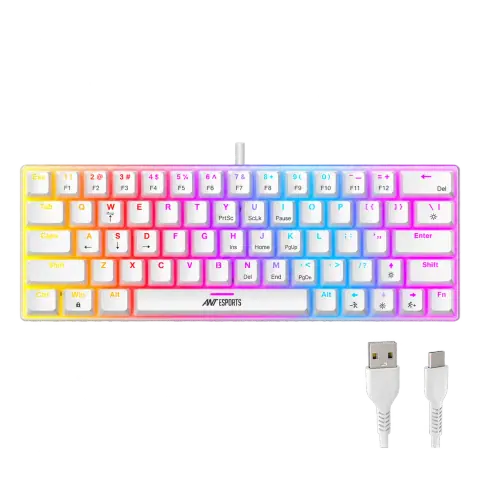
MK1200 White
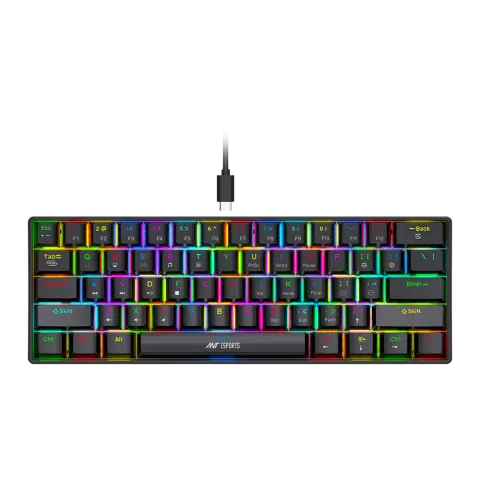
MK1300 V2 Brown Switch Black
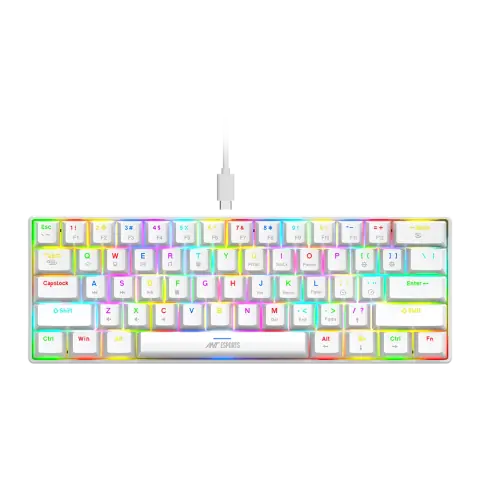
MK1300 V2 Brown Switch White
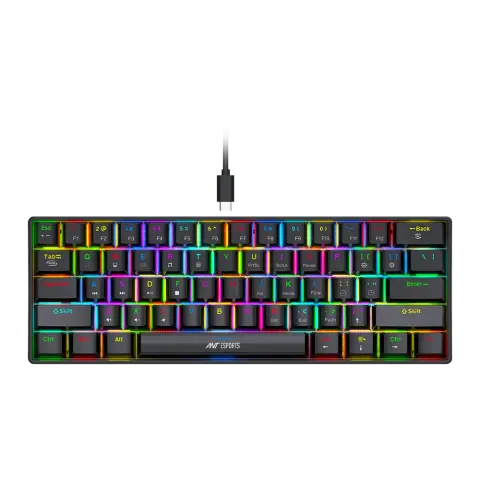
MK1300 V2 Red Switch Black
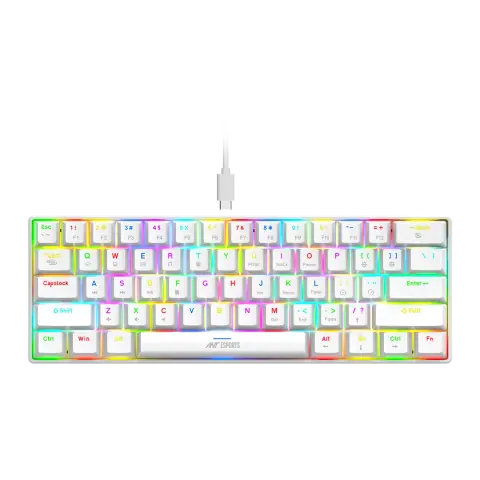
MK1300 V2 Red Switch White
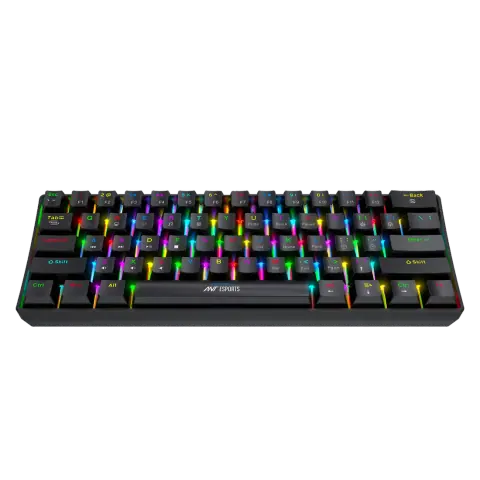
MK1350 Black
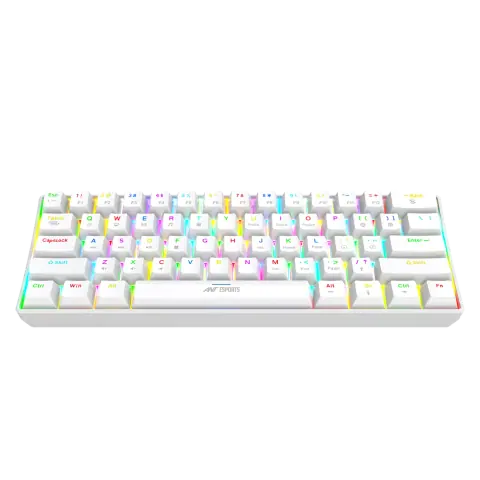
MK1350 White
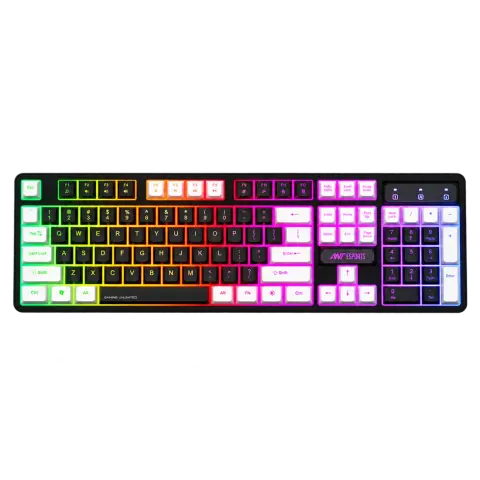
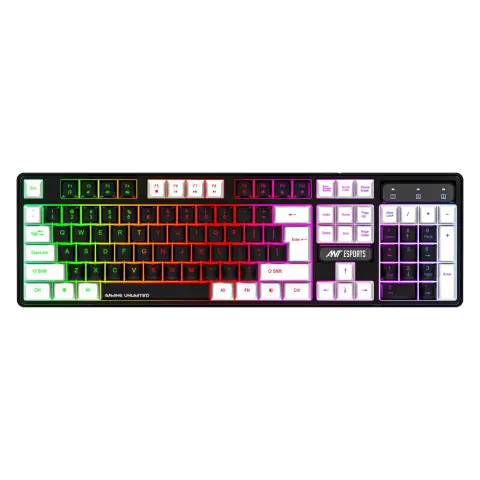
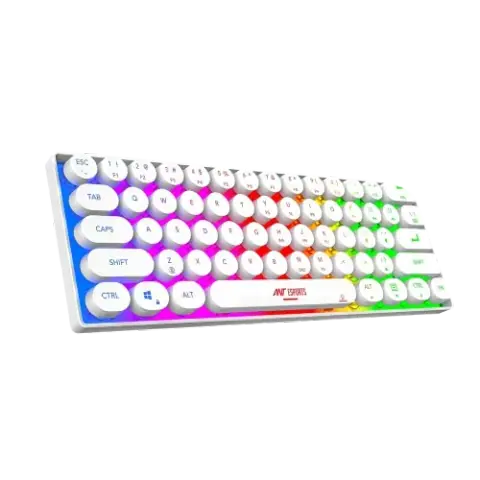
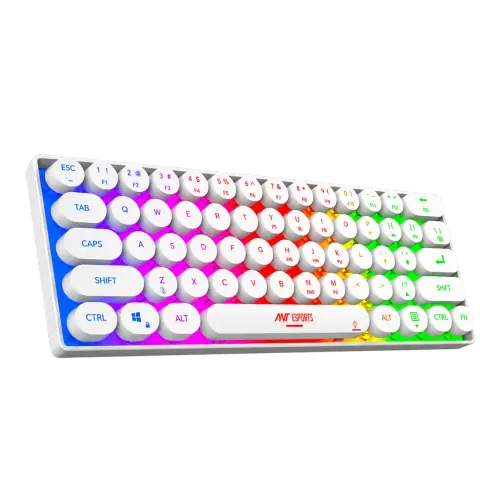
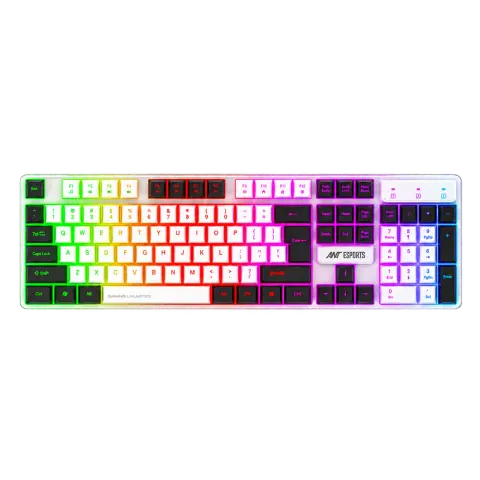
MK1700 Mercury
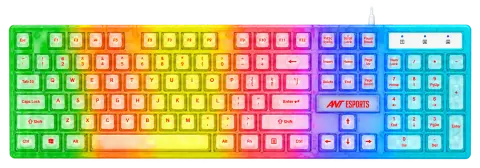
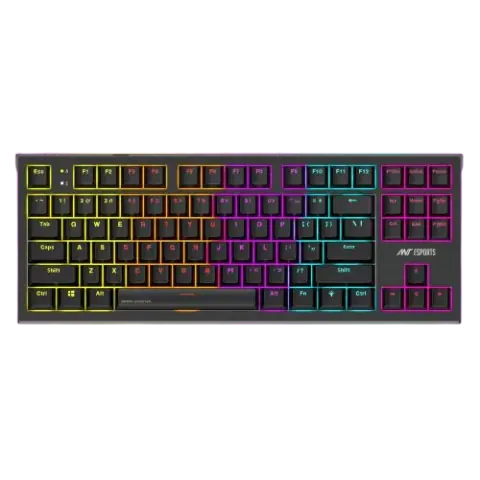
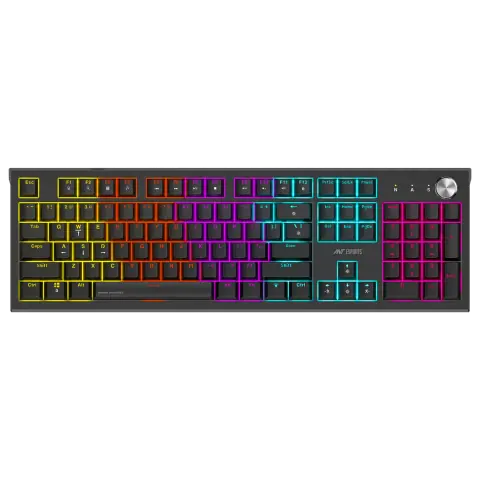
MK1850 Blue Switch
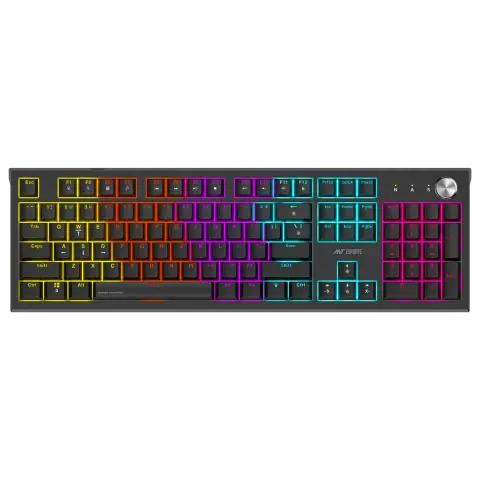
MK1850 Red Switch
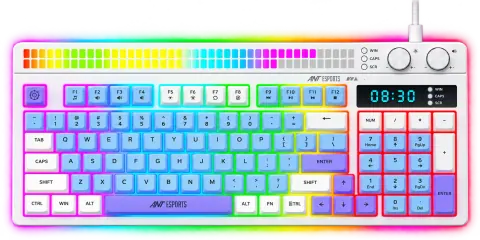
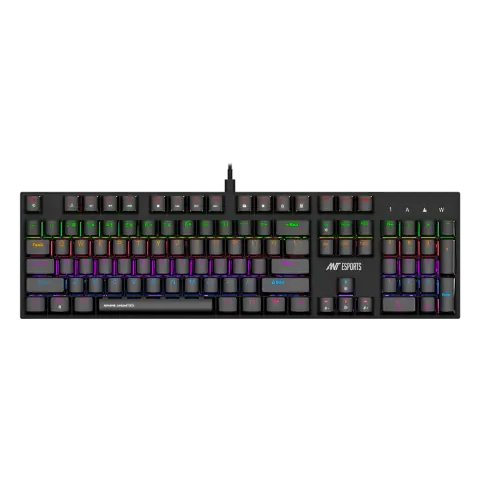
MK3200 V2 Blue Switch
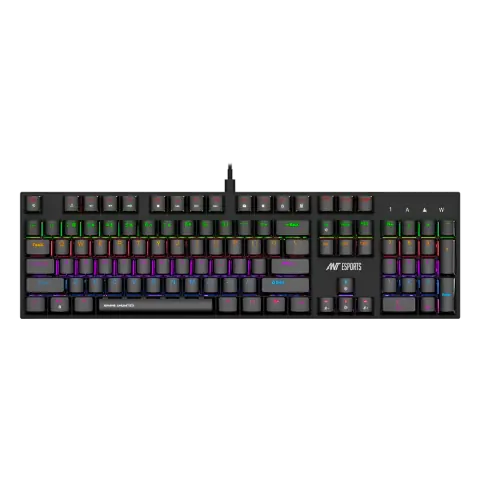
MK3200 V2 Red Switch
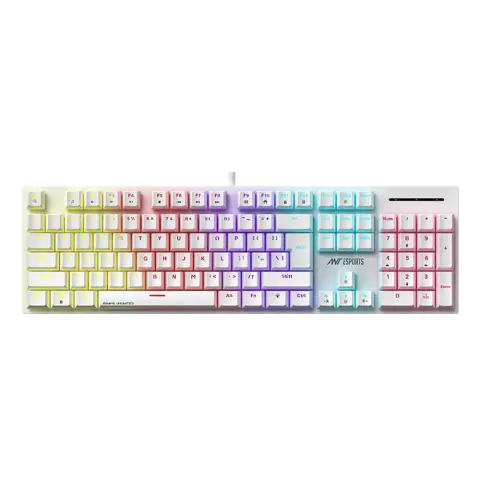
MK3400 V3 Brown Switch White
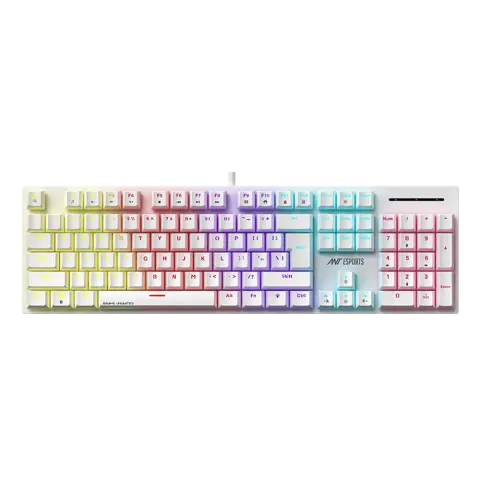
MK3400 V3 Red Switch White
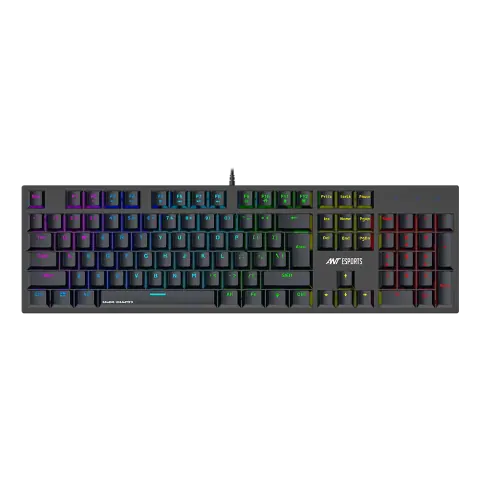
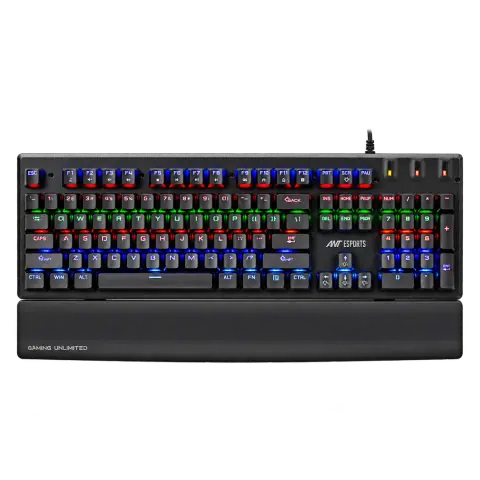
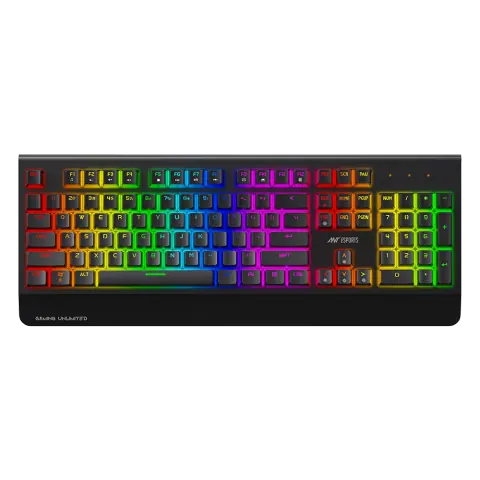
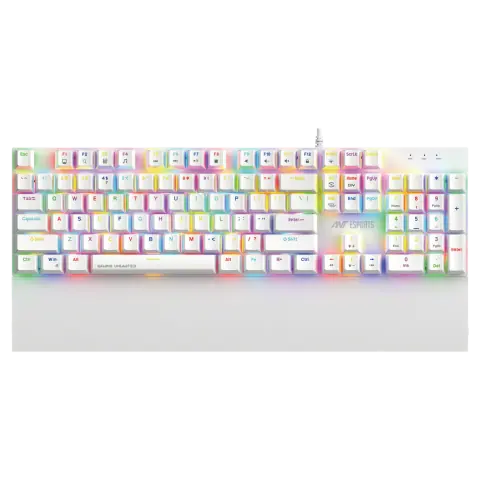
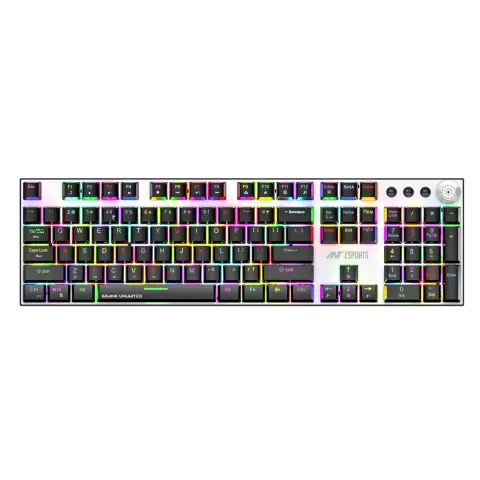
MK4400 Pro Brown Switch
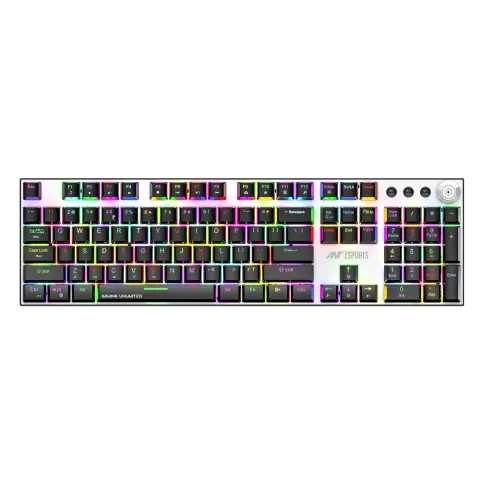
MK4400 Pro Red Switch
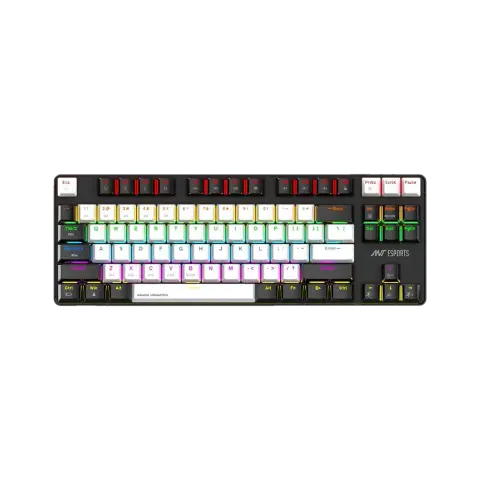
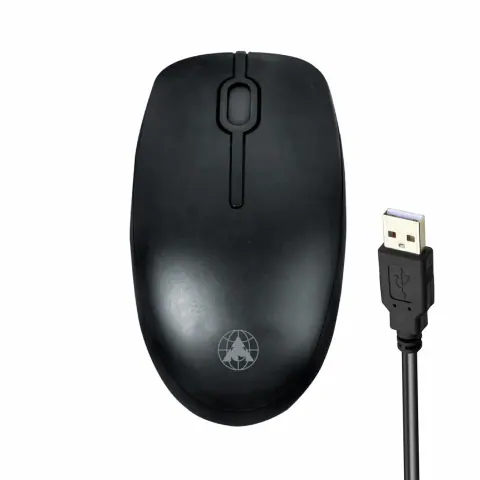
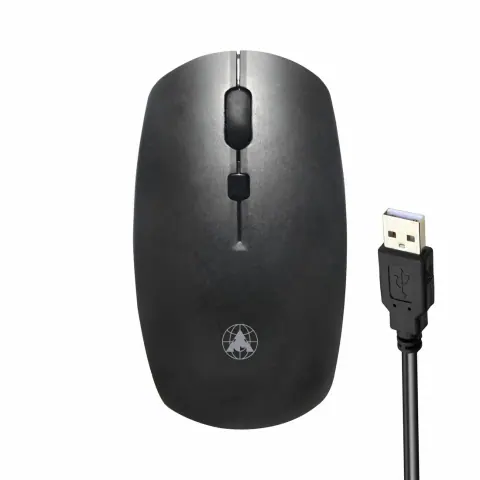
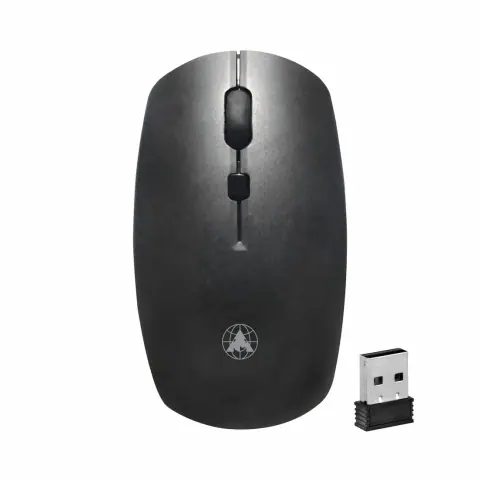
MU WL Palm/Quad Premium
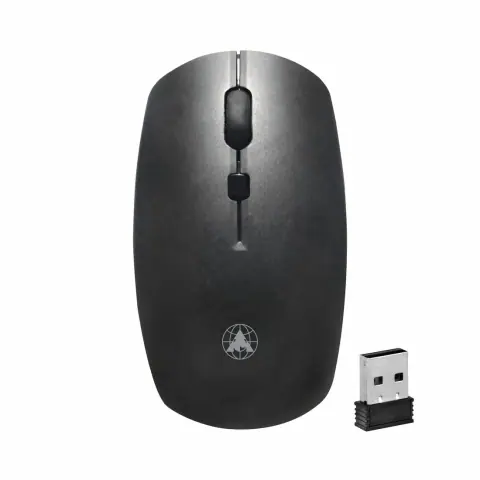
MU WL Palm/Quad Standard
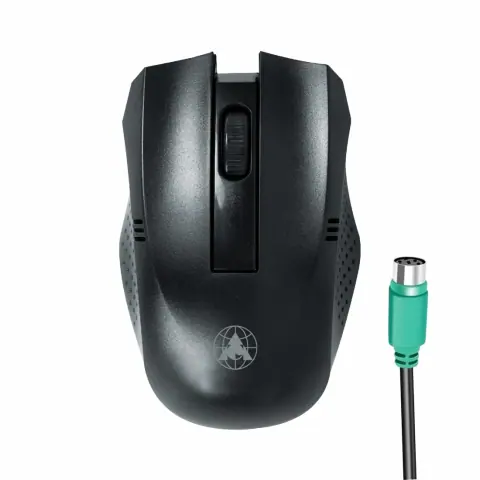
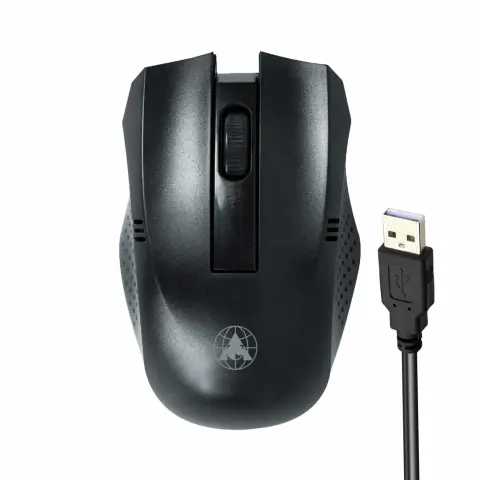
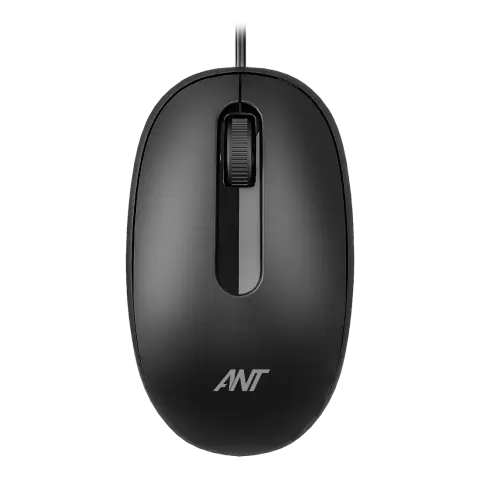
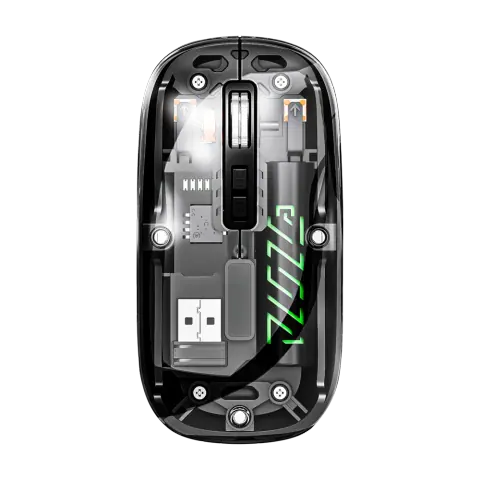
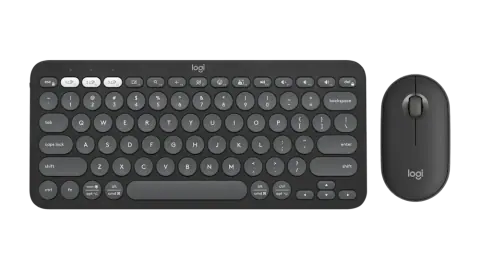
Pebble 2 Combo
Sparsh Premium
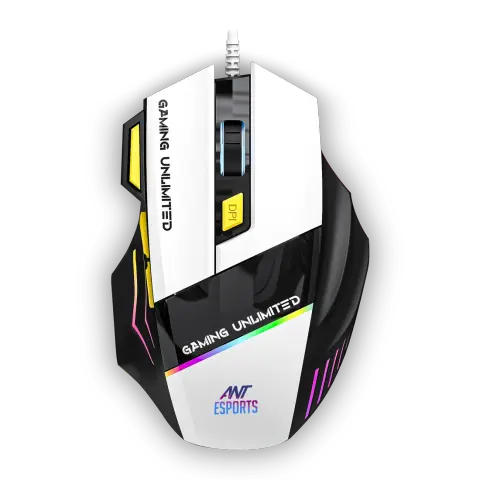
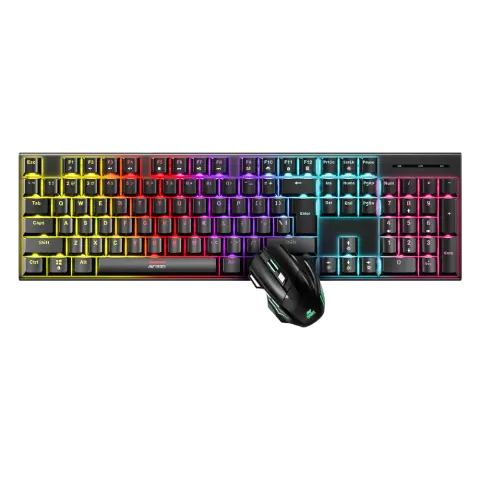
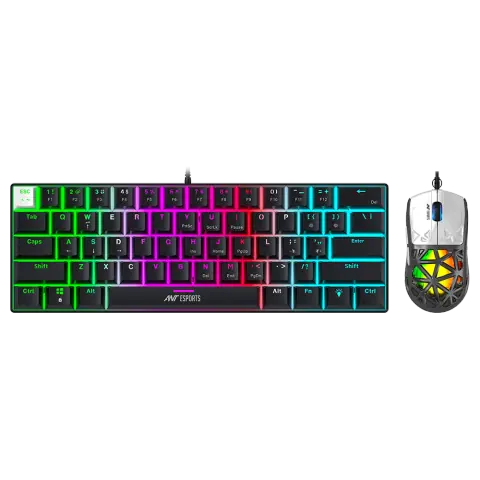
Thunder10 60% Red Switch
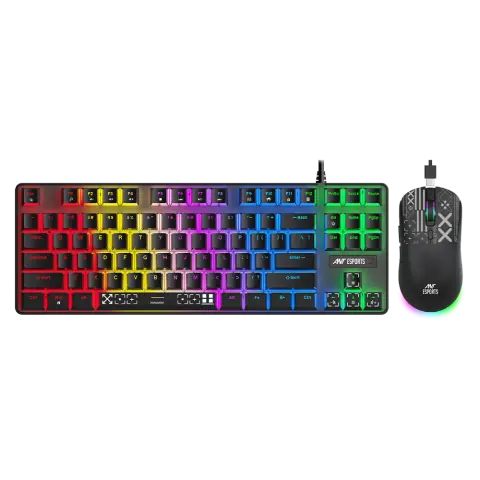
Thunder20 TKL Brown Switch
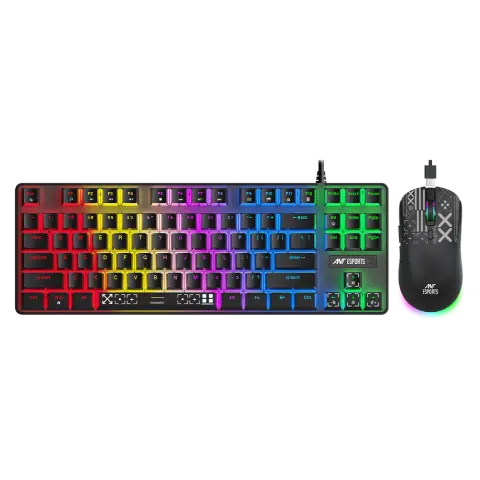
Thunder20 TKL Red Switch
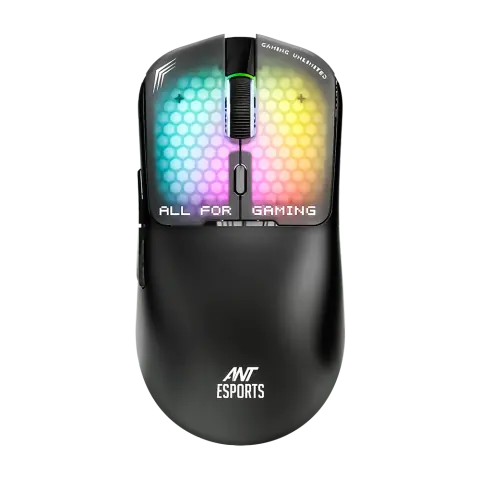
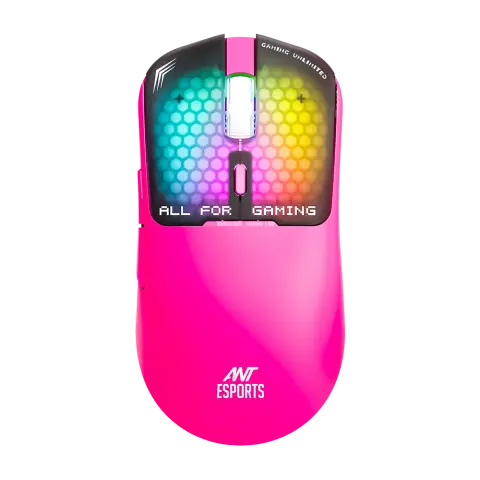
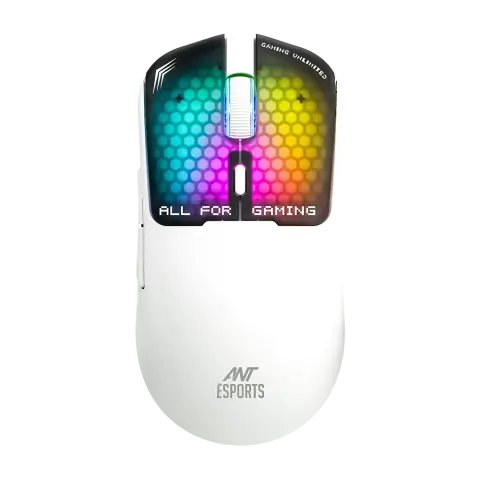
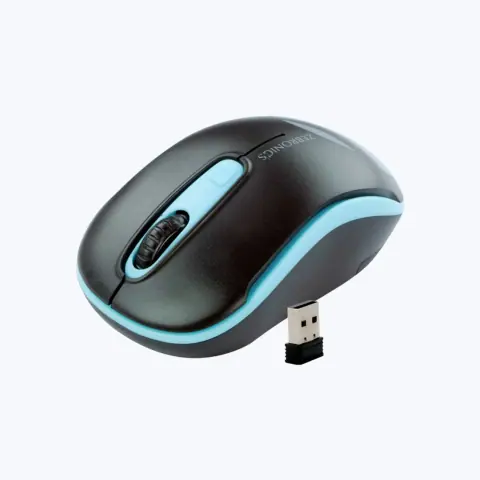
Dash / Bold wireless mouse
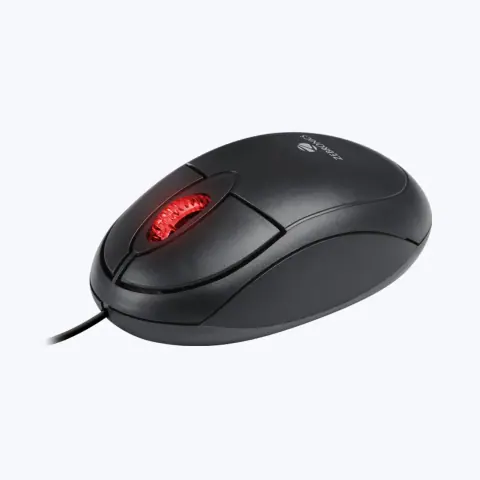
Rise / Comfort USB mouse
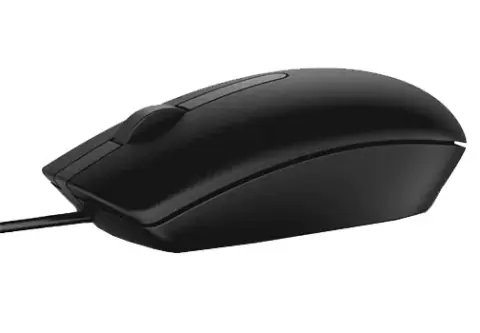
Globe 25 White
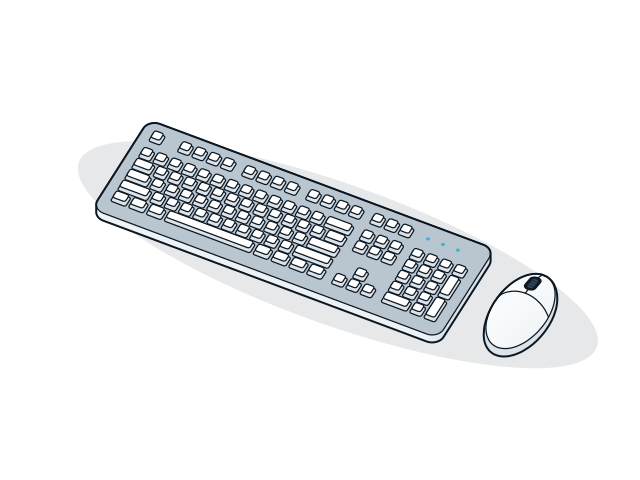
Stroke Mini Premium
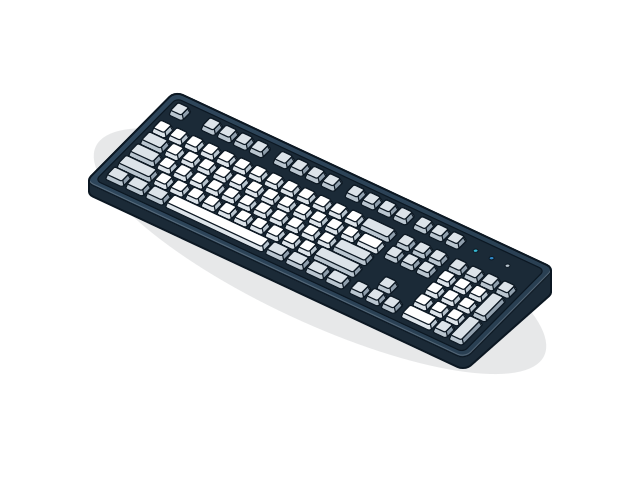
No models match these filters
Remove a filter or change the text. For models that are not listed, the sales desk can check availability.
Choose keyboards and mice by how they connect, how many hours they are used each day and how much handling they take. Wired devices are the simplest choice for billing counters and shared PCs.
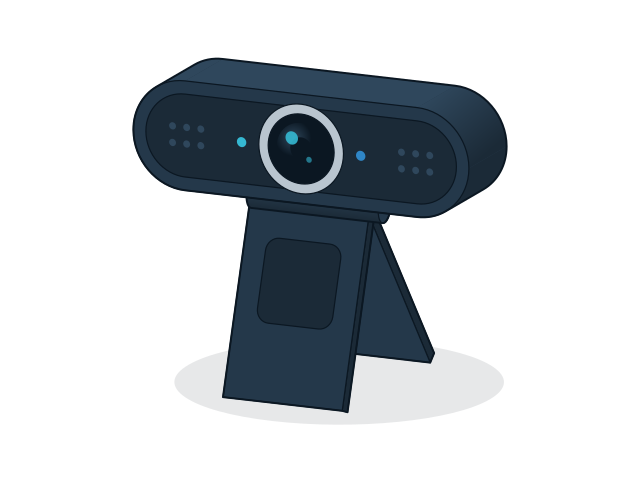
44 models
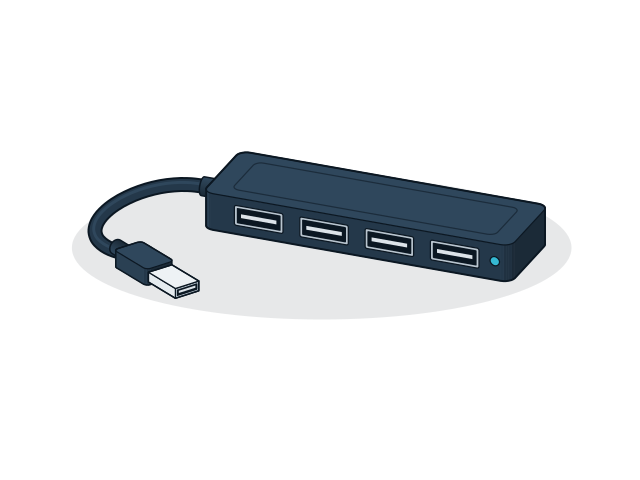
144 models
21 models
Send the models and quantities you need, or describe the requirement if the model is not listed. The sales desk will confirm price and availability.