Keyboards and mice

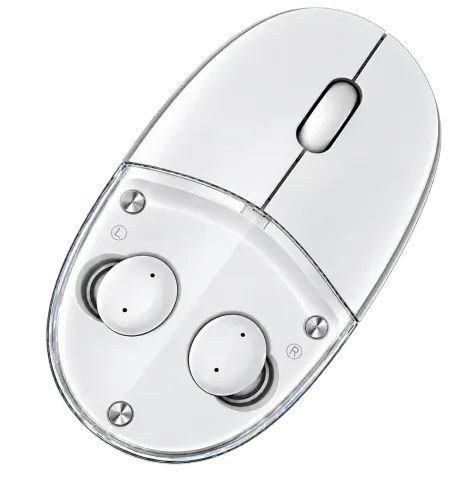
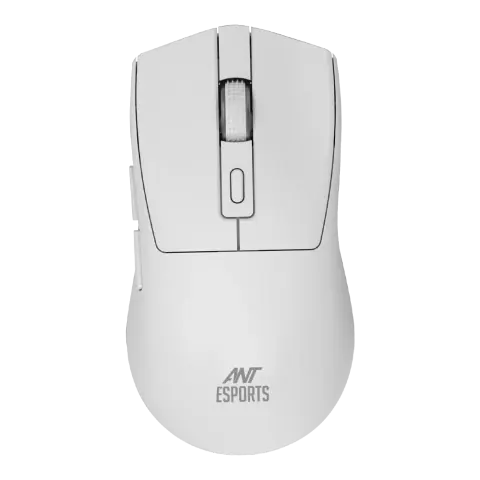
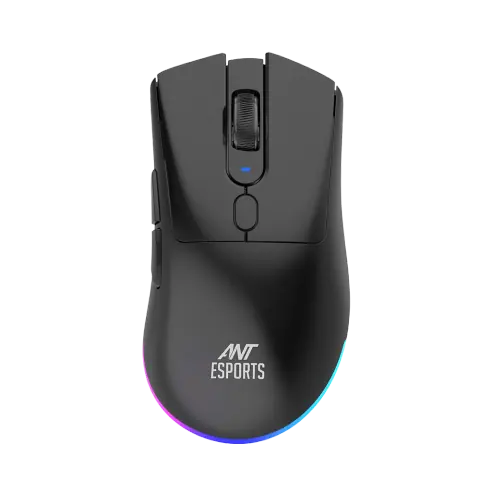
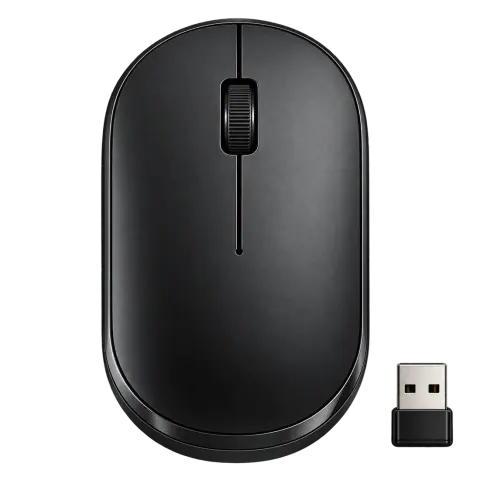
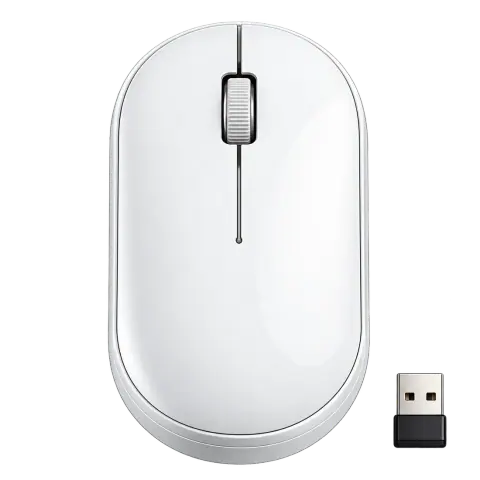
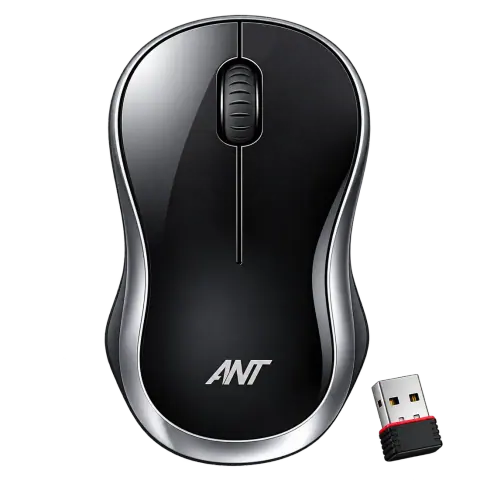
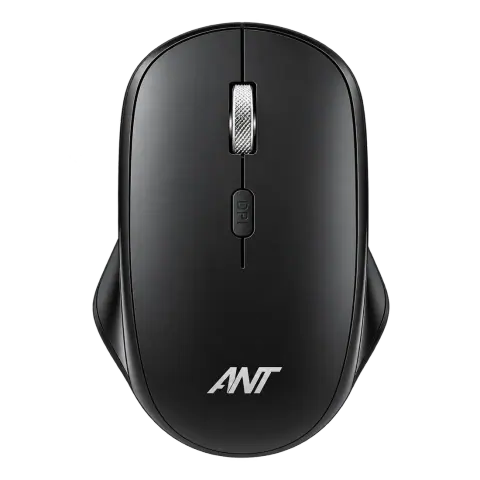
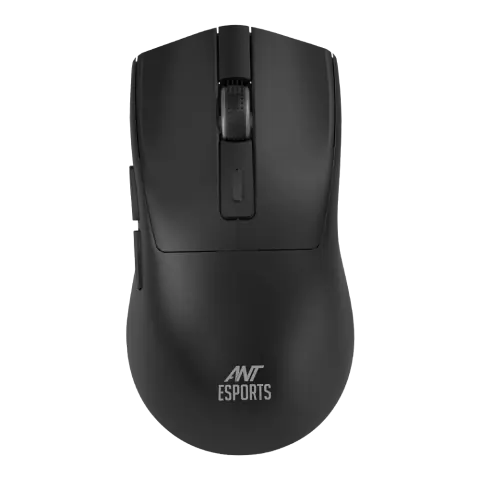
Globe 35 2.4 GHz wireless mouse with 6D buttons, black

Model Globe 35
Also listed as
ANTR0204

Wireless office mouse with a 6D button layout, an optical sensor and a USB receiver.

Connection
2.4 GHz wireless
Buttons
6D layout
Sensor
Optical
Use
Office, study, work from home

Overview

Highlights

  • 2.4 GHz wireless with a USB receiver
  • 6D button layout for browser navigation and shortcuts
  • Optical sensor
  • Compact, ergonomic shape
  • No software required

At a glance

Type
Mouse
Connection
Wireless
Typical use
Office, study, work from home
Used with
Webcams, headsets and speakers, PC accessories and monitors See products

Specifications

Mouse

Connectivity
2.4 GHz wireless
Buttons
6D button design
Sensor
Optical
Colour
Black

Compatibility

Platforms
Laptop, PC

Specifications are taken from the manufacturer's published information and may change. Confirm critical values with our sales desk before ordering.

Ant Esports product page

Media

Photos 1

Downloads

No downloads are listed for this model yet. Drivers, firmware and manuals are available from the brand's support site.
Works with

Webcams, headsets and speakers

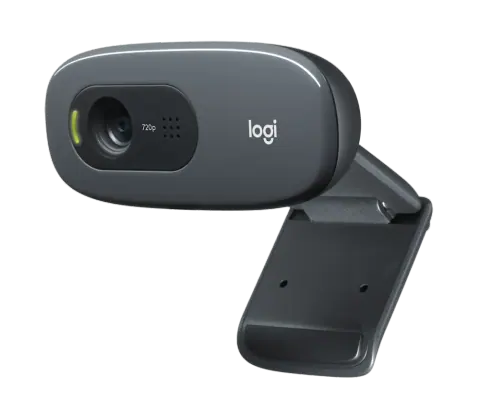
  • Logitech C270

    Logitech

    C270 webcam

    • 720p at 30 fps
    • 55 degrees diagonal
    • Mono, noise-reducing
    View details
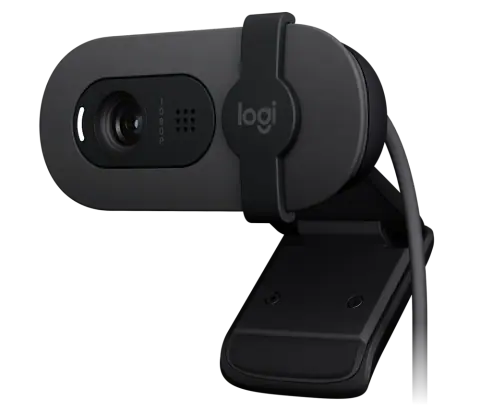
  • Logitech Brio 100

    Logitech

    Brio 100 webcam

    • 1080p at 30 fps
    • 58 degrees diagonal
    • Integrated shutter
    View details
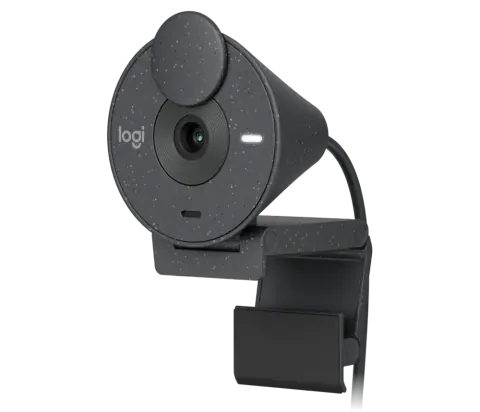
  • Logitech Brio 300

    Logitech

    Brio 300 webcam

    • 1080p at 30 fps
    • 70 degrees diagonal
    • Mono, noise-reducing
    View details
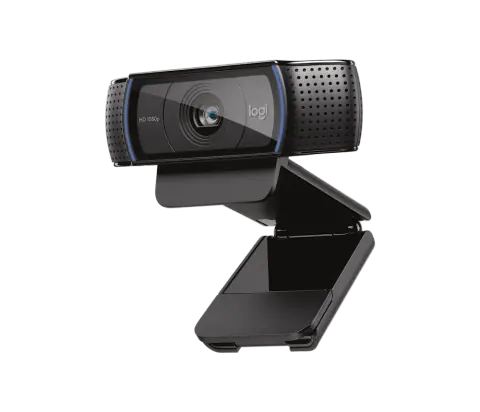
  • Logitech C920

    Logitech

    C920 webcam

    • 1080p at 30 fps
    • 78 degrees diagonal
    • Autofocus
    View details
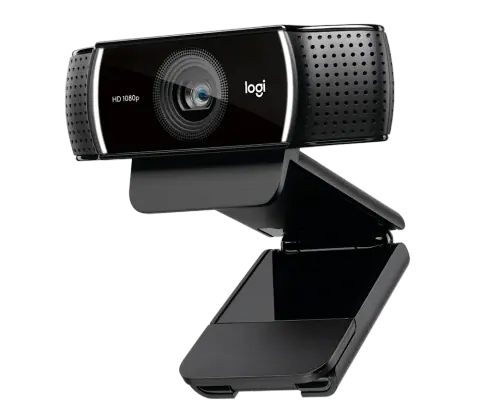
  • Logitech C922

    Logitech

    C922 webcam

    • 1080p at 30 fps, 720p at 60 fps
    • 78 degrees diagonal
    • Autofocus
    View details

PC accessories

Monitors

Support

Warranty and repairs

Warranty is as per Ant Esports’s terms for this model. For products bought from us, call our service team with the invoice number, the model and the product’s serial number.

From Ant Esports

Practical notes

  1. Note the serial number before installation; warranty claims need it.
  2. Keep the invoice; warranty claims go through our service team.

Request a quote

Share the quantity and delivery location for Globe 35. Our sales desk replies with price and availability, subject to stock.
You are a (optional)

Sending opens WhatsApp with your enquiry filled in, ready to send to our sales desk.

Pairs with