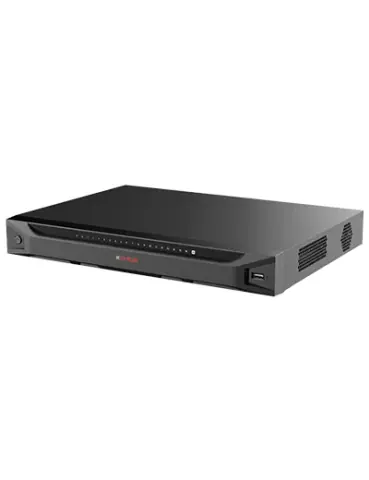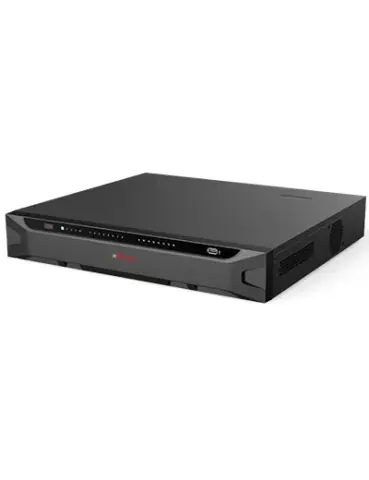
PoE switches

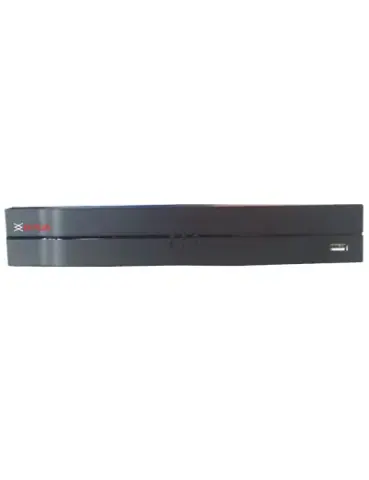
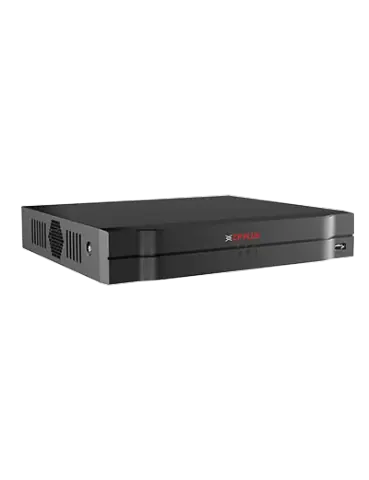
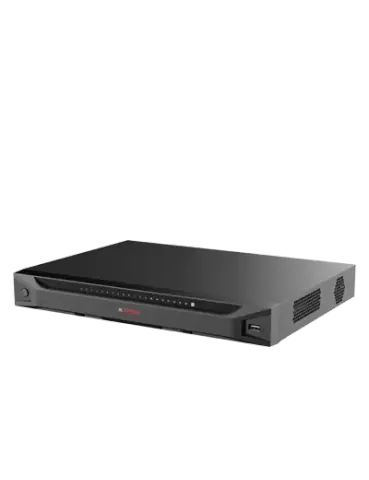
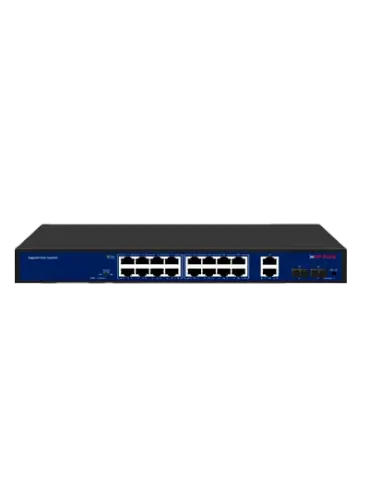
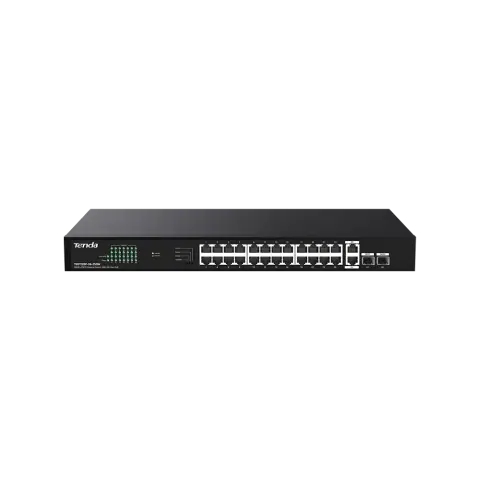
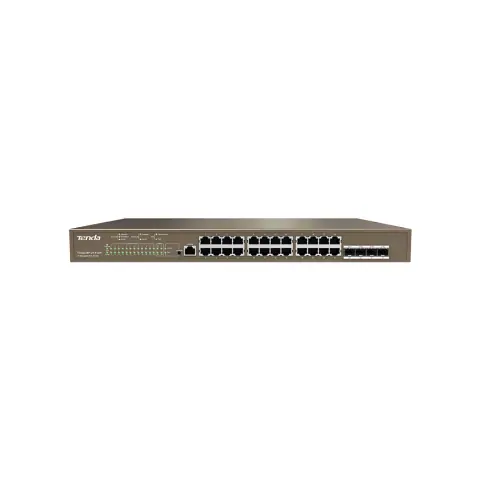
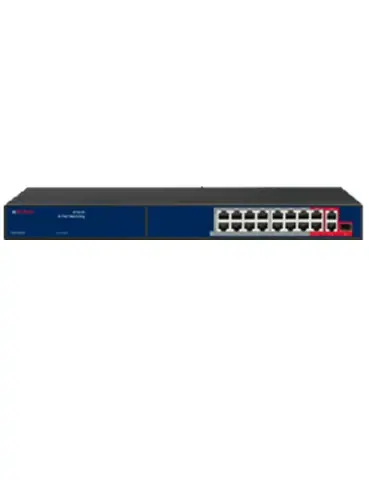
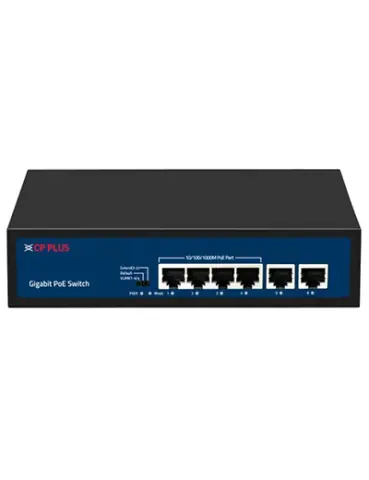
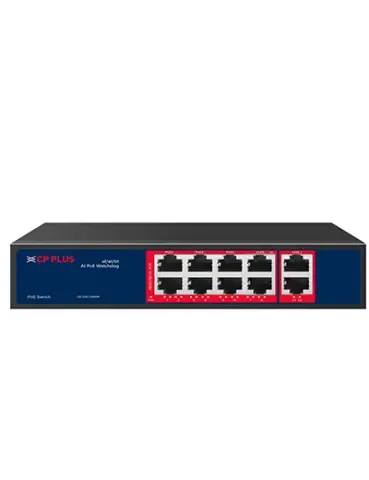
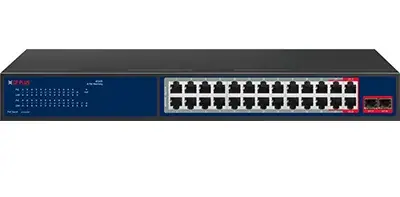
24-port gigabit PoE switch

Model CP-DNW-GPU24G2F2-30

24 port gigabit unmanaged PoE switch with 2 gigabit uplink & 2 SFP ports. Switch that powers and connects IP cameras over Ethernet cable.

PoE ports
24
Uplink ports
2 (incl. SFP)
PoE budget
300 W
PoE standard
IEEE802.3af, IEEE802.3at

Overview

Highlights

  • 24 × RJ-45 10/100/1000 Mbps (PoE) Ports, 2 × RJ-45 Gigabit (Uplink) Ports, 2 × Gigabit SFP Uplink Ports
  • Extended transmission mode up to 250m at 10 Mbps (Ports 17-24)
  • Networking standard: IEEE 802.3, IEEE 802.3u, IEEE 802.3ab, IEEE 802.3z, IEEE 802.3x
  • PoE Power Budget: 300 W (Max 30 W per port)
  • Switching Capacity: 56 Gbps (Full-duplex)
  • Easy and safe installation: plug-and-play, desktop design

At a glance

A 24-port gigabit PoE switch with 2 uplink ports, an SFP slot for fibre and a 300 W PoE budget, for powering and connecting IP cameras over Cat6.

PoE ports
24, Gigabit
Uplink
2 (incl. SFP)
SFP
SFP
PoE budget
300 W
Cable
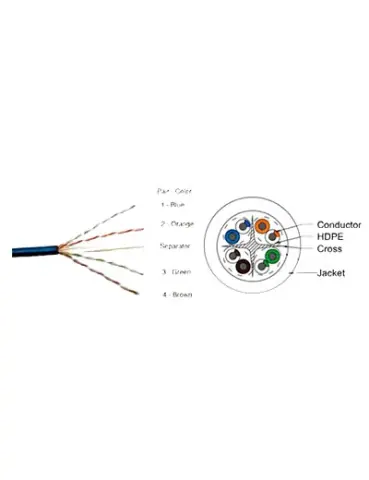
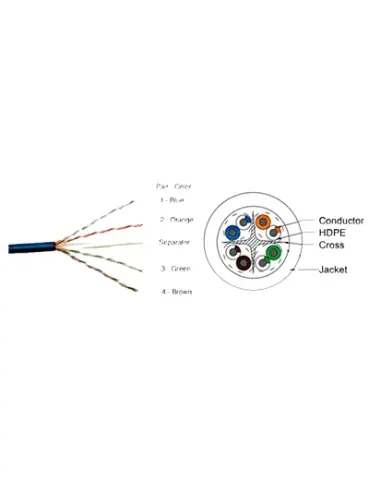
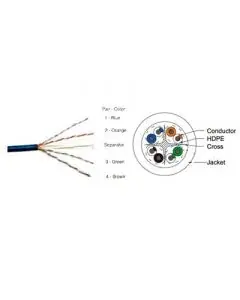
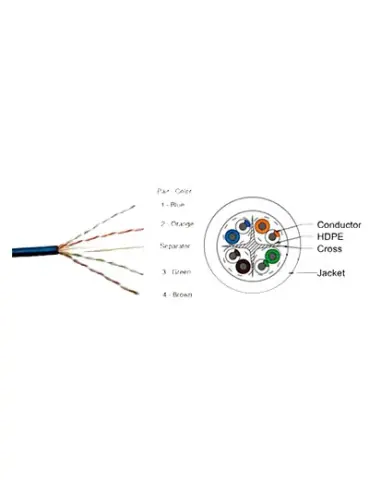
Cat6, up to 100 m per run to each camera Cat6 cable

PoE budget check

Cameras this switch can power at a typical draw per camera, using the 300 W budget and 24 PoE ports.

Power per camera Cameras Power used Limited by
4 W 24 96 W of 300 W Port count
6 W 24 144 W of 300 W Port count
8 W 24 192 W of 300 W Port count

Check each camera’s maximum power consumption in its datasheet; infrared at night and heaters raise it. Leave some headroom rather than loading the budget to the limit.

Check a budget for your own cameras

Specifications

Ports

Network port
28 Ports
PoE ports
24, 10/100/1000Mbps, RJ45 ports, Max. 30W Output of Single PoE Port
Uplink ports
2, 1000Mbps RJ45 ports & 2 Gigabit SFP ports
Power indicator
Light on: Powering Light off: No Power
Mode indicator
Light off: Normal mode Flash: Extend mode
1-28 indicator (link & data)
Green light off: Link is disconnected Green light on: Link is connected Green light flash: Data Transmitting
1-24 indicator (PoE)
Yellow light off: PoE not powering Yellow light on: PoE powering
PoE max indicator
Light off: Indicates PoE power usage is less than 90% Light flash: Indicates PoE power usage 90%≤P≤95% Light on: Indicates PoE power usage 95%
PoE led button
It is used to switch whether the 1-16 indicator lights indicate the Link/Data status or the PoE status, Default indicates Link/Data status
Extend switch
OFF: All ports can communicate with each other, the transmission rate is 10/100/1000Mbps adaptive, and the watchdog function is turned off ON: 17-24 ports can extend the transmission distance of the network cable to Max. 250 meters, the transmission rate becomes 10Mbps, and the watchdog function is turned on

PoE

PoE standard
IEEE802.3af, IEEE802.3at
PoE power supply
1/2(+), 3/6(-)
PoE feature
All ports support MDI/MDIX
PoE power budget
300W

Switching

Network standard
IEEE 802.3, IEEE 802.3u, IEEE 802.3ab, IEEE 802.3z, IEEE802.3x
Switch capacity
56Gbps Full duplex
Packet forwarding rate
41.664Mpps
Packet buffer
3Mb
Forwarding mode
Store-and-forward
MAC address table
8K
Watchdog
Support
Transmission distance
0-100m/1000Mbps or Port 17-24 Max. 250m/10Mbps via Cat.5e or more under Extend mode

Protection

ESD
Air discharge: 8KV Contact discharge: 6KV
Surge protection
Common mode/RJ45 port: 4KVV Differential mode/RJ45 port: 2KV Common mode/Power board: 4KV 4 Differential mode/Power board: 2KV

Power and environment

Power source
Built-in Power Supply Input: 110-240V AC, 50/60Hz
Power consumption
<5W
Operating temperature
-10°C ~50°C
Operating humidity
10%-95%, Non-condensing
Storage temperature
-40°C~70°C
Dimensions
320mm x 207mm x 44mm
Weight
1900g
Certificates
ISO 9001: 2015, ISO 20000-1: 2018, ISO 14001: 2015, ISO 45001: 2018, ISO 50001:2018, CE, FCC and RoHS, TEC/ MTCTE

Specifications are taken from the manufacturer's published information and may change. Confirm critical values with our sales desk before ordering.

CP PLUS product page
Works with

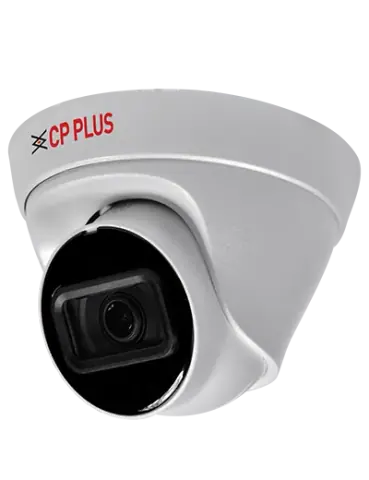
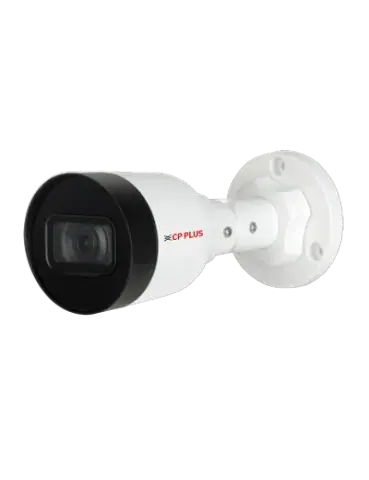
IP cameras

Cat6 cable

Support

Warranty and repairs

Warranty is as per CP PLUS’s terms for this model. For products bought from us, call our service team with the invoice number, the model and the product’s serial number.

From CP PLUS

Practical notes

  1. Add up the power draw of connected cameras and keep it within the PoE budget.
  2. Keep each Cat6 run within 100 m.
  3. Mount the switch where it can ventilate, ideally in a rack.

Request a quote

Share the quantity and delivery location for CP-DNW-GPU24G2F2-30. Our sales desk replies with price and availability, subject to stock.
You are a (optional)

Sending opens WhatsApp with your enquiry filled in, ready to send to our sales desk.

Similar models

Pairs with